A house can have beautiful finishes, expensive furniture, and perfect paint colors and still feel wrong to live in. The problem is almost always the floor plan. When rooms connect awkwardly, hallways force detours, doors collide, and traffic paths cut through conversation areas, no amount of decorating fixes the underlying layout.
These flow problems are not obvious on paper. A 2D floor plan can look perfectly logical from above while hiding spatial issues that only become apparent when you walk through the space.
The good news is that every one of these mistakes can be identified and corrected before construction or renovation begins, using a free 3D planning tool that lets you experience the layout at eye level. This guide covers the most common floor plan mistakes that destroy home flow and shows you exactly how to catch and fix each one.
Mistake 1: Traffic paths that cut through living areas
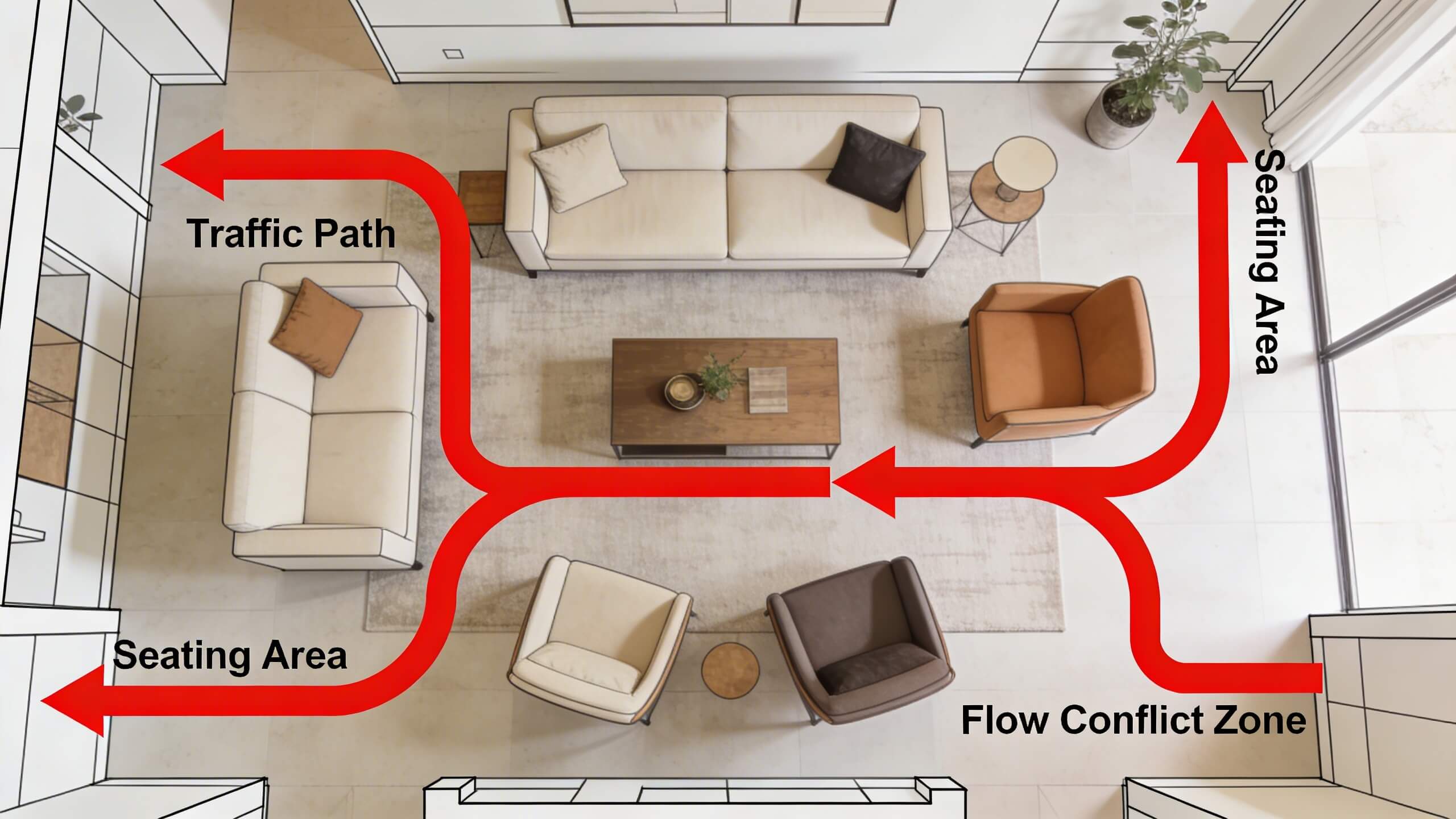
This is the most damaging flow mistake and the most common. It happens when the path between two frequently used rooms runs directly through a seating or gathering area. The living room sofa arrangement gets interrupted every time someone walks from the kitchen to the bedroom. The dining table sits in the main corridor between the front door and the back of the house. People cannot relax in a space that doubles as a hallway.
The fix starts with mapping every major traffic path in your floor plan. Draw a line from the front door to the kitchen, from the kitchen to the bedrooms, from the bedrooms to the bathrooms, and from the back door to every main living area. These lines represent the routes people walk multiple times per day. If any line crosses through the center of a furniture arrangement or gathering zone, the layout has a traffic conflict.
Redirect traffic to the perimeter of rooms rather than through their center. Position doorways so the natural walking path runs along the edge of the room, leaving the central area free for furniture. In open plan layouts where walls do not define the path, use furniture placement to channel movement around the living zone rather than through it. A console table or bookshelf placed strategically can redirect foot traffic without adding a wall.
Mistake 2: Door swings that block rooms and collide with each other
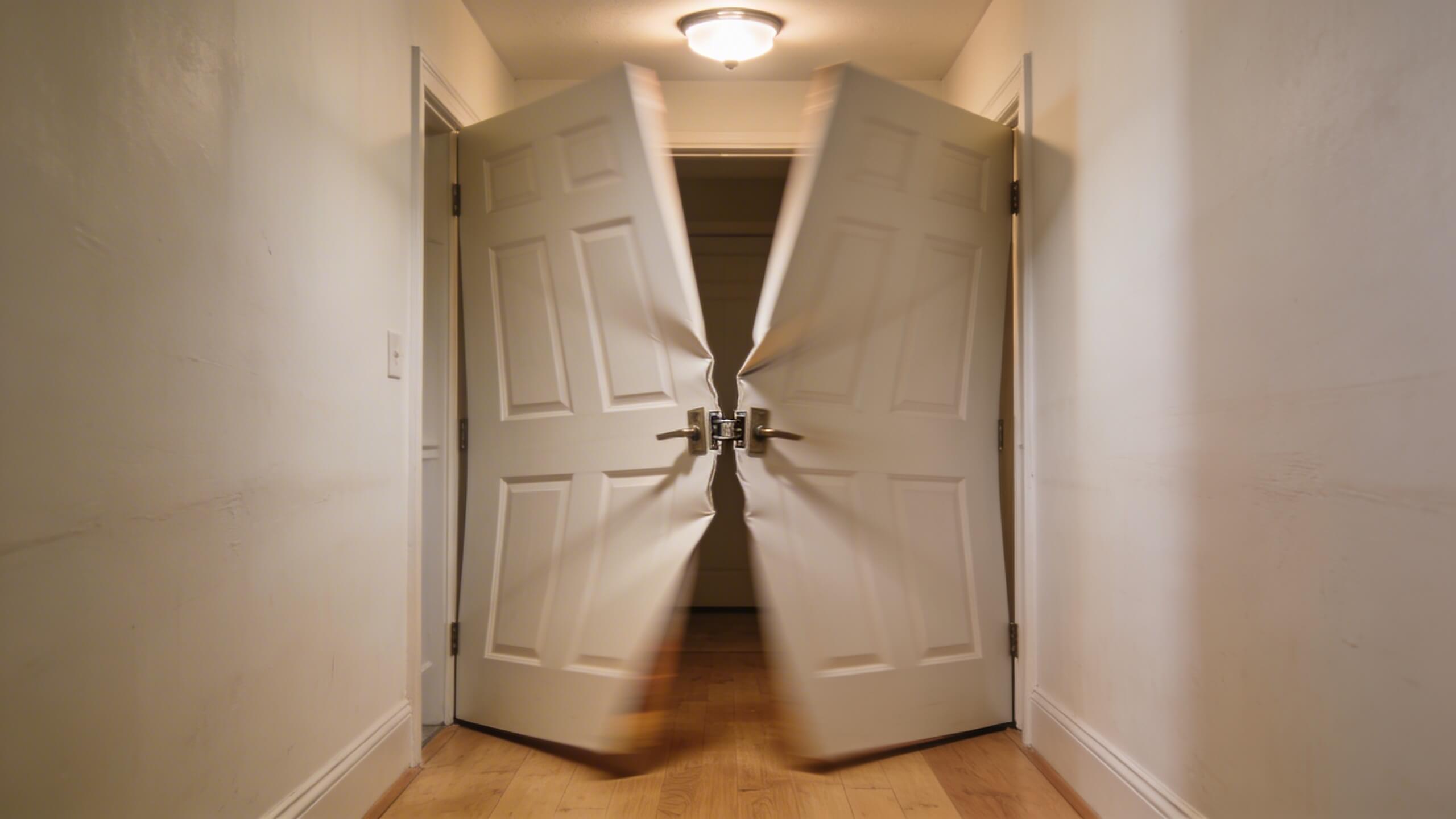
Every door in a floor plan has a swing arc that consumes space when the door is open. When two doors are placed too close together, their swing arcs overlap and the doors collide. When a door swings into a room and hits a piece of furniture, the door cannot open fully and the furniture cannot be placed where it functions best.
Check every door in your floor plan for three things. First, does the door open fully without hitting an adjacent wall, door, or fixture? Second, when the door is open, does it block a hallway or create a bottleneck? Third, does the door swing direction make sense for how you enter and use the room? A bedroom door that swings outward into a narrow hallway can hit someone walking past. A bathroom door that swings inward might block access to the toilet or vanity.
The fix is to adjust swing direction or switch to space saving door types. Pocket doors slide into the wall and eliminate the swing arc entirely, making them ideal for tight spaces, closets, and bathrooms. Barn style sliding doors work where pocket doors are not possible structurally. In rooms where a swinging door is preferred, make sure the swing direction moves the door against the wall beside the door frame, not into the room's functional area.
Mistake 3: Rooms that are the wrong size for their purpose
This mistake shows up as bedrooms that cannot fit a bed plus a dresser with room to walk between them, kitchens where two people cannot work without bumping into each other, and bathrooms where the door hits the vanity. The rooms technically exist, but their dimensions do not support the activities they are supposed to host.
The problem usually starts with oversizing one room at the expense of others. A massive master bedroom sounds appealing on paper, but if it means the kitchen is too narrow for a proper work triangle or the second bedroom cannot fit a queen bed with nightstands, the overall home suffers. Balance matters more than individual room size.
Fix this by placing real scaled furniture in every room of your floor plan before finalizing dimensions. A queen bed is 60 by 80 inches. A standard sofa is 84 inches long. A dining table for six is approximately 72 by 36 inches. Place these items in each room and verify there is at least 36 inches of clearance for walking paths and 24 inches minimum beside beds for comfortable access. If the furniture does not fit with adequate clearance, the room is too small or the wrong shape for its intended purpose.
Mistake 4: Poor room adjacency and zoning
Room adjacency refers to which rooms sit next to each other. Poor adjacency creates daily friction that never stops being annoying. A bathroom placed directly off the dining room creates awkward proximity during meals. A home office next to the playroom or TV room guarantees constant distraction. Bedrooms positioned above or beside the garage door amplify noise every time a car arrives or departs.
Good adjacency groups rooms by function and activity level. Quiet zones (bedrooms, office, reading room) should cluster together and sit away from high activity zones (kitchen, living room, play area). The kitchen should be adjacent to the dining area and accessible from the garage or entry point where groceries come in. Bathrooms should be accessible from bedrooms without crossing public living spaces, especially at night.
Review your floor plan for adjacency conflicts by asking one question about every pair of neighboring rooms: will the activity in one room disturb the activity in the other? If the answer is yes, the rooms need a buffer (a hallway, closet, or utility space between them) or they need to swap positions with a more compatible neighbor.
Mistake 5: Ignoring sight lines between connected spaces
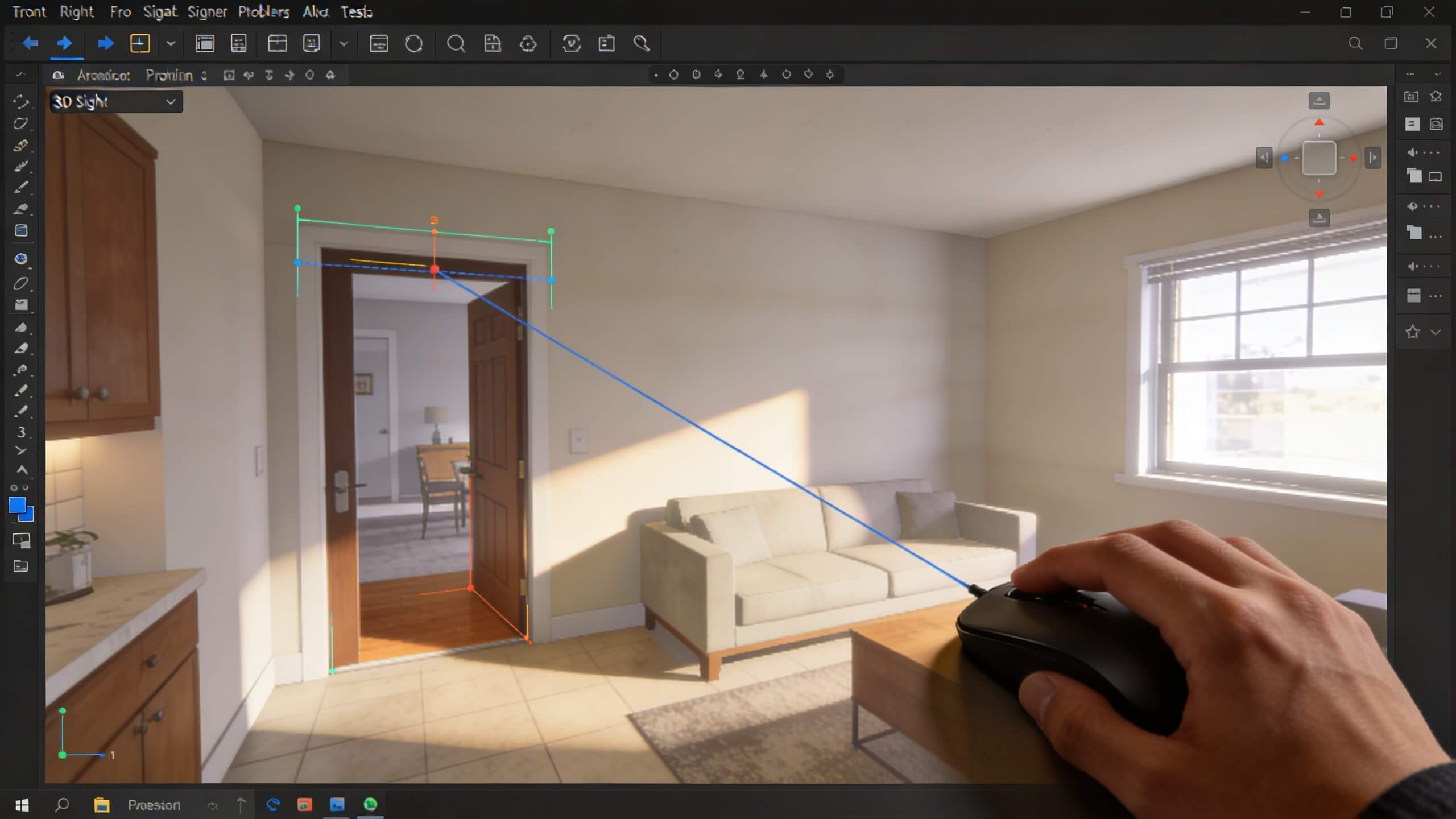
Sight lines are the visual paths your eye follows when you look from one space into another. In open plan homes, sight lines determine whether the layout feels expansive and connected or cluttered and chaotic. In traditional homes with hallways, sight lines affect how inviting or closed off the home feels when you walk through it.
The most common sight line mistake is allowing the first thing you see from a main living area to be an unappealing view: a cluttered laundry room, the side of a refrigerator, or a bathroom door. These views erode the quality of the space even though the room you are standing in might be beautifully designed.
Fix sight lines by standing in each major room of your floor plan and looking in every direction. What is visible through each doorway? What do you see when you enter the front door? What is the view from the kitchen into the living room? Adjust the position of doors, walls, and furniture to ensure that the first thing visible from each vantage point is intentional: a window with a garden view, a focal wall, or an open living area rather than a utility space or corridor.
Mistake 6: Not enough storage built into the layout
Storage is not a decorating afterthought. It is a floor plan decision. When the layout does not include enough closets, pantry space, linen storage, and utility storage, the home becomes cluttered no matter how well it is furnished. Clutter breaks flow because it narrows walkways, covers surfaces that should be clear, and makes rooms feel smaller than they are.
Common storage gaps include entryways with no coat closet or mudroom, kitchens with no pantry, hallways with no linen closet, and bedrooms with closets too shallow to hold standard hangers (a closet needs at least 24 inches of depth for a hanger to hang straight without the door pushing against the clothing).
Build storage into the floor plan at every opportunity. An under stair closet, a built in hallway cabinet, a walk in pantry beside the kitchen, and bedroom closets sized for the wardrobe of the person who will use the room are all decisions that happen at the floor plan stage. Adding storage after the walls are built means sacrificing room area, which circles back to Mistake 3.
Mistake 7: Designing for today without considering the future
A floor plan built exclusively for your current life stage becomes a problem when life changes. A growing family discovers there is no room for an extra bedroom. A remote worker realizes the open plan layout offers no quiet, enclosed space for video calls. An aging homeowner finds that every bathroom is upstairs and the stairs have become difficult.
Future proofing does not mean building unused rooms. It means designing flexibility into the layout. A den or guest room on the main floor can serve as a home office today and a bedroom later. Wider hallways (42 inches instead of 36) accommodate mobility aids if needed in the future. At least one full bathroom on the main level ensures the home remains functional regardless of stair accessibility.
Review your floor plan with a five to ten year lens. Ask whether the layout can absorb the most likely changes in your household: a new baby, a teenager who needs privacy, a parent who moves in, or a career shift to remote work. If the plan cannot adapt without major renovation, adjust the layout now while it is still free to change.
How to catch every mistake before it costs you money
Every mistake listed above has the same root cause: the layout was finalized based on a flat 2D view that cannot show how the space actually feels to walk through. Traffic conflicts, door collisions, sight line problems, and proportion issues are nearly invisible from above. They become painfully obvious at eye level.
The solution is to build your floor plan in a free online floor plan creator that converts your 2D layout into an interactive 3D model. Draw your walls, place doors and windows, add furniture at real scale, and then switch to the 3D walkthrough view.
Walk from the front door through every room and corridor. Open every door and check for collisions. Sit at the dining table and note what you see through each doorway. Stand in the kitchen and verify you can see the living area. Every mistake on this list becomes visible in under 15 minutes of 3D exploration.
Arcadium 3D provides this workflow in a single browser based platform with no downloads. Build the floor plan, test it in 3D, share it with your partner or contractor via URL, and refine the layout until every traffic path, door swing, sight line, and room proportion works. Fixing a layout mistake in a digital model takes seconds. Fixing the same mistake after construction takes weeks and thousands of dollars.



 Color palette generator
 3D design from AI chat
 Floor plan creator
 Kitchen design tool
 House design software
 Landscape design software
 Bedroom design
 Office floor plan creator
 Trade show booth design
 How to use Arcadium — full guide
 Community Showcase
 3D object library - free
 Articles and blog