

 3D house design tool

 Color palette generator
 3D design from AI chat
 Floor plan creator
 Interior design app
 Kitchen design tool
 House design software
 Room designer
 Landscape design software
 Bedroom design
 Feng shui design
 Office floor plan creator
 Trade show booth design
Extremely user friendly
"I've tried at least 5 different 3D platforms, as well as 2 different AI models, and none gave me correct layouts and ease of flow as Arcadium!"
Design any room online for free with Arcadium's 3D room designer. Get the layout right, try the furniture in different spots, then see the whole thing in realistic 3D — without leaving your browser.


Arcadium is a free online room designer and 3D room planner for creating accurate layouts, testing furniture placement, and visualizing a space before making changes. Whether you're a homeowner visualizing a bedroom makeover, an interior designer creating client presentations, or a real estate professional staging properties, our 3D room planner delivers professional results without the learning curve.
Our online room design tool combines powerful 3D visualization with an intuitive drag-and-drop interface, allowing for seamless customization. Create accurate room layouts, test different furniture arrangements, and see your design ideas come to life instantly, all from your browser with no software to download.
Start your room design with AI: give ChatGPT, Claude or Gemini your photos, a floor plan or measurements, then refine the editable layout in Arcadium. Create with your AI


Start designing instantly, no downloads, no installations, no account required to explore. Our room designer online works on any device with a modern browser, making room planning accessible anywhere you have internet.
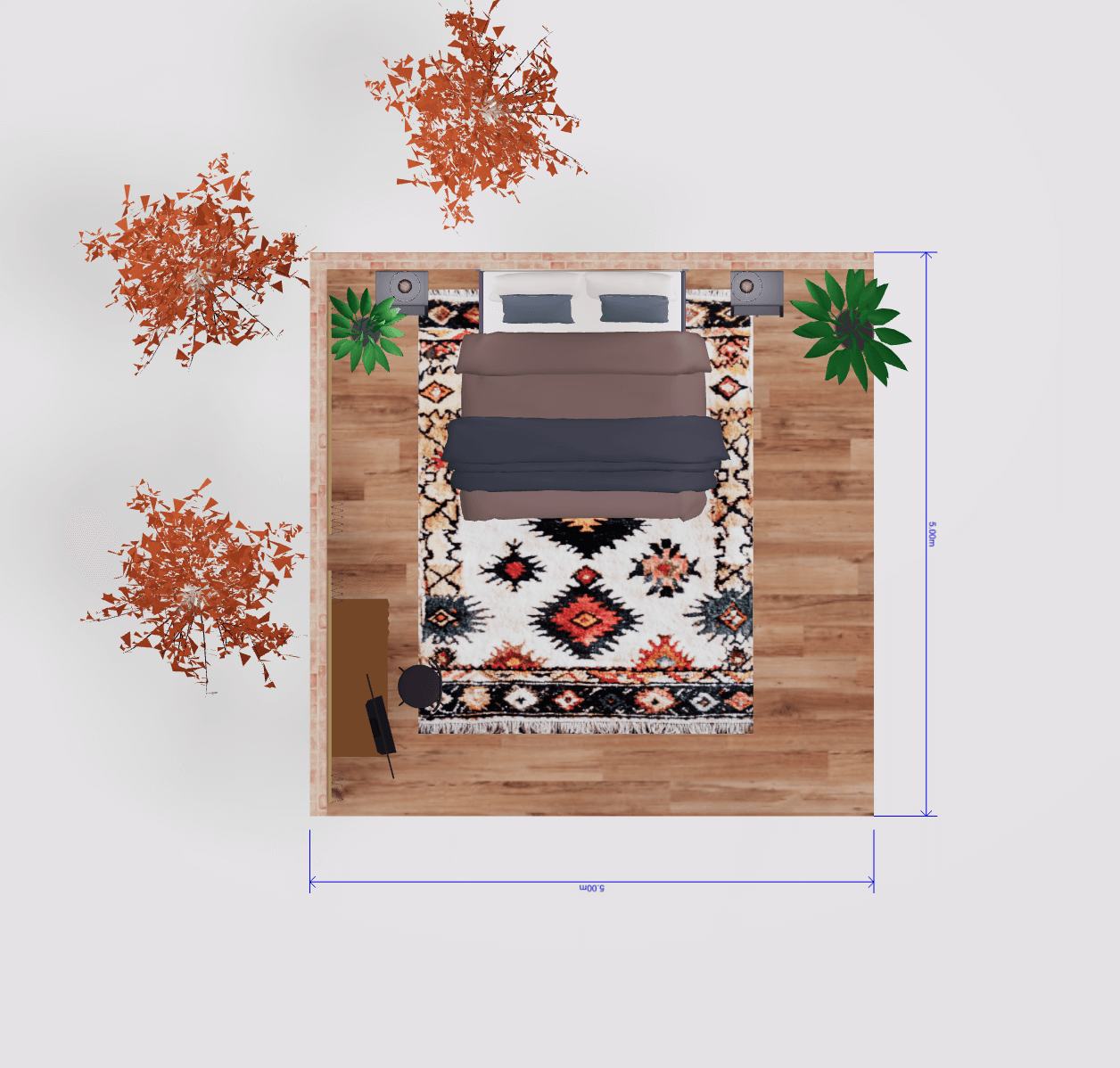
Switch seamlessly between 2D floor plans and immersive 3D views. Walk through your virtual room design, adjust camera angles, and see exactly how your space will look before making any real-world changes.
Transform your design workflow with two powerful AI tools. Generate custom 3D furniture models instantly from a photo. Snap a picture of any piece, and add it to your room design. Plus, reimagine your space in different interior styles with our AI image generator, letting you visualize your room in modern, rustic, minimalist, or any aesthetic you choose.
Access hundreds of furniture items, fixtures, and decorative elements. From modern minimalist to classic traditional styles, find everything you need to bring your room design ideas to reality.
Start designing a room online for free. Nothing to download, and the free plan doesn't ask for payment. Build your layout, furnish it, look around in 3D — then decide whether you need anything premium.
"I've tried at least 5 different 3D platforms, as well as 2 different AI models, and none gave me correct layouts and ease of flow as Arcadium!"
"I can accurately reproduce an existing property and then create the proposed restoration and extensions with remarkable ease. ... We now have planning permission - thanks in no small part, to Arcadium."
"I immediately adopted Arcadium into a massive floor plan project I'm managing. Intuitive, simple, clean, and affordable."
Real Estate Professional
"As an architect, Arcadium is a fantastic tool for getting our three-dimensional ideas across to clients quickly. Other 3D software tools can be very time consuming and fiddly."
Architect
"I used Arcadium to design an entire new office. It is wonderfully intuitive great tool and I would highly recommend it for any kind of interior design."
Software Engineer
"I am a huge fan of Arcadium. I spent hours precisely measuring and placing furniture. And I enjoyed every second. Can't recommend this thing enough."
Software Engineer
"I used it to do an interior design of a house. Very functional, precise numbers, measuring units etc. Lots of flexibility and possibilities."
Interior Designer
"I love Arcadium. It's so easy to use compared to other 3D software. I can brainstorm ideas and try them out online to get a feel for the flow of the space."
Healthcare professional

Open Arcadium's free room designer in your browser and choose a room template or start your layout from scratch. Enter your room dimensions to create an accurate floor plan, then add walls, doors, and windows to define your space. Our room layout planner makes it easy to replicate your exact room measurements.
Add furniture to your room design, then test different layouts, colors and finishes. Browse the catalog and drag pieces straight into your room. Sofas, beds, tables and decor all move with a click and drag, so you can keep rearranging until it looks right.
Switch from your 2D room plan to the 3D room designer to explore the completed space. Take a virtual tour of your room, capture screenshots for reference, and share your design with family, friends, or clients via a simple link. Export high-quality renders for presentations or mood boards.

Use Arcadium's free Room Designer when you want to design a single room online, test furniture arrangements, and visualize the finished space in 3D. Use the Floor Plan Creator when your main goal is to create a detailed, measured layout for an entire property.
You are planning a single room — arranging furniture, testing colors and finishes, and checking how it looks in 3D before you buy or move anything.
You need the measured layout of a whole space first — drawing walls to exact dimensions and placing doors and windows before you furnish.
Build the floor plan first →Use Arcadium's online room designer to plan and visualize bedrooms, living rooms, home offices, and other interior spaces in 2D and 3D.
Reimagine your living space with our room planner online. Test sofa placements, find the perfect TV position, and create conversation-friendly seating arrangements. Visualize how different coffee tables, rugs, and accent pieces transform your living room before making any purchases.
Interior design app →Design your ideal bedroom retreat. Experiment with bed placement for optimal feng shui, plan wardrobe and storage solutions, and create a relaxing atmosphere. Our bedroom design tool helps you maximize space while maintaining comfort and style.
Bedroom design →Create a productive workspace at home. Plan desk positioning for natural light, organize storage, and ensure ergonomic comfort. Our room design tool helps you balance functionality with aesthetics for a home office that inspires.
Office floor plan creator →Real estate professionals use Arcadium to stage empty properties virtually. They show potential buyers how rooms could look furnished, create compelling listing visuals, and help clients envision their future home, all without physical furniture.
House design software →Interior designers rely on our 3D room design software to present concepts to clients. Create multiple design options, collaborate on revisions, and deliver photorealistic renders that bring visions to life before any construction begins.
Interior design app →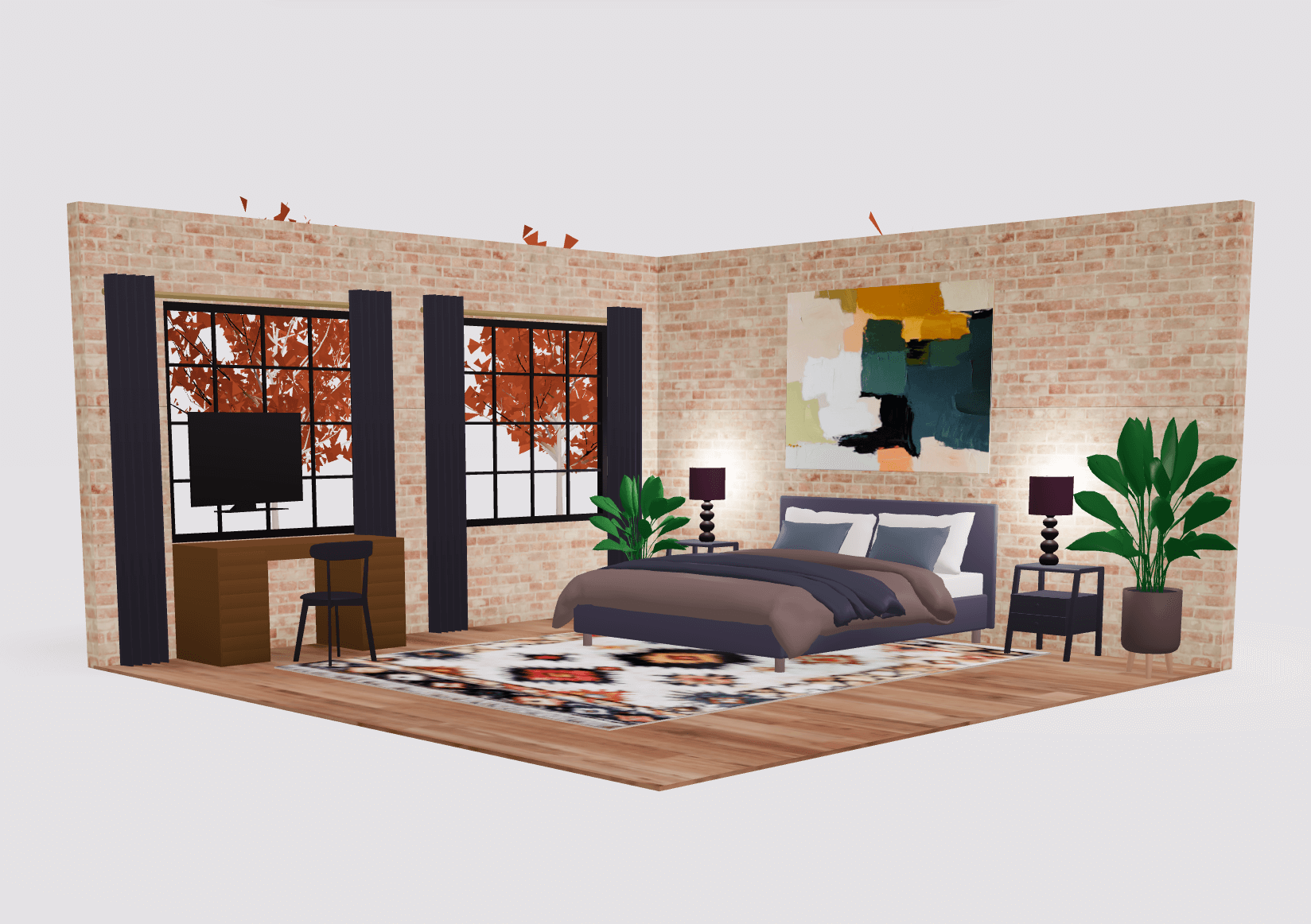
Start designing in seconds. No lengthy sign-ups, no software downloads, no steep learning curve. Our free 3D room design tool is built for immediate productivity. Open your browser and begin creating professional room layouts instantly.
Arcadium's intelligent tools streamline the design process. Auto-adjusting elements, built-in standard furniture dimensions, and smart snapping features ensure your room designs are both beautiful and practical.
Experience your designs with stunning realism. Realistic lighting, high-resolution rendering, and immersive virtual walkthroughs bring your room design ideas to life. Share professional-quality visuals that impress clients, family, or social media followers.
Experience the power of professional 3D room design, completely free. No credit card required, no software to install, no design experience needed. Join thousands of homeowners, designers, and real estate professionals who trust Arcadium for their room design projects.