

 3D house design tool

 Color palette generator
 3D design from AI chat
 Floor plan creator
 Interior design app
 Kitchen design tool
 House design software
 Room designer
 Landscape design software
 Bedroom design
 Feng shui design
 Office floor plan creator
 Trade show booth design
Extremely user friendly
"I've tried at least 5 different 3D platforms, as well as 2 different AI models, and none gave me correct layouts and ease of flow as Arcadium!"
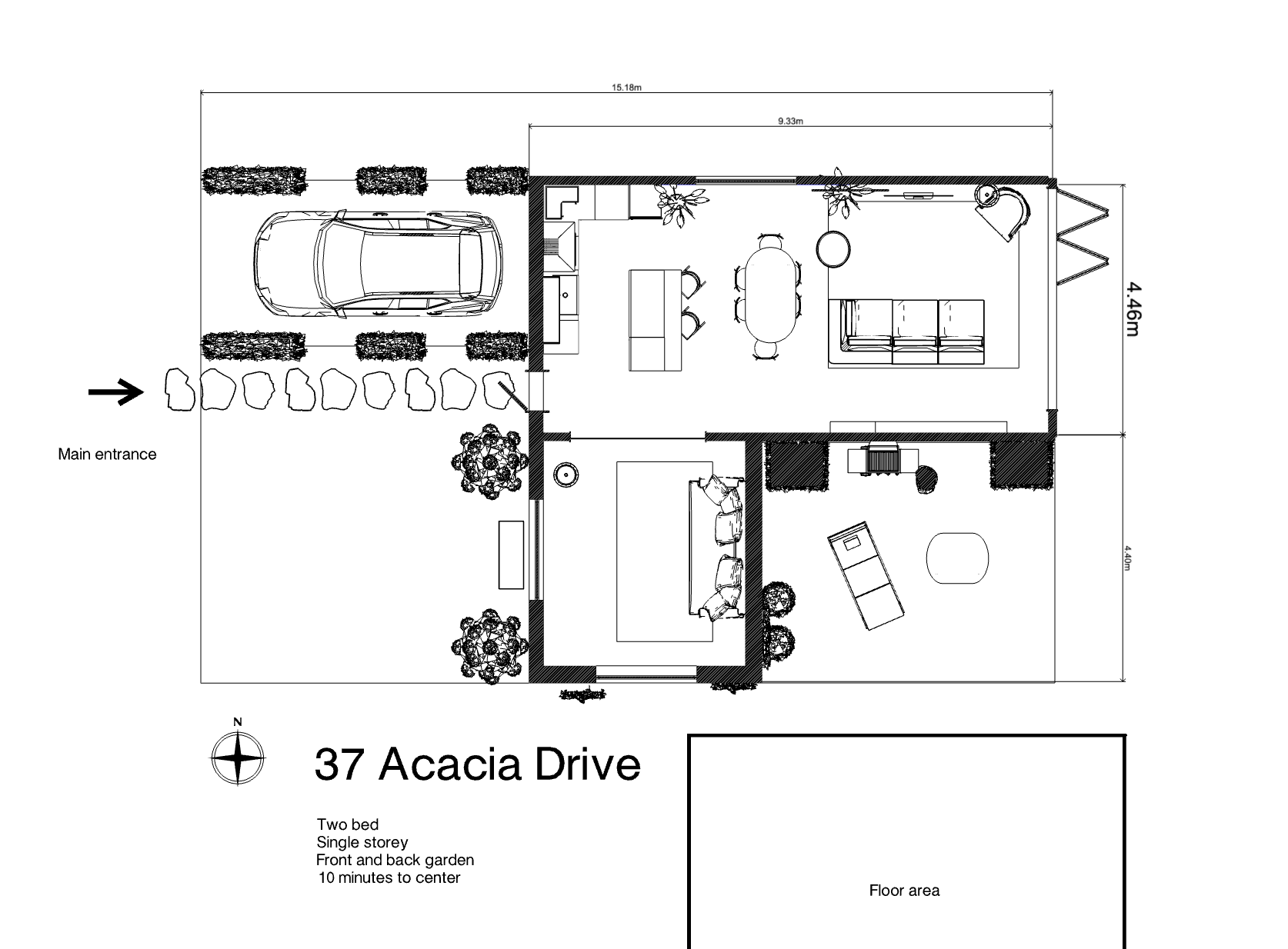
Draw accurate 2D layouts, visualize in real-time 3D, and share your designs instantly, all from your browser. No downloads. No design skills required. Free to start.
"I've tried at least 5 different 3D platforms, as well as 2 different AI models, and none gave me correct layouts and ease of flow as Arcadium!"
"I can accurately reproduce an existing property and then create the proposed restoration and extensions with remarkable ease. ... We now have planning permission - thanks in no small part, to Arcadium."
"I immediately adopted Arcadium into a massive floor plan project I'm managing. Intuitive, simple, clean, and affordable."
Real Estate Professional
"As an architect, Arcadium is a fantastic tool for getting our three-dimensional ideas across to clients quickly. Other 3D software tools can be very time consuming and fiddly."
Architect
"I used Arcadium to design an entire new office. It is wonderfully intuitive great tool and I would highly recommend it for any kind of interior design."
Software Engineer
"I am a huge fan of Arcadium. I spent hours precisely measuring and placing furniture. And I enjoyed every second. Can't recommend this thing enough."
Software Engineer
"I used it to do an interior design of a house. Very functional, precise numbers, measuring units etc. Lots of flexibility and possibilities."
Interior Designer
"I love Arcadium. It's so easy to use compared to other 3D software. I can brainstorm ideas and try them out online to get a feel for the flow of the space."
Healthcare professional
Planning a home renovation, designing a new space, or simply rearranging furniture? Arcadium's free floor plan creator gives you everything you need to bring your vision to life without expensive software, complicated CAD tools, or steep learning curves.
Our browser-based floor plan maker combines intuitive drag-and-drop controls with powerful 3D visualization. Draw walls with precise measurements, place doors and windows, add furniture from our extensive library, and see your design come alive in real-time 3D. When you're ready, share your floor plan with family, clients, or contractors using a simple link.
Whether you're a homeowner planning a kitchen remodel, an interior designer presenting concepts to clients, or a real estate agent creating property layouts, Arcadium 3D makes professional floor plan design accessible to everyone.
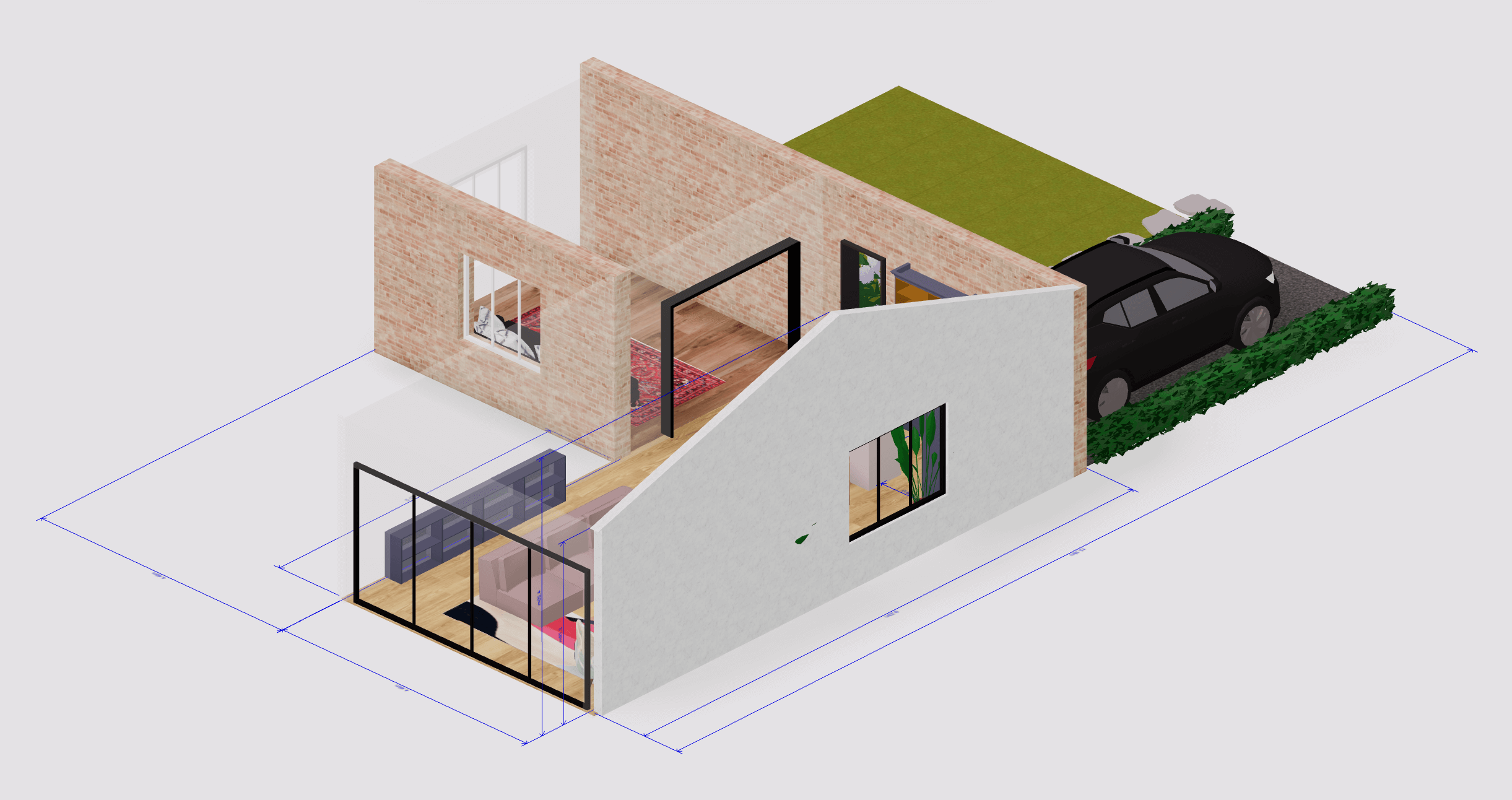
Start with a blank canvas and draw walls using our intuitive tools. Input precise dimensions for accurate room sizes, or simply drag to resize. Add doors, windows, and architectural elements with parametric components that automatically adjust to standard sizes. The gaming-style controls make floor plan creation as easy as playing Minecraft, no CAD training is required.
Browse our built-in furniture library and drag items directly into your floor plan. From sofas and dining tables to kitchen cabinets and bathroom fixtures, you'll find everything you need to visualize your space. Use alignment tools to position furniture precisely, rotate items to find the perfect arrangement, and adjust scale to match your room's proportions.
Switch between 2D floor plan view and immersive 3D visualization instantly, no waiting for renders. Take a virtual walkthrough of your space to experience the layout, lighting, and proportions firsthand. Adjust materials, textures, and lighting to see exactly how your design will look in real life. Our cloud-based rendering delivers photorealistic results without slowing down your computer.
Generate a shareable URL instantly and send your 3D floor plan to anyone. Family members can explore the design, clients can walk through their future space, and contractors can review layouts, and these are all without downloading software or creating accounts. Collaboration has never been simpler.
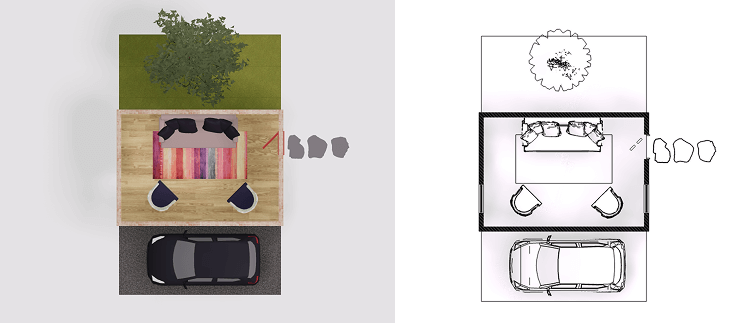
See changes in 3D as you make them, no separate rendering step, no waiting. Toggle between 2D layout and 3D views instantly to understand your space from every angle.
No downloads, no installations, no updates. Start designing immediately from any computer, laptop, or tablet with a modern browser. Your projects stay accessible from anywhere.
Share your floor plan with a single link. Recipients can view your design in full 3D and take virtual walkthroughs without signing up or installing anything. Perfect for client presentations and contractor coordination.
Input exact room dimensions for accurate space planning. Every wall, door, and window can be sized to real-world specifications. This is essential for renovation projects and furniture fitting.
Access thousands of 3D models, including furniture, appliances, decor items, kitchen cabinets, bathroom fixtures, and garden elements. Customize colors, materials, and sizes to match your vision.
Add architectural elements that automatically adjust to standard dimensions. Doors swing in the right direction, windows fit wall openings, and stairs calculate proper rise and run, saving your time on technical details.
Transform your 3D designs into different visual styles using AI. Generate photorealistic room images, explore various interior design styles, or create stylized presentations like sketches and watercolors for client meetings.
Navigate your floor plan in first-person view. Walk through rooms, experience traffic flow, and evaluate how spaces connect, all of these are before any construction or furniture purchase.
Apply different flooring, wall colors, textures, and finishes to visualize design options. Compare hardwood versus tile, test paint colors, and make confident decisions before committing.
Add and control light sources to see how natural and artificial lighting affects your space. Adjust brightness and color temperature to visualize rooms at different times of day.
Navigate and design with controls anyone can master in minutes. If you've ever played a video game, you already know how to use Arcadium. No CAD experience necessary.
Create unlimited floor plans with core features at no cost. Start your project today without subscriptions or payment information. Premium features are available for users who need advanced capabilities.
Visualize kitchen remodels, bathroom renovations, or room additions before hiring contractors. Test furniture layouts, experiment with open-concept designs, and share your vision with family. Plan with confidence and avoid costly mistakes.
Create professional client presentations without expensive software. Generate multiple layout options, walk clients through 3D visualizations, and accelerate approvals with shareable design links. Present ideas that clients can actually experience.
Create floor plans that help buyers understand property layouts instantly. Add interactive 3D walkthroughs to listings that let potential buyers explore spaces before scheduling showings. Stand out in competitive markets.
Draft quick concept layouts to communicate ideas early in projects. Use precise measurements and instant sharing to bridge the gap between initial concepts and detailed construction drawings. Win more projects by showing clients their vision faster.
Design office layouts, retail spaces, and commercial interiors. Optimize desk arrangements, plan meeting rooms, and visualize workspace flow. Create plans that maximize productivity and space utilization.
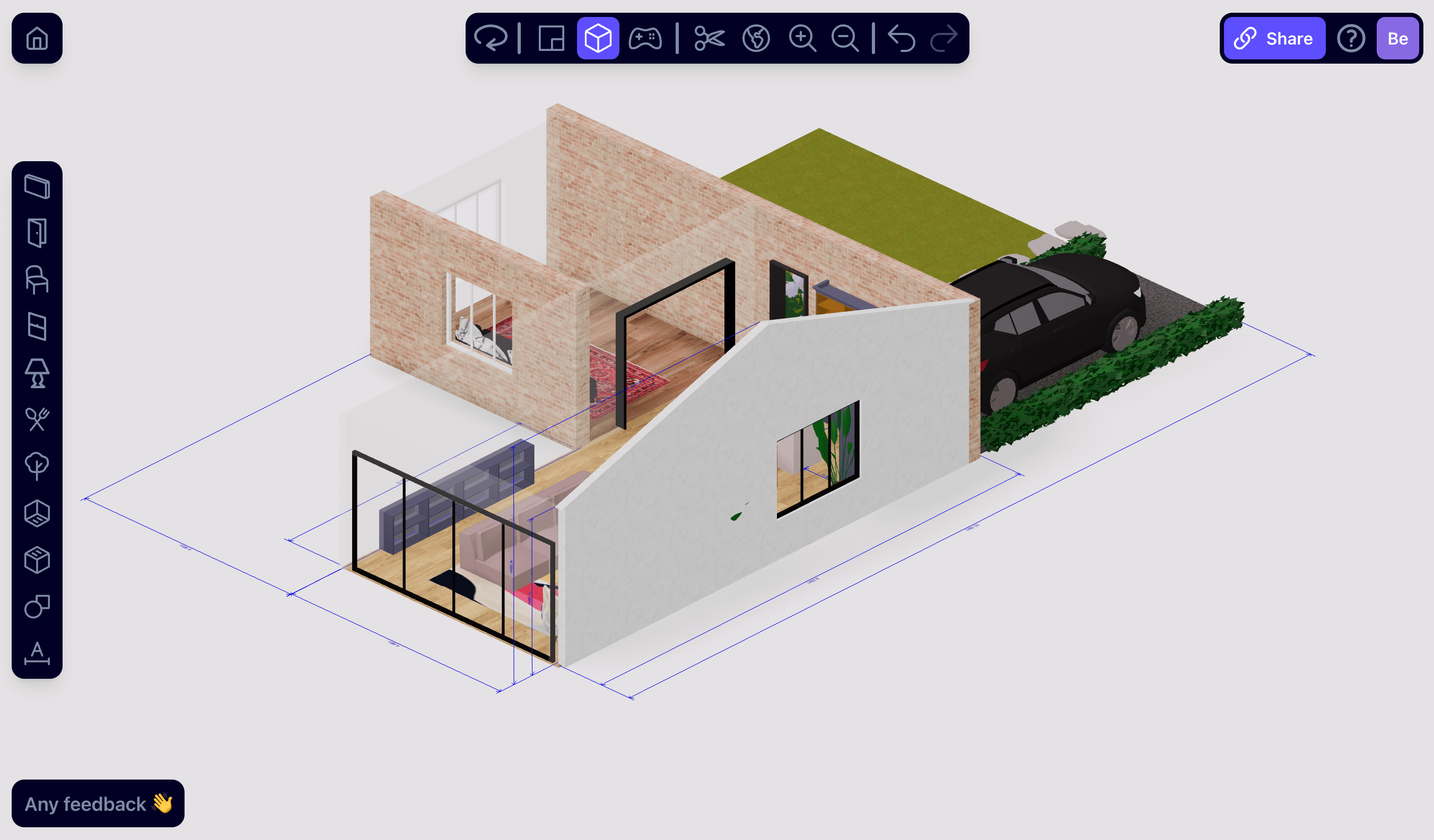
| Feature | Other tools | Arcadium 3D |
|---|---|---|
| Getting started | Download, create accounts, lengthy setup | Open browser & start |
| 3D visualization | Wait minutes or hours for renders | Real-time 3D |
| Sharing designs | Export files, upload, email attachments | One-click URL sharing |
| Learning curve | CAD complexity, weeks to learn | Master in minutes |
| Client viewing | Recipients need software or accounts | No signup needed |
| Price | $30-50/month | Free / $18/month |
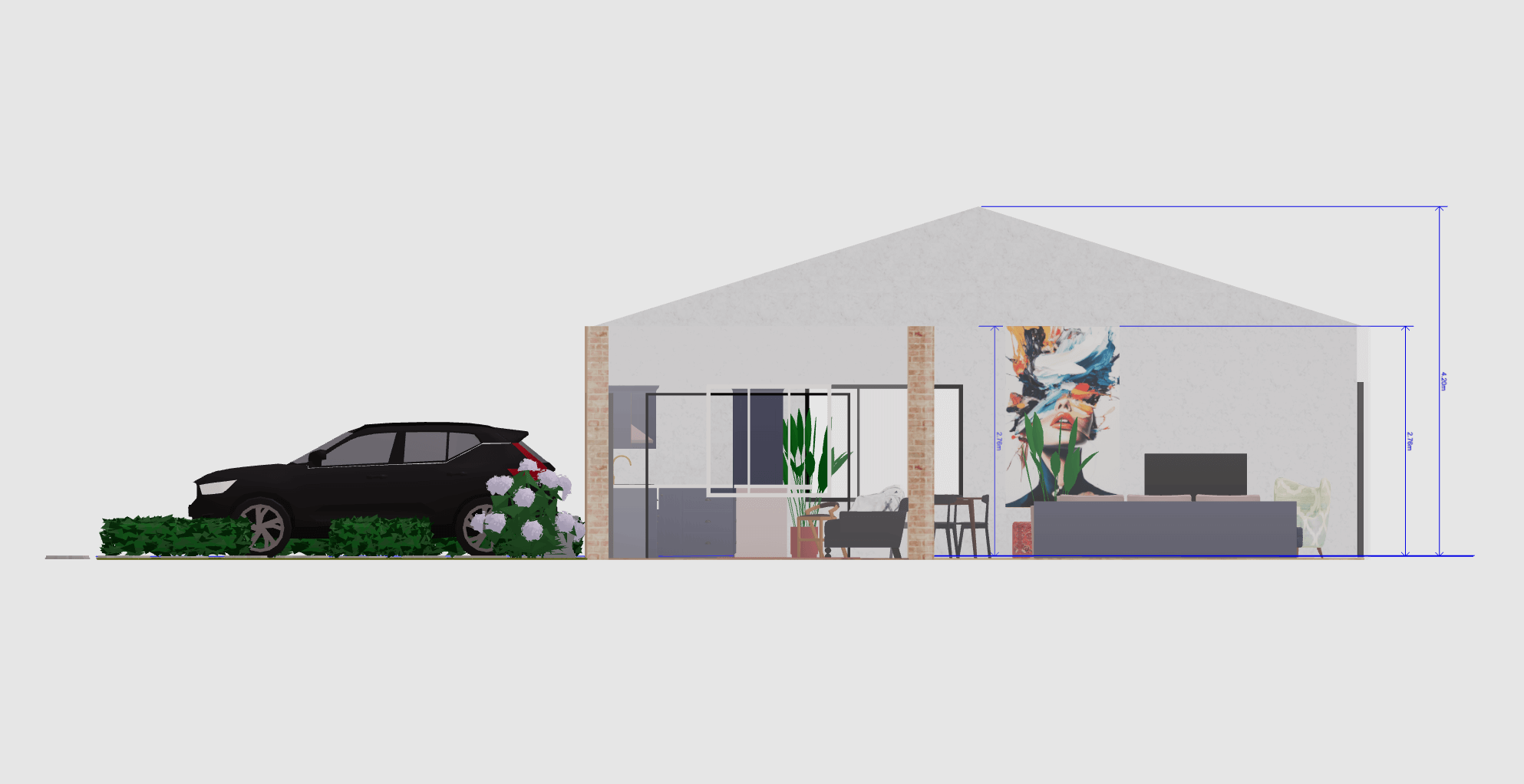
Create professional floor plans in minutes, not hours. Draw accurate 2D layouts, visualize in stunning 3D, and share your designs with anyone, anywhere.
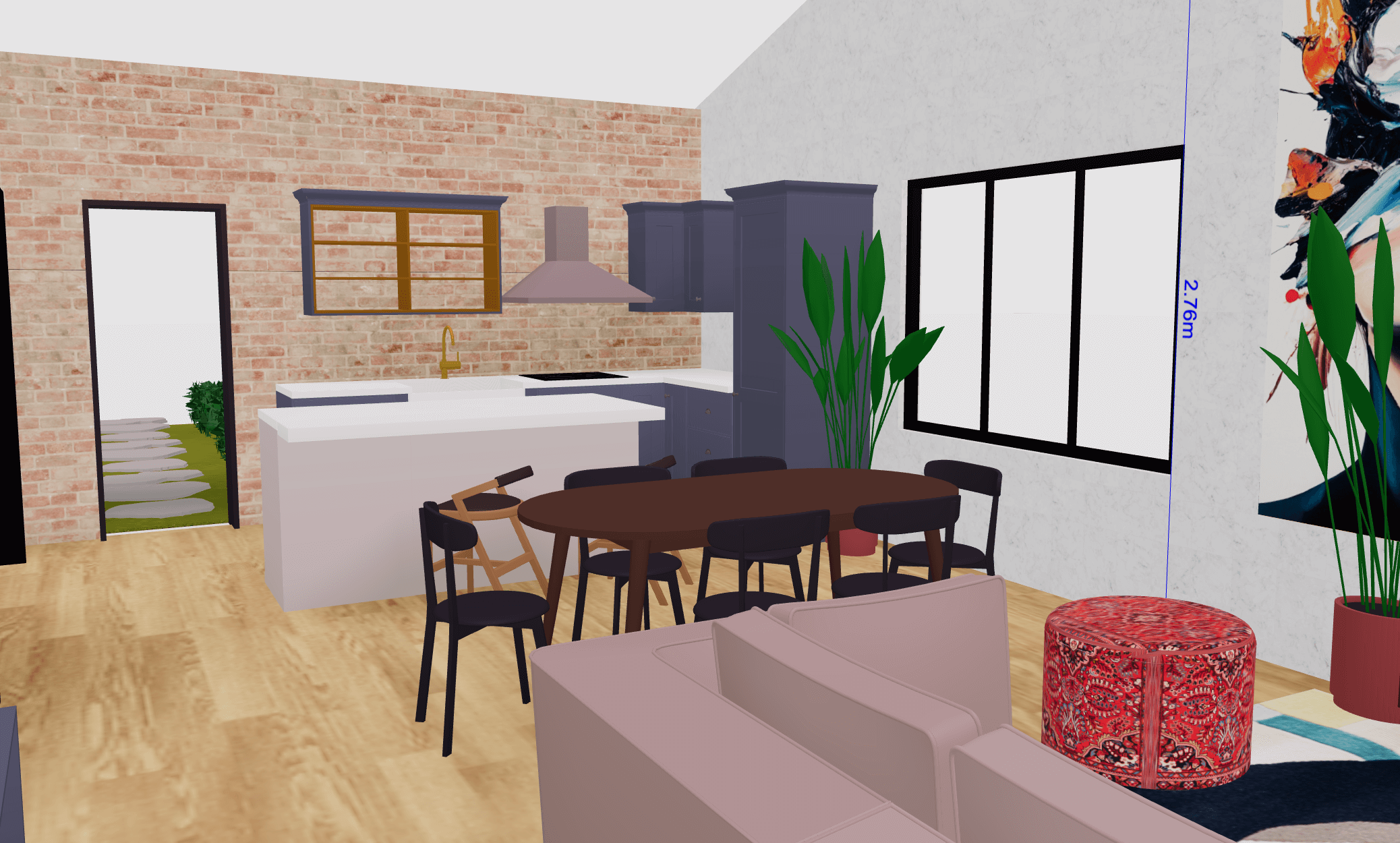
Our software isn't just limited to 3D floor plans, there's various other use cases, here are a few:
Instantly visualise room layouts with drag-and-drop furniture and real-time 3D rendering.
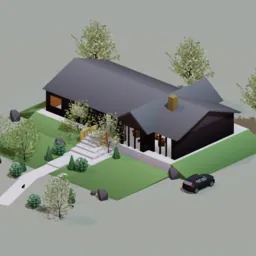
Create and modify complete home layouts through an accessible browser-based interface.
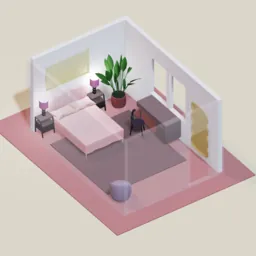
Test furniture arrangements and styling using an extensive object library.
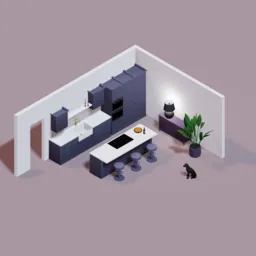
Plan efficient workflows and storage with precise appliance placement tools.
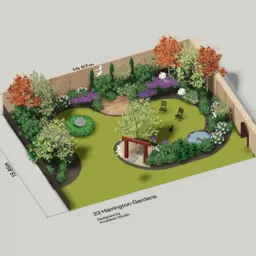
Shape outdoor spaces with plants and hardscaping elements in 3D.

Optimise energy flow by adjusting layouts with immediate visual feedback.