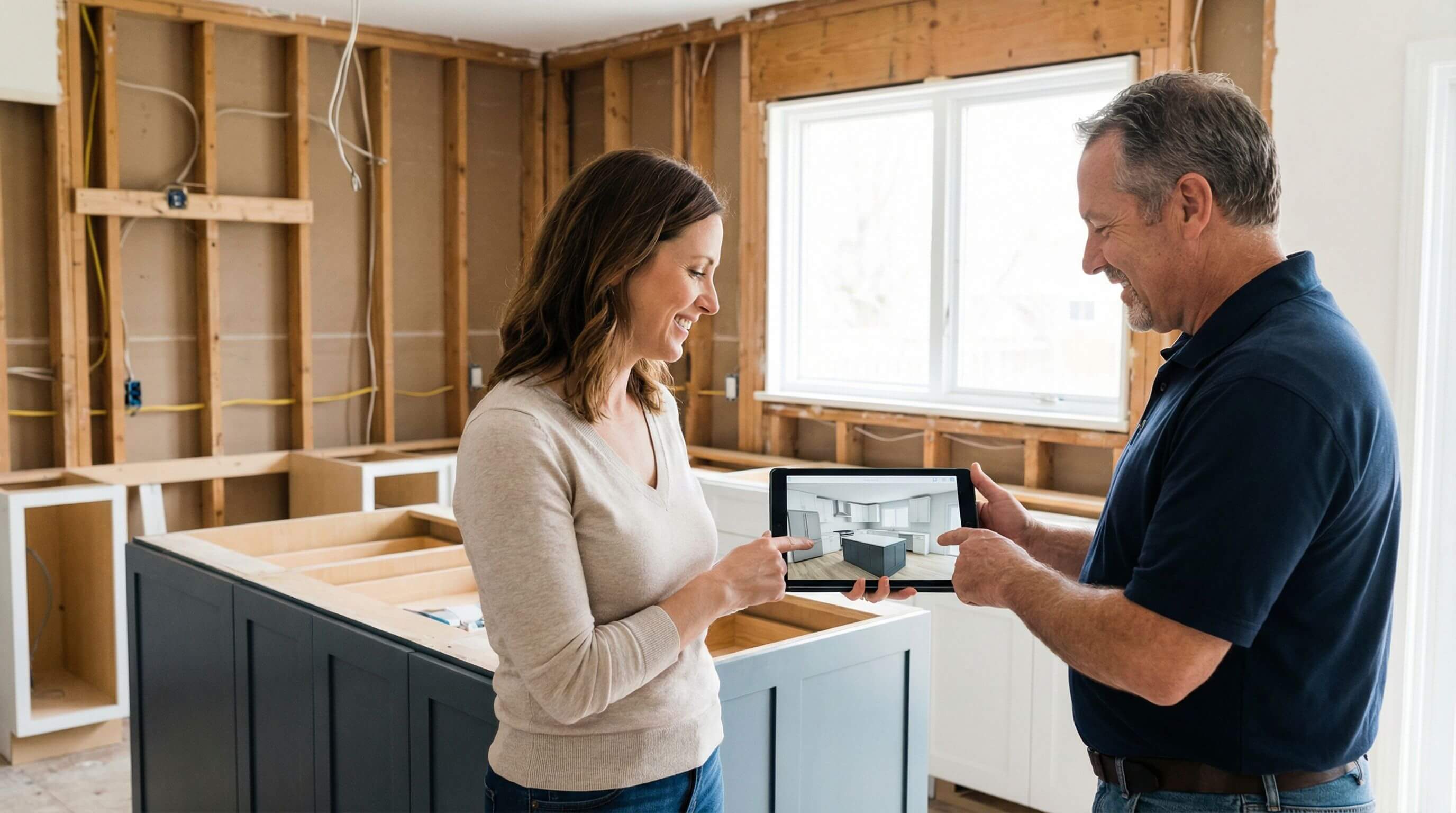
You spent weeks designing the perfect kitchen. The layout is smart. The finishes are exactly what you wanted. Everything looks great on screen. Then construction starts, and somehow the island is six inches off, the cabinet doors swing the wrong way, and the sink ends up where you never intended.
This happens more often than you would expect. Not because contractors do poor work, but because the design was never communicated clearly enough for them to follow. The gap between what you see in your head (or on your screen) and what your contractor interprets on site is where most kitchen remodel frustrations begin.
This guide breaks down exactly how to prepare, format, and share your kitchen design so your contractor builds precisely what you planned.
Why kitchen designs get lost in translation
The biggest threat to your kitchen remodel is not bad craftsmanship or cheap materials. It is miscommunication. When homeowners share their kitchen plans using mood boards, Pinterest screenshots, or verbal walkthroughs, contractors are left filling in the gaps themselves.
What you picture as an open concept kitchen might look completely different to the person building it. A photo of a kitchen you love does not tell a contractor where to route the plumbing, how deep the counters should be, or what clearance the refrigerator door needs.
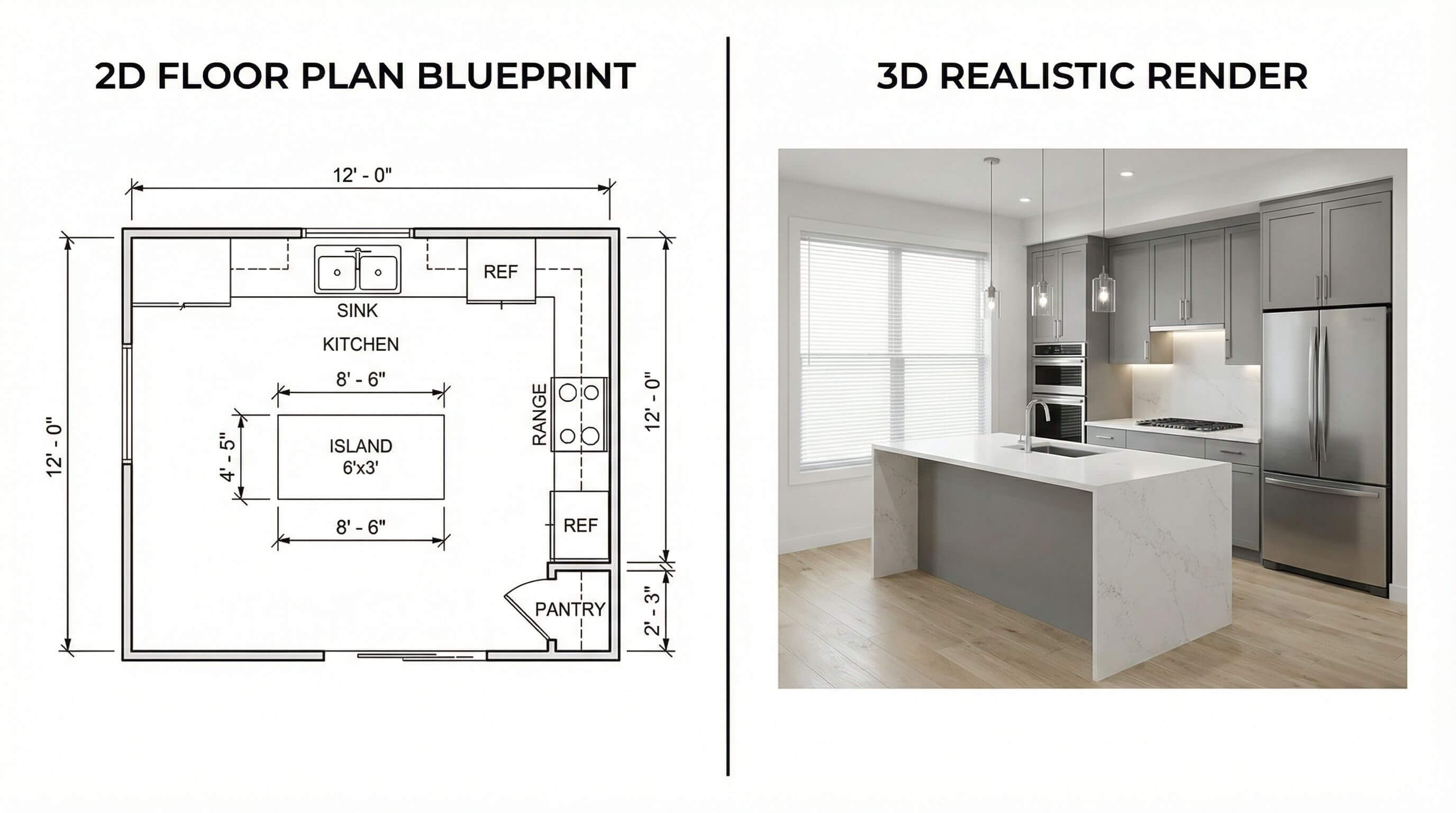
Flat 2D sketches carry the same risk. They show length and width but hide critical details about depth, sightlines, and how elements relate to each other in real space. A 2D floor plan might show your island centered in the room, but it will not reveal that it blocks the dishwasher door from fully opening.
Contractors work from specifics. Without exact dimensions, material callouts, and spatial context, they make judgment calls. Those judgment calls may not match your vision.
What your contractor actually needs from you
Before you hand over a single design file, understand what information your contractor is looking for. Their job is to take your plan and turn it into reality, but they need more than a pretty picture to do that.
Accurate room Dimensions
Your contractor needs wall to wall measurements, ceiling height, and the exact location of every door, window, and structural element. Even a quarter inch error on paper can cascade into bigger problems during installation. Cabinets that do not fit across a wall, countertops that fall short, and appliances that cannot slide into their designated spaces are all consequences of imprecise measurements.
Clear layout with fixed positions
Where exactly does the sink go? How far is the stove from the refrigerator? What is the walkway clearance between the island and the counter? Your contractor needs fixed positions for every major element, not approximate placement. If you are using our kitchen design software to plan your layout, these positions are already locked in, which removes guesswork from the equation entirely.
Material and finish specifications
Telling your contractor you want "white shaker cabinets" is not enough. They need the exact manufacturer, model number, door style, finish code, and hardware specifications. The same applies to countertops, backsplash tiles, flooring, and fixtures. Vague descriptions lead to substitutions, and substitutions lead to disappointment.
Appliance dimensions and models
Every appliance has specific cutout dimensions, ventilation requirements, and utility connection points. Your contractor needs the exact model numbers so they can plan electrical outlets, gas lines, water supply, and ventilation routing before walls go up.
How 3D design eliminates the guesswork
This is where the format of your design makes all the difference. Traditional methods like hand drawn sketches, 2D blueprints, or even mood boards leave too much open to interpretation. A 3D kitchen design gives your contractor something they can actually work from because it shows the space exactly as it will look when built.
With a proper 3D model, your contractor can see cabinet depth, countertop overhangs, how natural light hits the space, and whether appliance doors have enough clearance to open. They can rotate the view, zoom into specific areas, and examine the design from angles that a flat drawing simply cannot provide.
As a designer, I have seen projects go sideways because the homeowner showed the contractor a beautifully rendered image but gave them no way to inspect the details behind it. A 3D model built in a browser based platform like Arcadium 3D solves this problem.
Both you and your contractor can open the same design, explore it from every angle, and confirm that every measurement and placement is correct before a single tool touches the kitchen. This is not about making your design look impressive. It is about making it buildable.
Step by Step: Preparing your design for handoff
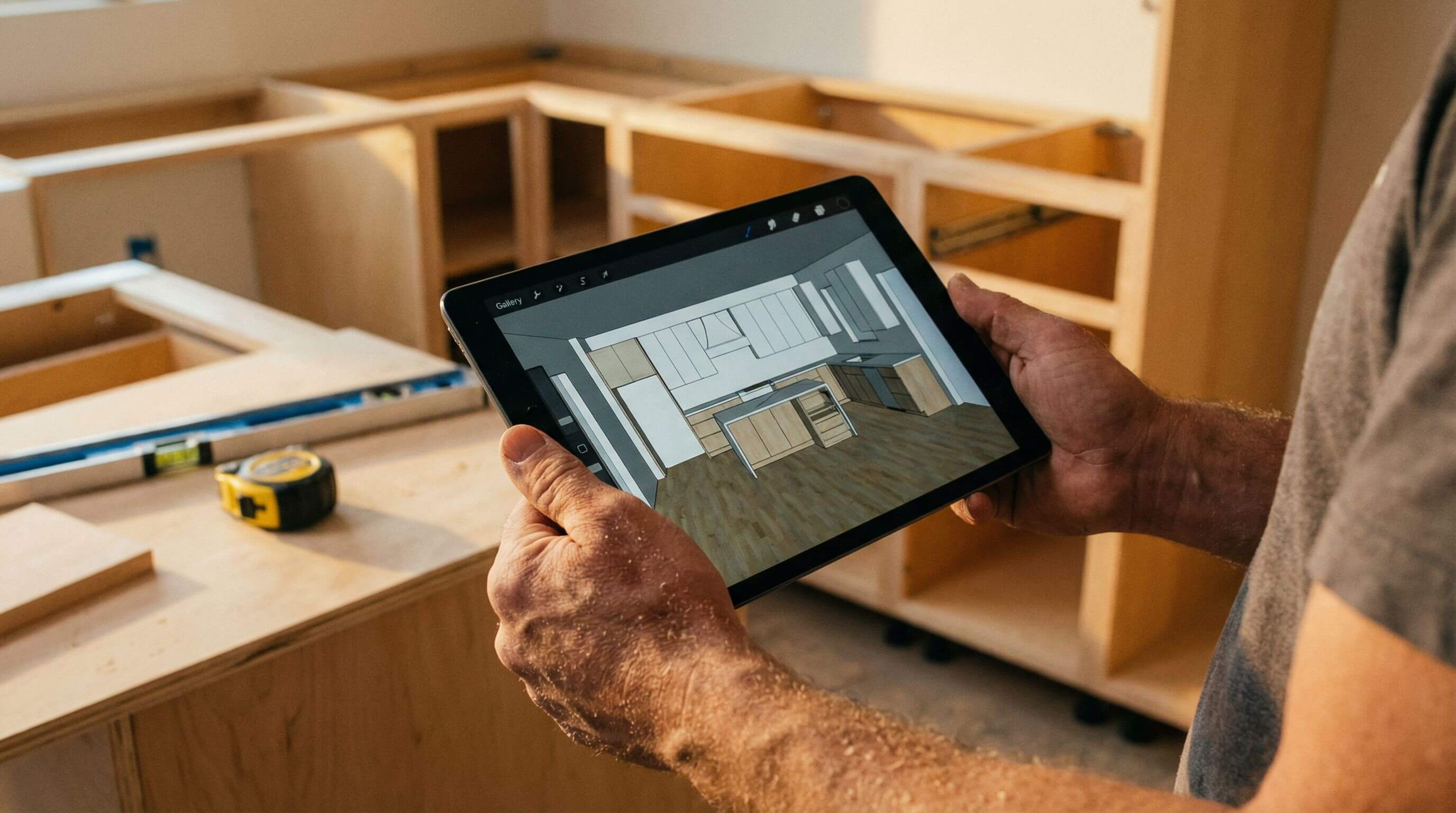
Sharing your kitchen design with your contractor is not a single action. It is a process. Here is how to do it right.
Step 1: Finalize every detail before sharing
Do not share a design that is still in progress. Contractors price their work and order materials based on what you give them. If you hand over a half finished plan and then make changes later, you are introducing change orders, delays, and added costs.
Lock in your layout, finishes, appliance selections, and fixture placements before the handoff. If you are working in Arcadium 3D, use its real time 3D preview to do a final walkthrough of your design. Check every corner. Open every cabinet door virtually. Make sure nothing conflicts.
Step 2: Export multiple views and formats
Your contractor may need different formats depending on the phase of work. Provide a combination of the following:
A top down floor plan showing the full layout with dimensions. This is the foundation your contractor will reference most often during framing and rough in work.
A 3D rendered view from multiple angles so the contractor can see how the space comes together visually. This helps during the finish phase when details like backsplash alignment and hardware placement matter most.
A detailed specification list that includes every material, model number, and finish code referenced in the design.
Step 3: Walk through the design together
Never just email your files and assume your contractor understood everything. Schedule a dedicated walkthrough meeting, either in person or over a video call, where you review the design together screen by screen.
Use your 3D model as the centerpiece of this conversation. Point out areas where precision matters most, like the gap between the stove and the adjacent cabinet or the alignment of upper cabinets with the window frame. Ask your contractor to flag anything they see as a potential construction challenge.
Step 4: Confirm everything in writing
After the walkthrough, send a written summary of every decision that was confirmed. This includes layout positions, materials, appliance models, and any modifications agreed upon during the meeting. Verbal agreements hold no weight when a dispute arises weeks into the project.
Attach the final design files to this summary so everything is packaged together in one reference document your contractor can return to at any stage of the build.
Common mistakes homeowners make when sharing designs
Even homeowners who prepare thoroughly can stumble during the handoff. Avoid these pitfalls.
Sharing inspiration instead of instructions
A Pinterest board full of kitchens you admire is a starting point for your own design process. It is not a deliverable for your contractor. Inspiration images show style. They do not show dimensions, specifications, or construction details. Your contractor cannot build from a collection of photos taken in other people’s homes.
Skipping the specification sheet
A beautiful 3D render means nothing if your contractor does not know which exact products to order. Always pair your visual design with a complete specification sheet. Every cabinet, countertop slab, tile, fixture, and piece of hardware should be listed with its product name, model number, dimensions, and supplier.
Assuming your contractor sees what you see
You have been staring at your kitchen design for weeks. You know every detail by heart. Your contractor is seeing it for the first time. What feels obvious to you may be ambiguous to them. Annotate your design. Label critical measurements. Highlight areas that require special attention. The more explicit you are, the fewer surprises you will face during construction.
Not using a shareable design format
If your design lives only on your laptop in a proprietary file format your contractor cannot open, it is useless to them. Browser based platforms like Arcadium 3D let you share a live link to your design that anyone can open without installing special software. Your contractor can view, rotate, and inspect the model directly in their browser, whether they are at their desk or standing on the job site with a phone.



 Color palette generator
 3D design from AI chat
 Floor plan creator
 Kitchen design tool
 House design software
 Landscape design software
 Bedroom design
 Office floor plan creator
 Trade show booth design
 How to use Arcadium — full guide
 Community Showcase
 3D object library - free
 Articles and blog