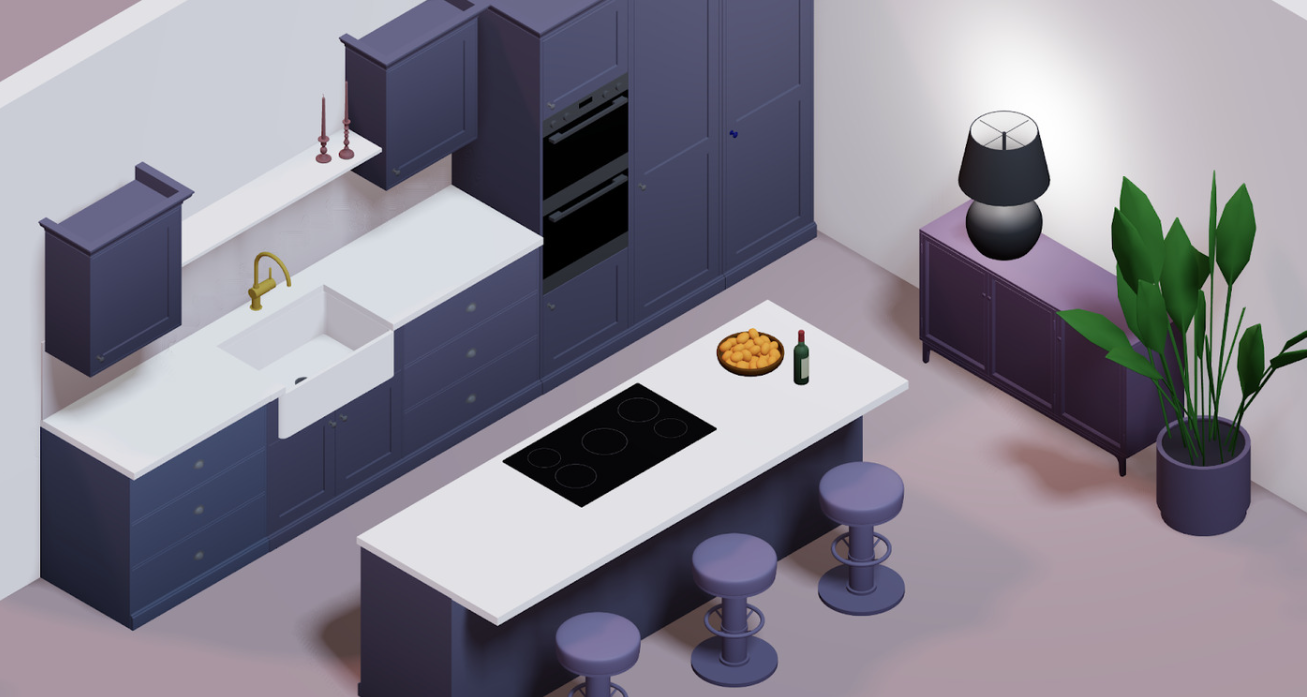
Kitchen renovations are among the largest investments homeowners make. The average major kitchen remodel costs tens of thousands of dollars, and yet the majority of homeowners end up regretting at least one decision by the time the project is finished.
AI has changed this equation entirely. Today, AI powered kitchen design tools let homeowners build, visualize, and refine their entire kitchen layout in 3D before a single cabinet is ordered or a wall is touched.
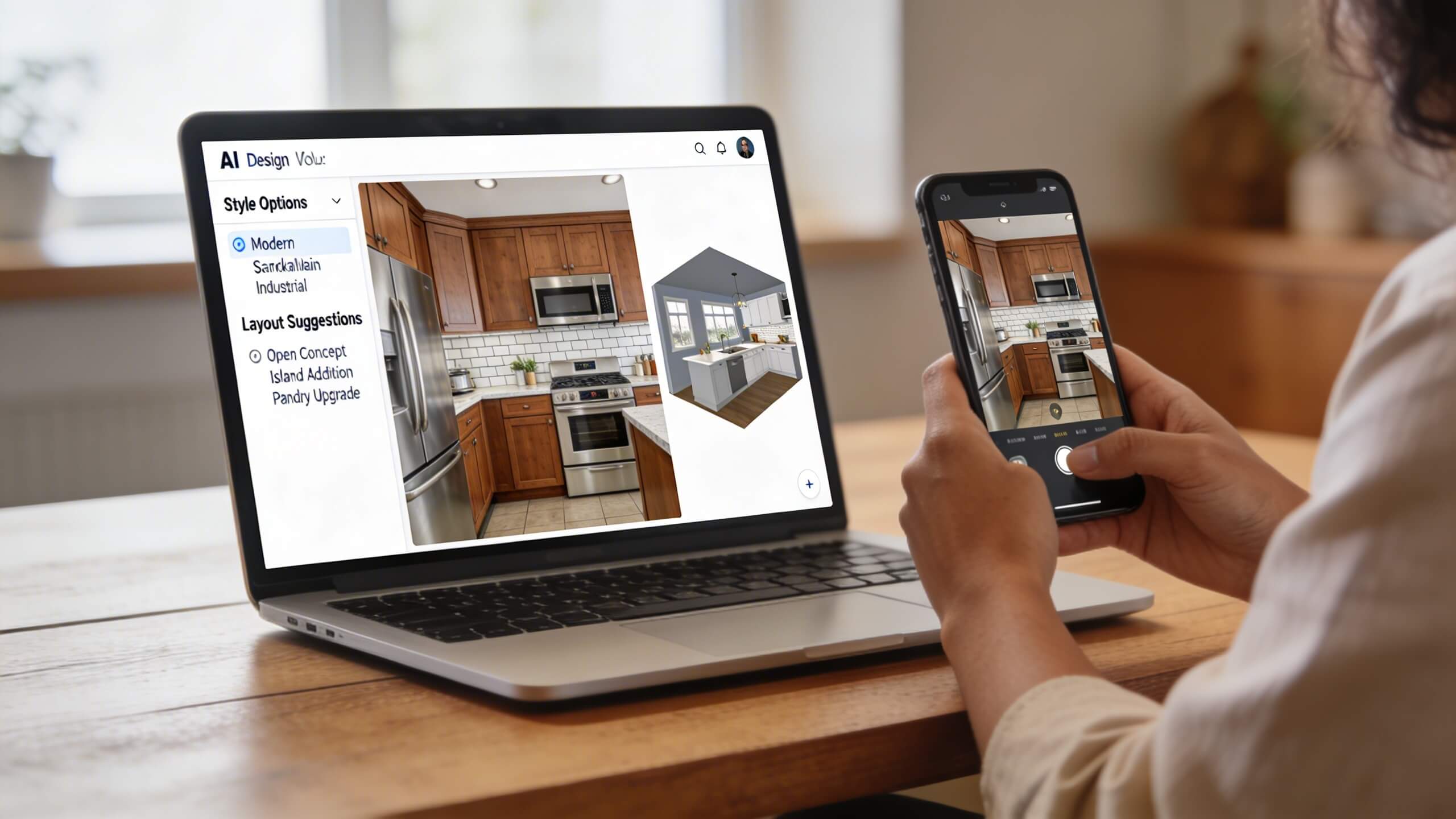
These tools analyze your room dimensions, suggest optimized layouts, let you swap materials in real time, and produce realistic renders that show exactly what the finished kitchen will look like. What previously required weeks of back and forth with a professional designer now happens in minutes on your own screen.
This guide walks you through the complete process of using AI to design your dream kitchen before renovation. From capturing your room measurements to testing layouts, materials, lighting, and workflow, each step builds toward a finalized plan that you and your contractor can execute with confidence. Whether you are planning a full gut renovation or a targeted remodel, AI tools give you the clarity to make every decision right the first time.
What AI kitchen design tools actually do
AI kitchen design tools fall into two categories, and understanding the difference matters before you start.
The first category is photo based AI redesign tools. These let you upload a photo of your existing kitchen and generate visual concepts showing how the space might look with different styles, cabinet colors, or countertop materials.
They are fast and useful for gathering initial inspiration. However, most of these tools produce stylized images rather than precise, measured layouts. They show you a mood, not a buildable plan. You cannot extract exact cabinet dimensions, verify clearance around an island, or confirm that your appliance doors will open without collision.
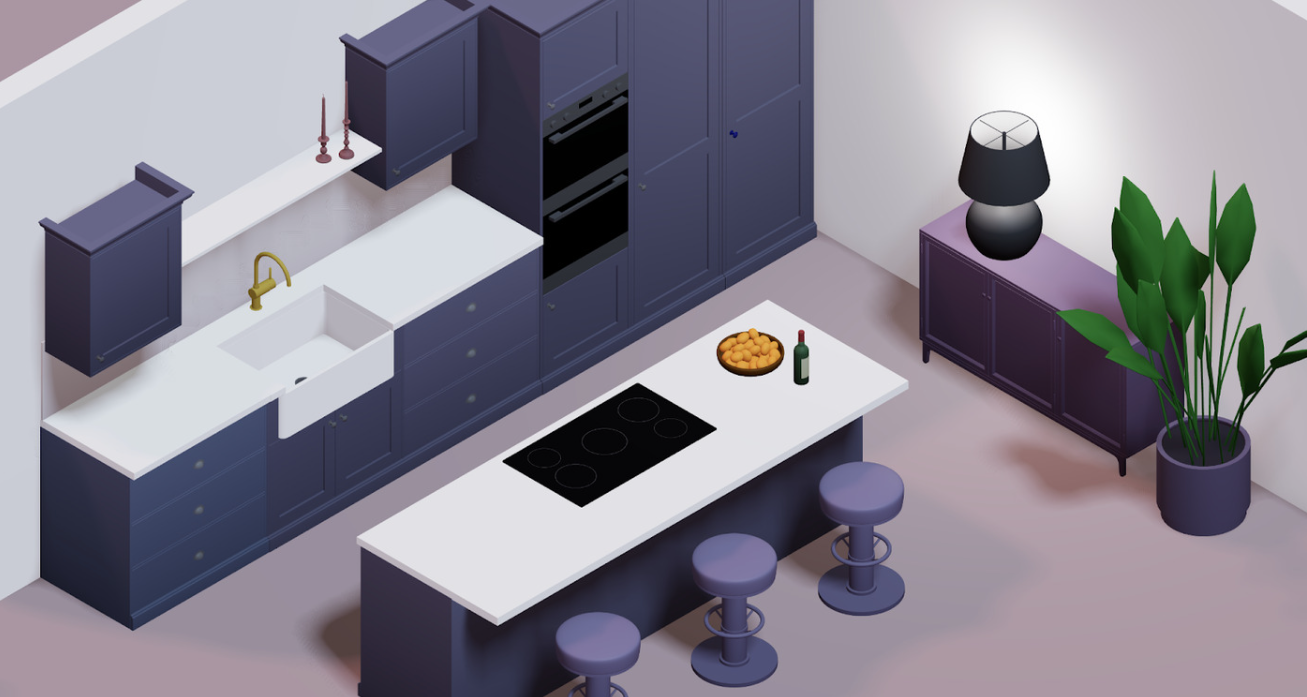
The second category is 3D kitchen planning platforms with AI features. These let you build your kitchen to scale using exact measurements, place cabinets and appliances with precise dimensions, and visualize the layout in interactive 3D.
AI assists by suggesting optimized layouts based on your room shape, helping you adhere to the work triangle, and generating realistic renders of your completed design. This category produces output that contractors can actually build from.
For real renovation planning, you need the second category. Photo based tools are excellent for exploring styles early in the process, but the moment you are making decisions that involve ordering materials and scheduling contractors, you need a measured, interactive 3D model where every cabinet, appliance, and countertop sits exactly where it will in real life.
Step 1: Capture your kitchen measurements
Every effective AI kitchen design starts with accurate room data. Measure the total length and width of your kitchen. Record the ceiling height. Note the exact position of every door, window, and permanent fixture. Mark where plumbing connections, gas lines, and electrical panels are located. These fixed points constrain your layout and must be reflected in your digital model.
For the most accurate results, measure from wall to wall at floor level (walls are not always perfectly parallel). Record the distance from each corner to the nearest door frame and window frame. Note the height of windows from the floor, as this determines where upper cabinets and backsplashes can go.
Once you have your measurements, enter them into a browser based kitchen design software platform like Arcadium 3D. Draw your walls to match your actual dimensions, place doors and windows in their correct positions, and set the ceiling height. This digital replica becomes the foundation that every design decision builds on. Without accurate measurements, even the best AI suggestions will produce layouts that do not translate to your real kitchen.
Step 2: Let AI suggest an optimized layout
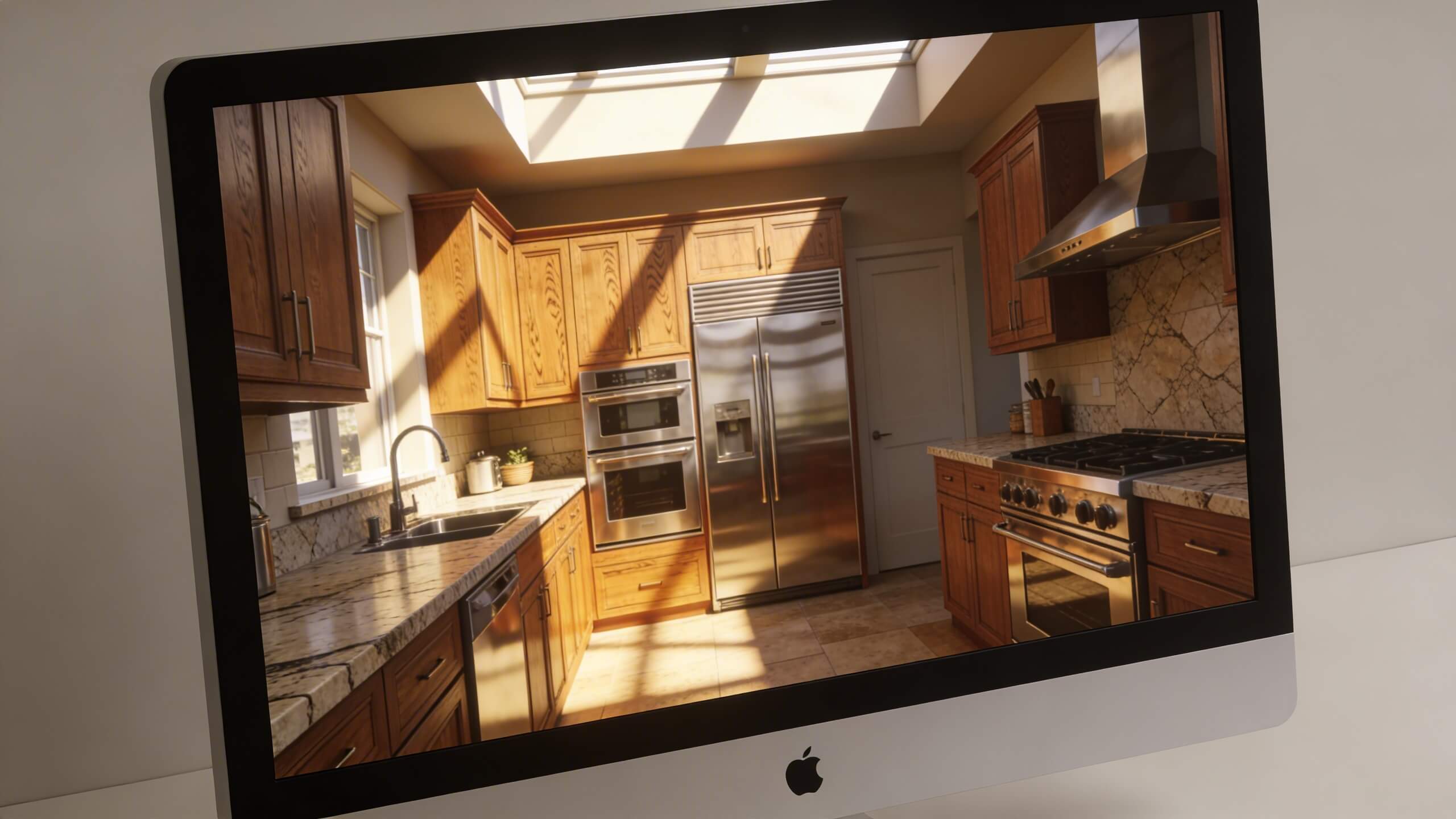
This is where AI provides its greatest value in kitchen design. Traditional kitchen planning requires you to know the rules: the work triangle, minimum clearance distances, cabinet sizing standards, and appliance placement guidelines. AI tools encode these rules into their suggestion engine so you do not have to memorize them.
When you input your room dimensions and mark the fixed points (plumbing, windows, electrical), an AI layout engine can generate multiple layout options that respect clearance requirements and optimize the path between the sink, stove, and refrigerator. You might receive an L shaped layout option, a U shaped option, and an island or peninsula option, each configured for your specific room dimensions.
The key advantage is speed of iteration. Instead of spending days sketching different layouts by hand, you can review five or six AI generated options in minutes and identify which arrangement feels most natural for how you cook and move. You can then take the strongest option and refine it manually, adjusting cabinet positions, island size, and appliance placement to match your personal workflow.
AI suggestions are starting points, not final answers. The tool gives you a structurally sound foundation. You bring the knowledge of how your household actually uses the kitchen: where you stand when you cook, how many people use the space at once, where your children sit for homework, and where you want guests to gather. The combination of AI precision and personal knowledge produces a layout that is both technically correct and tailored to your life.
Step 3: Test cabinet and island placement in 3D
Once you have a layout direction, the next step is placing cabinets and the island or peninsula in 3D with exact dimensions. This is where most renovation mistakes are caught, because 3D reveals problems that flat plans hide.
Place your base cabinets along the perimeter walls first. Check that doors and drawers open fully without hitting each other or adjacent appliances. Add upper cabinets and verify they do not block window frames or create a claustrophobic overhang above the countertop. If your kitchen includes a corner, test different corner cabinet solutions (lazy susan, blind corner, diagonal) to see which provides the best access.
For islands and peninsulas, test the clearance from every side. The minimum recommended clearance is 42 inches for comfortable movement. Place bar stools on the seating side and check that people can sit, stand, and push in chairs without bumping into the counter behind them. If your island includes a sink or cooktop, verify that the work triangle remains unbroken and that no person sitting at the island blocks the cook's path.
Rotate the 3D view and look at the kitchen from eye level. What you see from above in a floor plan view often looks different at standing height. An island that appears well proportioned from above might feel imposingly tall and close when viewed from the position where you would actually stand while cooking. This eye level check is one of the most valuable features of 3D planning and one that no 2D drawing can replicate.
Step 4: Experiment with materials and color combinations
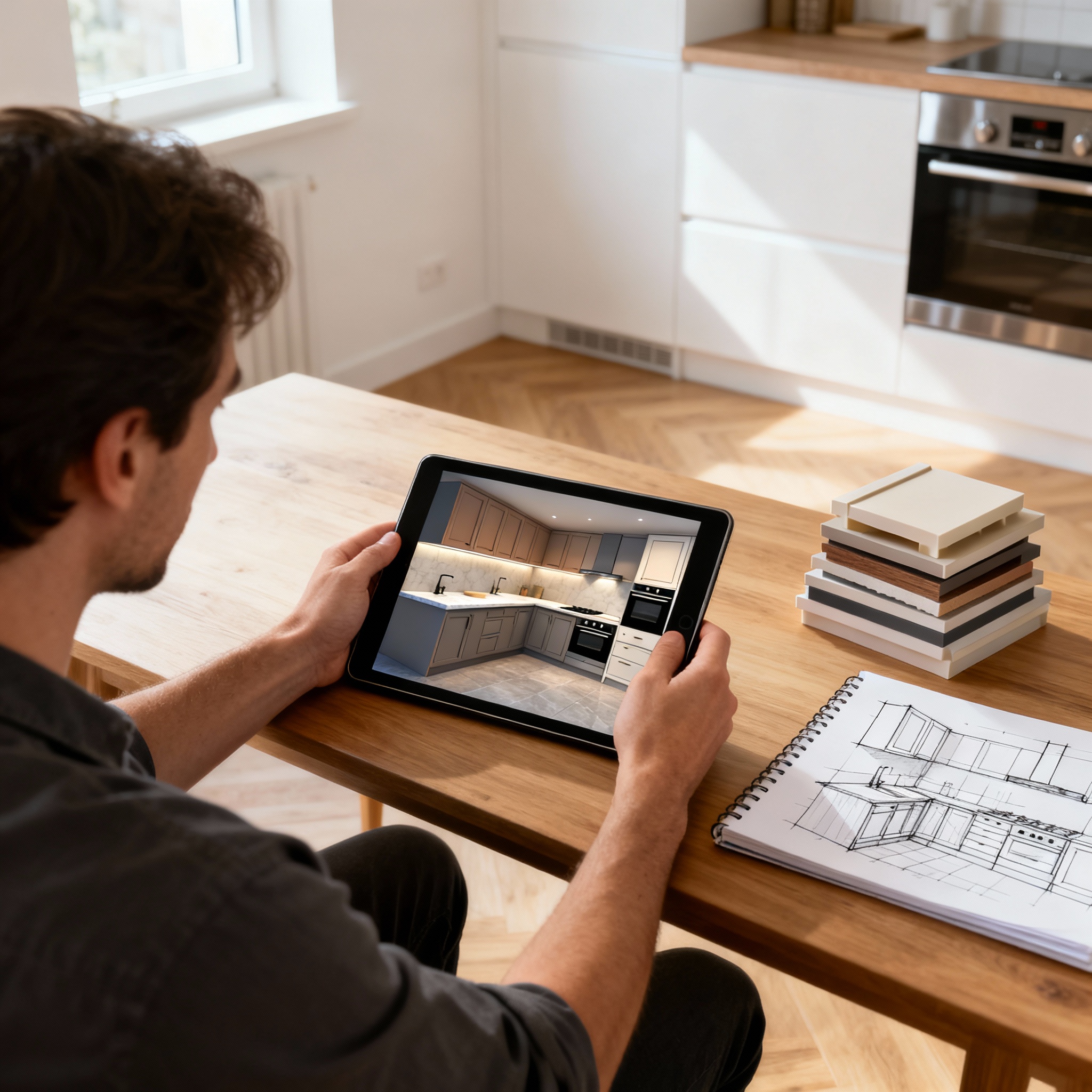
AI makes material selection significantly faster and more reliable than the traditional sample based approach. Instead of collecting dozens of small swatches and trying to imagine them at scale, you can apply materials to full surfaces in your 3D model and see the result instantly.
Start with the countertop, as it is typically the most visually dominant horizontal surface. Apply your first choice material (quartz, granite, marble, butcher block) and evaluate how it interacts with the cabinet color and floor. Then swap it for your second choice and compare. You can create two or three versions of the same kitchen with different countertop materials and view them side by side, making the comparison objective rather than relying on memory.
Move to the backsplash next. This is where most homeowners make material combination mistakes, because the backsplash sits at the intersection of the countertop, cabinet faces, and wall color. A tile that looks perfect against a white quartz sample might visually clash with the warm undertones of your actual cabinet finish. In 3D, you see the full relationship between every surface at once, under realistic lighting conditions.
Flooring comes last. Apply your chosen floor material across the entire kitchen and check how it grounds the space. Dark floors absorb light and make the room feel cozier but potentially smaller. Light floors reflect light and make the space feel open but can show every crumb. The right choice depends on your lighting conditions, cabinet color, and personal maintenance tolerance. Seeing all three surfaces together in 3D eliminates the guesswork.
Step 5: Simulate lighting conditions
Lighting transforms how a kitchen looks and functions, yet most homeowners finalize their lighting plan after cabinets and countertops are already decided. AI enabled 3D planners that include lighting simulation let you see how different fixture placements affect the space before electrical work is roughed in.
Place recessed ceiling fixtures and check that they illuminate counter surfaces rather than casting shadows from upper cabinets. Position pendant lights over the island and verify they hang at the right height: low enough to provide focused light but high enough to maintain sight lines between the kitchen and adjacent rooms. Test under cabinet LED placement to confirm full coverage of the prep surface with no dark spots between fixtures.
If your kitchen has windows, consider how natural light interacts with your material choices at different times of day. A polished countertop near a south facing window might create blinding glare in the afternoon. A matte surface would diffuse that same light and create a softer working environment. These are details that only become visible when you simulate light in a 3D model with your actual window positions and material selections in place.
Layer your lighting plan: ambient light for general visibility, task light for prep and cooking zones, and accent light for architectural features and display areas. Seeing all three layers simultaneously in 3D ensures no zone is underlit and no fixture is wasted on an area that does not need it.
Step 6: Check workflow and traffic flow virtually
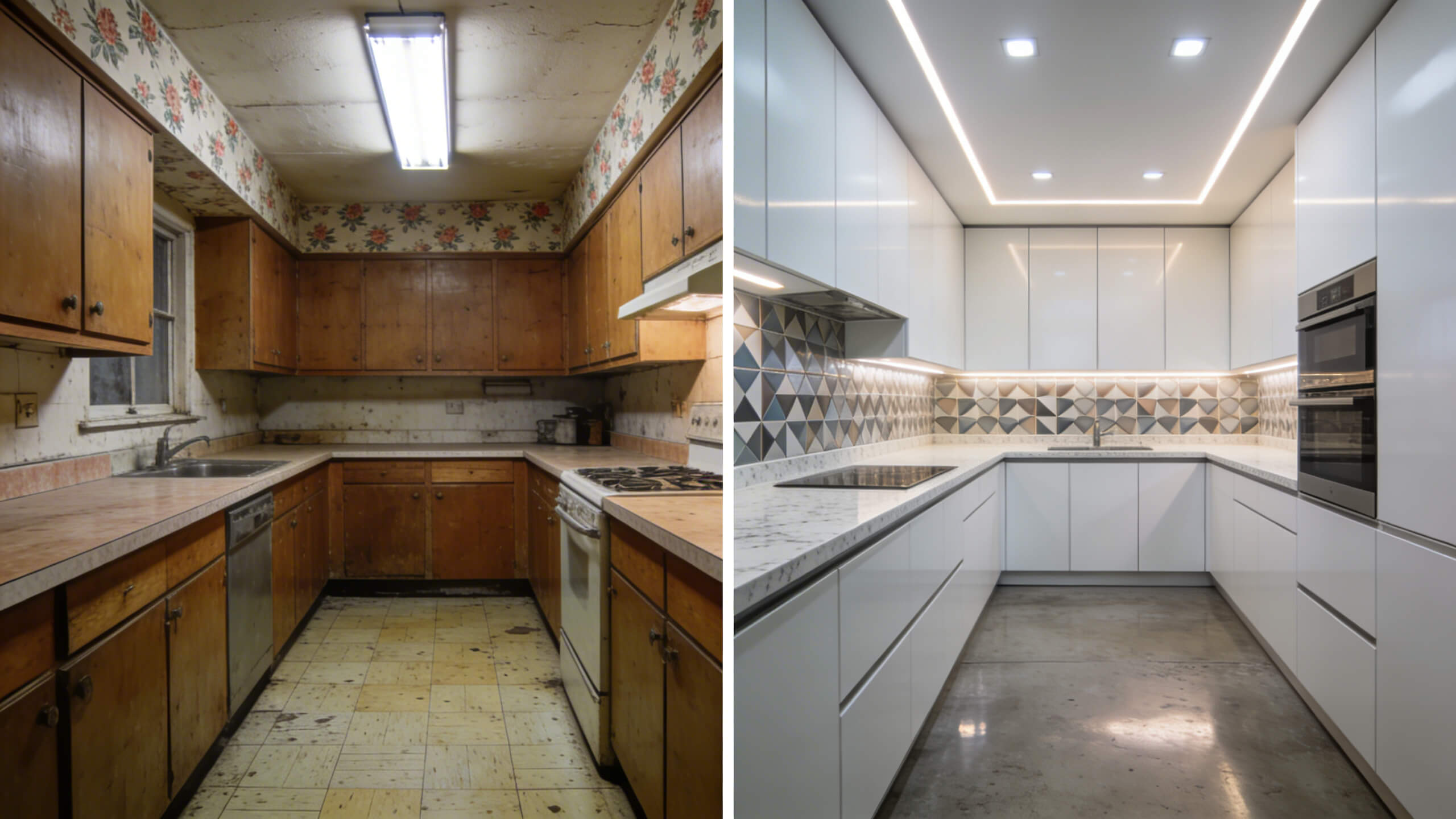
A kitchen that looks stunning in renders but forces you to take twelve steps between the refrigerator and the cutting board will frustrate you every day. Workflow testing is one of the most practical uses of a 3D kitchen planner, and it is the step most homeowners skip.
Walk through your daily cooking routine in the 3D model. Start at the refrigerator, carry ingredients to the prep area, move to the sink for washing, then to the stove for cooking. Count the obstacles between each station. If you have to walk around the island to get from the fridge to the prep counter, the layout needs adjustment. If the dishwasher door blocks the path to the stove when open, the appliance lineup needs to shift.
Test multi person scenarios. Can two people work in the kitchen simultaneously without colliding? Can someone reach the refrigerator while the cook stands at the stove? Can a child sit at the island and do homework without being in the cook's walkway? These practical tests reveal problems that would not surface until the kitchen is fully built and being used daily.
Pay attention to the landing zones next to appliances. Every oven, microwave, and refrigerator needs at least 15 inches of counter space on the side where the door opens. If a hot dish comes out of the oven and there is no counter within arm's reach, you have a safety problem and a design flaw. A 3D model makes these clearances obvious at a glance.
Step 7: Share your AI design and finalize the plan
Once your 3D kitchen design is complete, sharing it with everyone involved in the renovation is essential. Family members who use the kitchen daily should validate the layout. A contractor needs to see exact dimensions and appliance positions. A countertop fabricator needs to know the island measurements. When everyone works from the same visual reference, miscommunication drops dramatically.
Arcadium 3D makes sharing straightforward. Your kitchen design is saved in the cloud and accessible through a URL. Send the link to your partner, your contractor, or your cabinet supplier, and they can view the full 3D layout in their browser without downloading software. This eliminates the frustrating cycle of describing what you want verbally, hoping the contractor interprets it correctly, and discovering misalignments after work has already started.
Use the shared model as a living document throughout the renovation. If the contractor suggests a structural change during the build, update the 3D plan and review the impact before approving it. If a material you selected becomes unavailable, swap it in the model and check the visual result before committing to a replacement. The 3D plan keeps every decision visible and every change traceable.
Before approving the final plan, do one complete review. Walk through the 3D kitchen and verify: clearance around the island meets your minimum, appliance doors open without collision, the work triangle is intact, lighting covers every work zone, storage meets or exceeds your current capacity, and materials look cohesive at full scale. This checklist takes fifteen minutes in 3D and prevents thousands of dollars in mid project corrections.
What AI cannot do (Where you still need human judgment)
AI kitchen design tools are powerful, but they have limits that homeowners should understand. AI cannot assess structural integrity. If your renovation involves removing a wall, you need a structural engineer to determine whether the wall is load bearing. AI can show you what the open layout looks like, but it cannot tell you whether the ceiling will stay up without that wall.
AI cannot replace a licensed electrician or plumber. The tool can show you where outlets and plumbing connections should go in your layout, but the actual installation must comply with local building codes and requires professional hands.
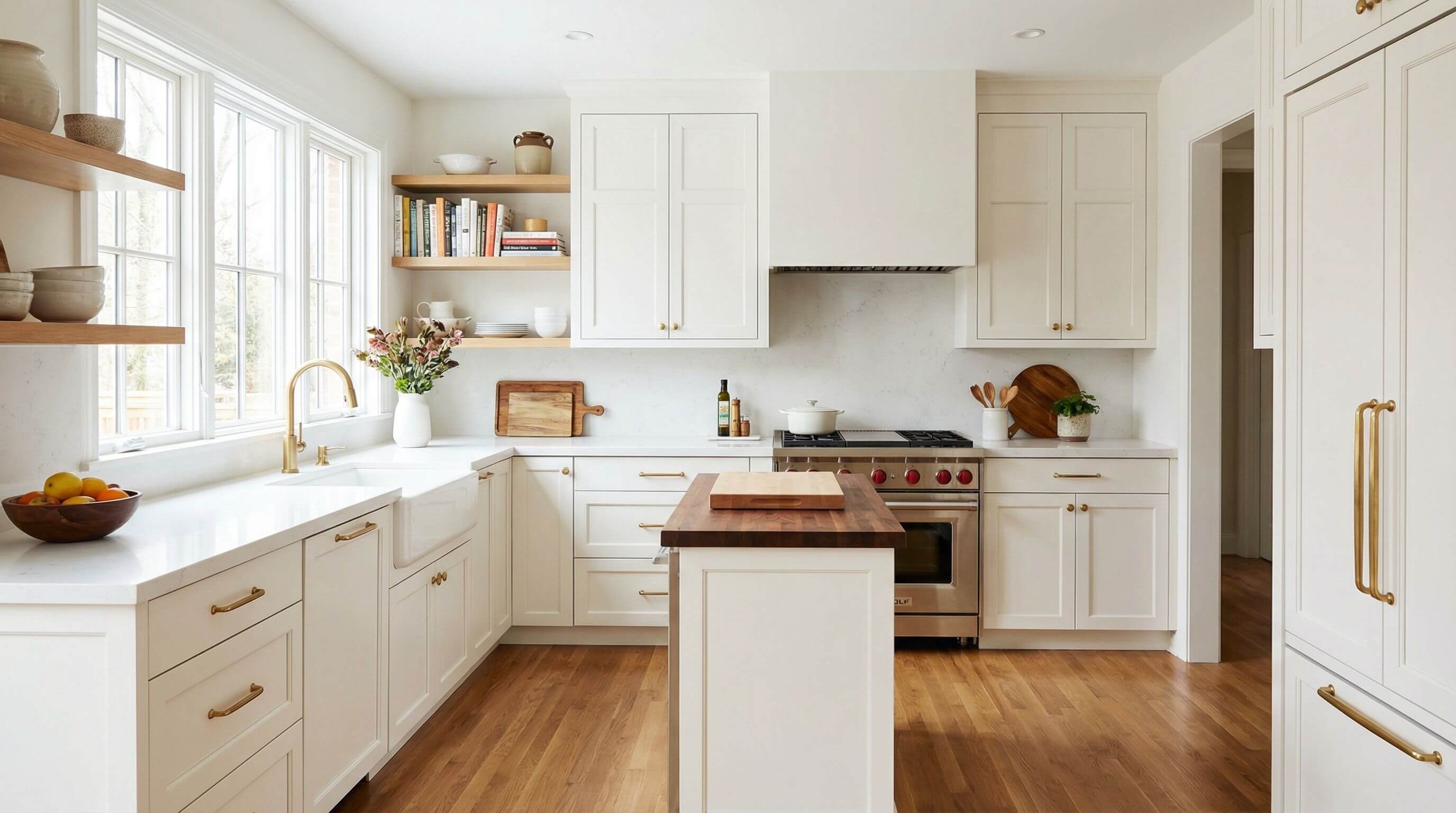
AI style suggestions can be generic. Photo based tools trained on popular design trends tend to push toward the same styles: white shaker cabinets, subway tile, quartz countertops. These are safe choices, but if you want something genuinely unique, you will need to override the AI suggestions with your own design instincts and use the 3D model to verify that your unconventional choices work in context.
The strength of AI is precision, speed, and visualization. The strength of human judgment is context, emotion, and lifestyle fit. The best kitchen designs come from combining both: let AI handle the spatial math and visual rendering, and let your personal knowledge of how you live drive the final decisions.
Frequently asked questions
Can I design my kitchen with AI without any design experience?
Yes. Modern AI kitchen design tools are built for homeowners with no design background. You input your room measurements, and the AI suggests optimized layouts, cabinet placements, and material combinations. You refine the suggestions based on your preferences.
What is the difference between AI photo redesign tools and 3D kitchen planners?
Photo redesign tools upload a photo of your kitchen and generate stylized images of how it could look. 3D planners let you build the kitchen to scale with exact measurements, test layouts interactively, and produce buildable plans. For real renovation planning, you need a 3D planner.
How accurate are AI generated kitchen layouts?
As accurate as the measurements you provide. When you input precise room dimensions, door and window positions, and appliance sizes, the AI generates layouts that respect clearance requirements and work triangle principles. Always verify the output before ordering materials.
Can I share my AI kitchen design with a contractor?
Yes. Platforms like Arcadium 3D let you share your design via URL. Your contractor views the full 3D layout in their browser, sees exact dimensions and material selections, and can coordinate directly from the same visual reference.
Does AI kitchen design replace hiring an interior designer?
For most standard kitchen remodels, AI tools provide enough capability to plan the layout, test materials, and visualize the result independently. For complex architectural changes, custom cabinetry, or high end finishes, a professional designer adds value that AI alone cannot replicate.
Is AI kitchen design free?
Many platforms offer free tiers with essential features including floor plan creation, cabinet placement, and basic 3D visualization. Advanced features like photorealistic rendering, expanded material libraries, and export capabilities may require a paid plan depending on the platform.
How long does it take to design a kitchen with AI?
Most homeowners can build a complete kitchen layout in one to two hours using a 3D kitchen planner with AI features. Photo based redesign tools generate visual concepts in under a minute, but these require further refinement in a measured 3D tool for actual renovation planning.



 Color palette generator
 3D design from AI chat
 Floor plan creator
 Kitchen design tool
 House design software
 Landscape design software
 Bedroom design
 Office floor plan creator
 Trade show booth design
 How to use Arcadium — full guide
 Community Showcase
 3D object library - free
 Articles and blog