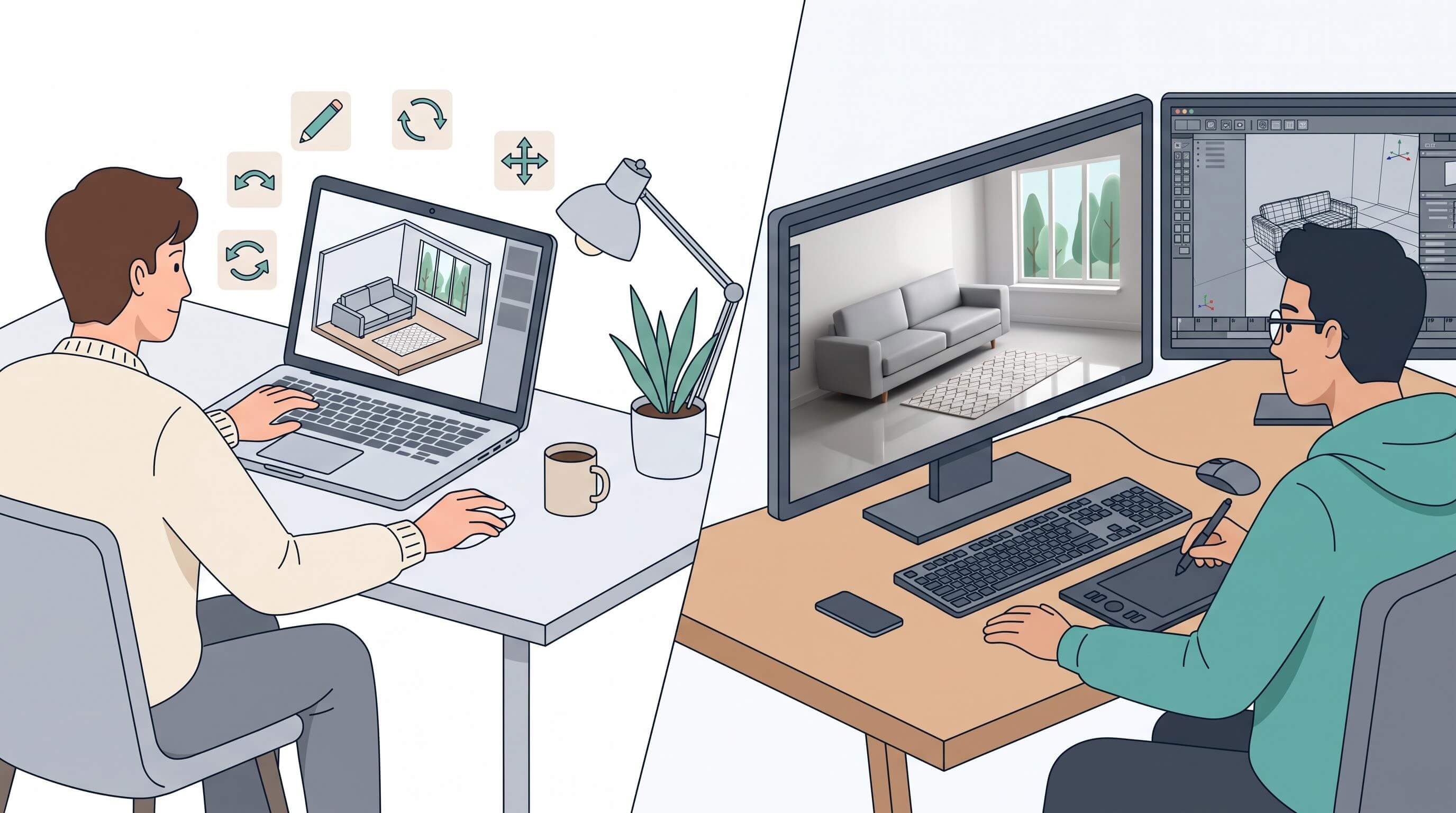
Choose DIY software rendering when you need images to make decisions about layout, finishes and furniture fit, because you will change the design many times. Hire a rendering service when one polished image has to sell a finished design to buyers or investors. For most home projects, DIY covers the planning and a studio is optional.
This comparison of DIY software rendering vs hiring a rendering service uses studio price lists checked in autumn 2026, US Bureau of Labor Statistics wage data and current software plan pricing, and every cost figure shows its math.
What is the difference between DIY rendering and a rendering service?
Rendering is the step that turns a 3D model into an image by calculating light, shadow and surface materials. With DIY software rendering, you build the model and produce the images yourself in a design tool. With a rendering service, you send plans and reference photos to a 3D artist or studio, who builds the scene and returns finished images, usually priced per image.
The practical difference is who pays for each change. In a DIY tool, moving a kitchen island 30 cm and re-rendering takes a few minutes of your time. With a studio, the same move after the included revision rounds is billed by the hour.
Two terms come up in every quote. A photorealistic render is an image meant to pass for a photograph. Real-time rendering updates the image as you edit the model and trades some fidelity for speed, which is why planning tools use it.
How much does a professional rendering service cost ?
A residential interior still from a rendering studio starts at $300 to $350 per image, and complex interiors run $1,500 to $2,500. Those figures come from a comparison of published studio price lists, which also cites a market guide putting more than 80% of studios at $350 to $2,500 per image. Published starting prices break down like this:
Location moves the price as much as complexity does. The same guide lists $600 to $2,500 per image for US and Canadian studios, $500 to $2,000 in the UK and Western Europe, and $300 to $1,200 in Eastern Europe.
The base price is rarely the number that hurts. These line items push a quote up after you sign:
- Revisions beyond the included 1 or 2 rounds, at $100 to $250 an hour.
- Rush delivery under five business days, at 30% to 50% on top.
- Custom modeling of a specific product, such as the exact sofa you plan to buy, at $75 to $200 per element.
What does DIY rendering actually cost?
DIY rendering costs a software subscription plus your time, and for most people the time is the larger number. Many browser-based design tools have a free tier, so the software line can be zero while you plan a single room.
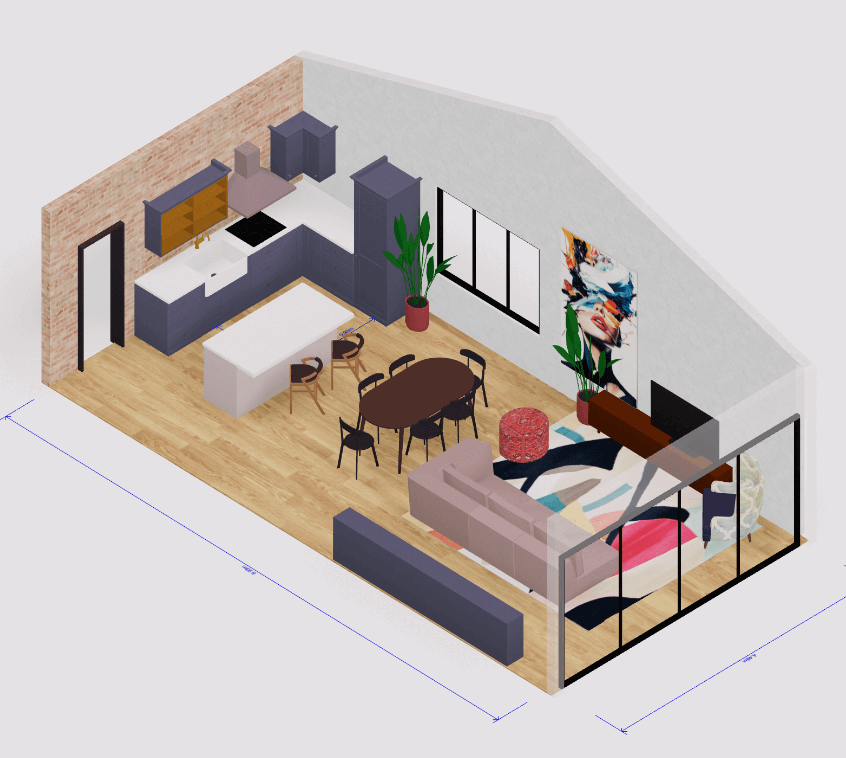
Hardware depends on the type of tool. Desktop render engines that simulate light physically lean on a strong graphics card and can tie up a machine for minutes or hours per image. Our browser-based 3d home design software runs without a download, so an ordinary laptop handles planning views.
The learning curve splits the same way. A drag-and-drop planner gives a usable room view on the first day. Getting photoreal output from a desktop engine means learning materials, lighting and camera settings, and most people need months of regular practice before a client would accept the result. That is the strongest argument for hiring when you need photoreal marketing images only a few times a year.
Put a price on your hours before comparing. The US Bureau of Labor Statistics reports a median annual wage of $67,190 for interior designers in May 2025. Over a 2,080-hour work year that is about $32.30 an hour, so a designer who spends 8 hours modeling and rendering a kitchen has put roughly $258 of time into it.
DIY vs rendering service compared
The factors that drive the decision line up like this:
When DIY software rendering is the better choice
DIY wins whenever the image exists to help someone decide, because decisions take many versions. The common cases are:
- Testing a layout. Checking whether a dining table leaves a walking room, or whether a kitchen island blocks the dishwasher door, takes a dozen quick versions. A tool built to plan a kitchen layout in 3D handles that faster than any studio brief.
- Comparing finishes. Six flooring options against two cabinet colours is 12 images. At a $300 studio starting price that is $3,600 for images you will mostly reject.
- Briefing a contractor. A shared 3D model shows ceiling heights and openings that a sketch leaves out, and you can update it the day a measurement changes.
- Showing clients early concepts. Designers who present a couple of directions in the first meeting need speed more than polish.
Our position is simple. Paying a studio before the layout is final means paying studio rates to iterate, and iteration is the one thing DIY software does better.
When hiring a rendering service is worth the money
Hire a rendering service when the design is final and one image has to persuade people who will never stand in the room. Typical cases:
- Selling before the building exists. Off-plan listings and developer brochures need exterior and aerial views with real context, sky and planting, and buyers judge them in seconds.
- A portfolio hero image or magazine submission, where art direction matters more than speed.
- Walkthrough animation. At $1,000 a minute and up from studios, animation is still specialist work.
- A hard deadline with nobody in-house who can produce photoreal work.
A useful test before you request quotes is whether the design will change more than twice after the images are made. If it will, finish the design in your own tool first.
Worked example with one kitchen remodel and four views
The figures below use the published prices cited above, current plan pricing and one assumption you should replace with your own number, which is 8 hours to model the kitchen and produce the views.
Arcadium 3D, a free browser-based 3D home design tool, caps its free plan at 2 projects and 30 objects per project. A furnished kitchen with cabinet runs, appliances and stools can pass 30 objects, so the example uses the Pro plan at $216 a year, which includes 150 AI images a month. You can check the current plan limits before you run your own numbers.
The hybrid route is what we recommend to most designers who bill clients for a remodel. Layout and finish decisions happen at DIY speed, and the money goes into the one image that ends up in the proposal or on social media. A homeowner who is not selling anything can usually stop at DIY only.
Can AI rendering replace a rendering service?
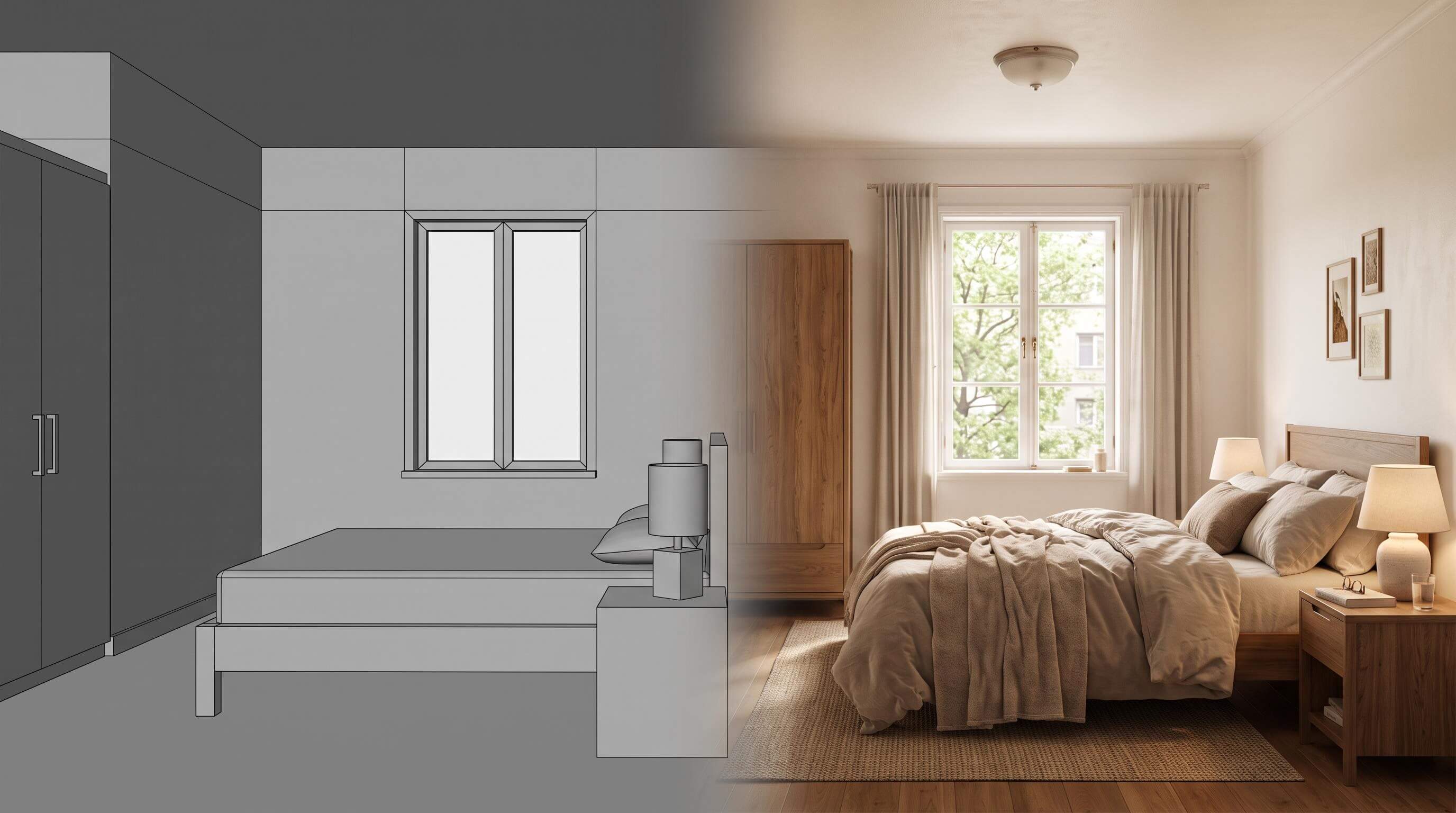
AI rendering can stand in for a studio on concept images and mood. It cannot stand in for one on images that must match exact products and dimensions.
AI rendering here means an image model that takes a view of your 3D scene and repaints it with realistic materials and light. It is fast, and it can also invent details, such as changing a tap style or stretching a window, so every output needs checking against the plan.
AI interior design tool in Arcadium 3D turns a view from your 3D model into a photorealistic or stylised image, including sketch and watercolour looks for presentations. You can upload photos of specific furniture to place in the image and select an area to redo. The tool's own guidance is to use a natural eye-level viewpoint, because the AI handles perspective better that way.
Use AI images to pick a direction and the measured 3D model to make decisions about fit. Never send an AI image to a contractor as a specification.
How to brief a rendering service so you pay for fewer revisions
Most extra charges come from changes a studio could not have predicted, so a complete brief is the cheapest saving available. Work through these steps in order:
- Lock the layout in your own 3D model and send it, or screenshots of it, with the plans.
- Give measured plans with ceiling heights and the position of every window and door.
- Name every material by product name or link. "Light oak flooring" gets you the studio's idea of light oak.
- Mark each camera angle on the plan, or export the exact views from your model.
- Agree in writing how many revision rounds are included, what counts as a change of scope and whether you receive the source file.
- Set a deadline at least five business days out to avoid the 30% to 50% rush premium.
Which option fits your project?
Frequently asked questions
Do I need a powerful computer for 3D rendering?
Only for desktop render engines. Engines that simulate light physically lean on a dedicated graphics card, and a weak machine can take minutes or hours per image. Browser-based home design tools run without a download and open on ordinary laptops, which covers floor plans, room views and AI images. If you need photoreal marketing images only occasionally, hiring a studio costs less than buying a workstation for them.
How long does a rendering service take?
Plan on more than a week for still images. Studios charge a rush premium of 30% to 50% for anything under five business days, which tells you their standard schedule is longer. Walkthrough animations take three to six weeks of production. Each revision round adds time as well, so a design that is still changing stretches the schedule further.
Can I use DIY renders in a planning or permit application?
Usually as supporting material only. Planning and permit offices ask for scaled, dimensioned drawings, and the exact list depends on your local authority. Renders help committees and neighbours understand what will be built, and a DIY model can supply those views once the design is final. Check your authority's submission checklist before paying a studio for images it may not require.
Who owns the 3D model when I hire a rendering company?
That depends on the contract, and a quote that lists only finished images may not include the scene file. If you expect to request changes next year or reuse the scene for another room, ask for the source file in writing before work starts, and ask which software opens it. A model you built yourself in a DIY tool stays yours to edit at no extra cost.
Is 3D rendering worth it for a small renovation?
A 3D model is worth it for almost any renovation. Paid studio renders are worth it when one wrong decision would cost more than the images. The 2026 Houzz & Home Study found that 54% of US homeowners renovated in 2025 and 91% of renovating homeowners hire professionals, so most renders end up in front of a contractor. A free DIY model covers that conversation for a bathroom or bedroom refresh.



 Color palette generator
 3D design from AI chat
 Floor plan creator
 Kitchen design tool
 House design software
 Landscape design software
 Bedroom design
 Office floor plan creator
 Trade show booth design
 How to use Arcadium — full guide
 Community Showcase
 3D object library - free
 Articles and blog