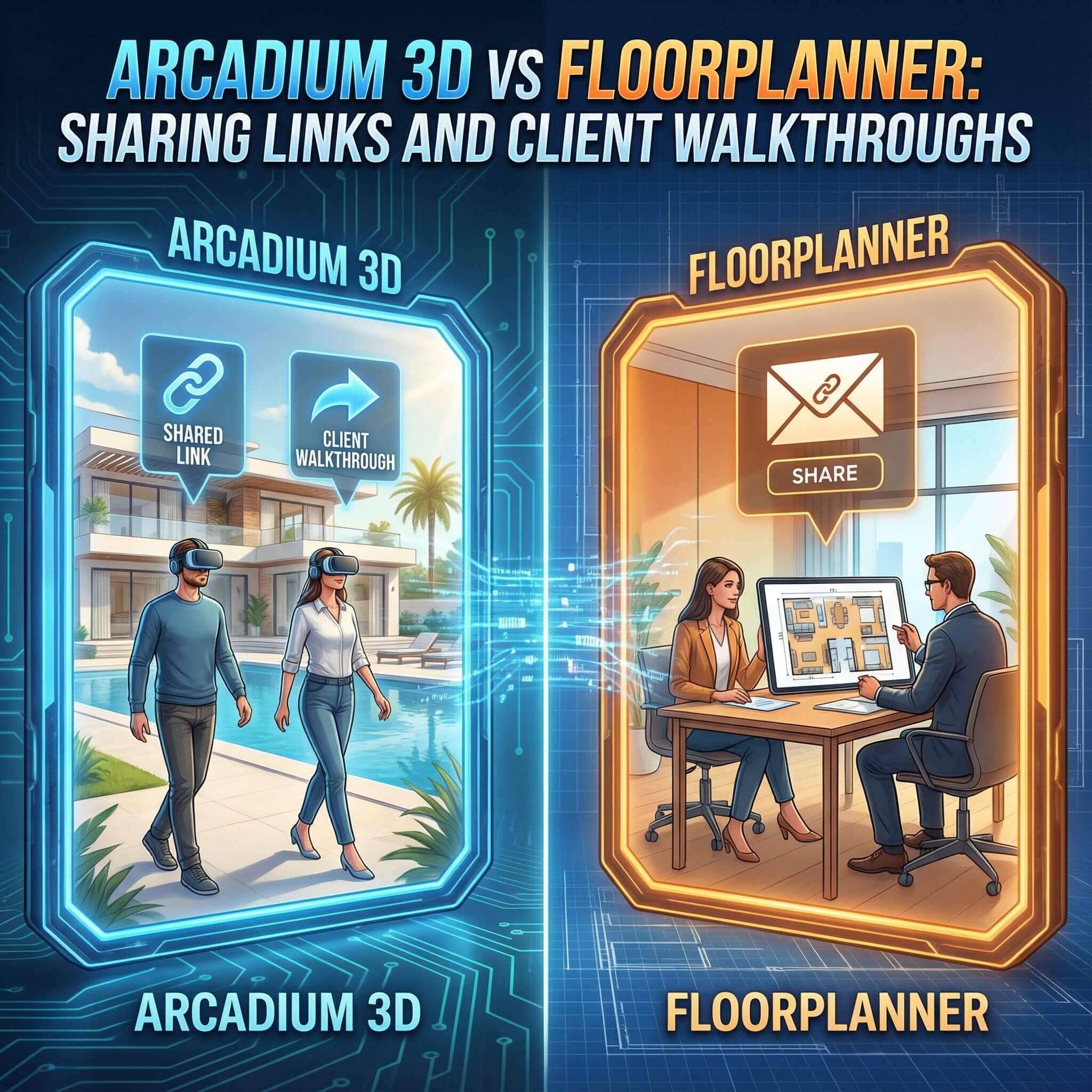
Professionals in interior design and architecture often need to share their 3D designs with clients for feedback and approval. Two popular tools that enable this are Arcadium 3D and Floorplanner. Both allow you to create room designs and share them via web links so clients can take virtual walkthroughs of the space. However, there are key differences in how each platform handles link sharing and client presentations.
In this comparison, we’ll explore how Arcadium 3D and Floorplanner stack up in terms of ease of sharing, the client’s 3D walkthrough experience, collaboration features, and overall value – and why Arcadium 3D emerges as a strong alternative to Floorplanner for seamless client presentations.
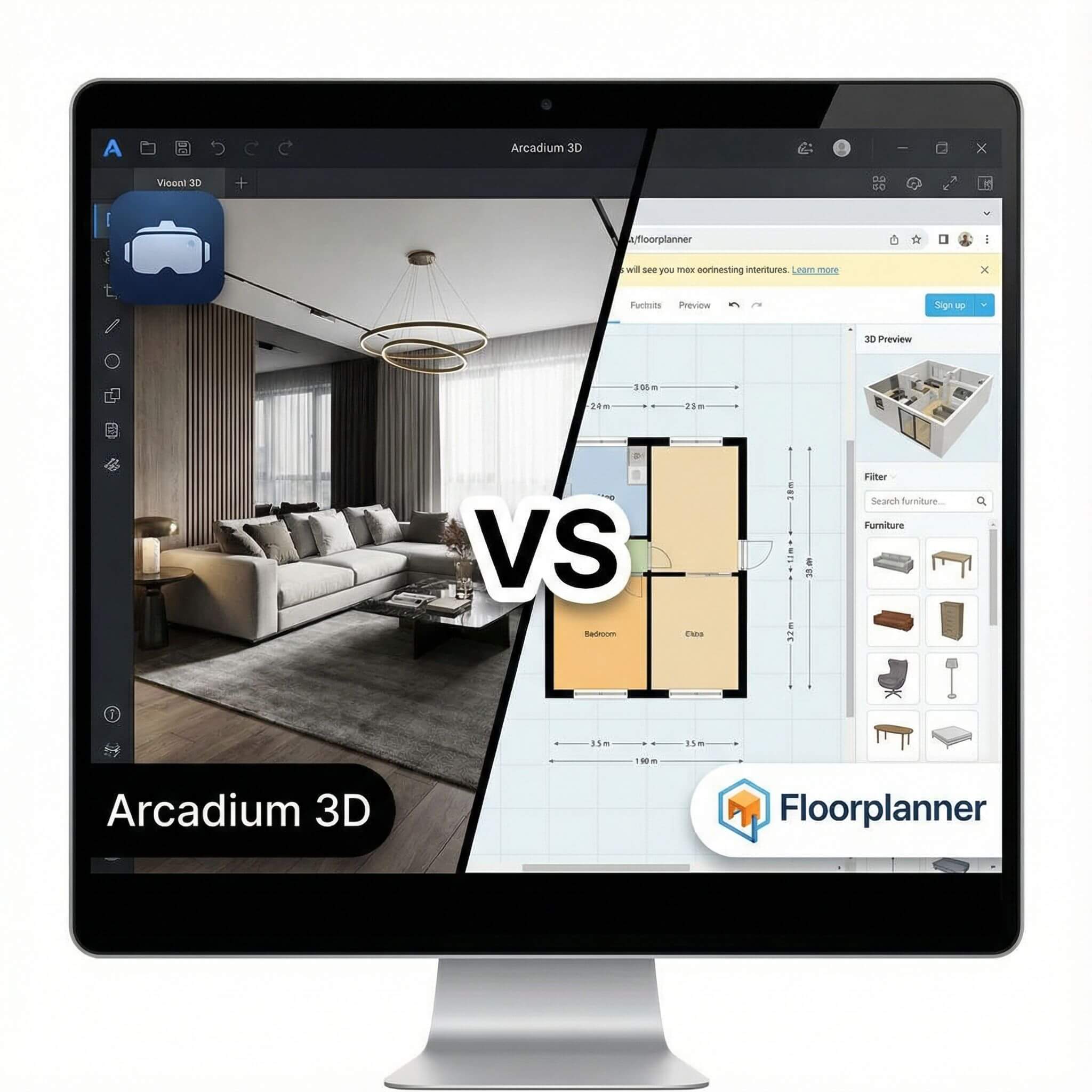
To give a quick overview, the table below summarizes the main differences between Arcadium 3D and Floorplanner when it comes to sharing design links and enabling client walkthroughs:
A Quick Comparison to Help You Decide Faster
Ease of Sharing and Client Access
Arcadium 3D:
Arcadium makes sharing a design about as simple as it gets. Once your room design is ready, you just click “Share” and the platform generates a unique web link for your project. You can send this URL to anyone via email, text, or however you like. When your client opens the link, they can immediately view the design in their web browser – no special software, login, or plugin required.
This frictionless link-sharing means there’s virtually no barrier for your client to access the 3D model. In professional scenarios, such quick sharing can significantly speed up client sign-off because the client can open the model instantly and see it for themselves.
Arcadium is entirely cloud-based, so the link always points to the latest version of your design; if you make changes after sharing, the client will see the updates by simply refreshing the link. Overall, Arcadium 3D offers a one-step, hassle-free sharing process that is ideal for busy designers and their clients.
Floorplanner:
Floorplanner also allows you to share designs via a web link, though the process has a few more settings. In Floorplanner’s editor, you click the “Share” button and choose whether you want the person to have viewing access or editing access. You can then generate a link (or send an email invite) and even set a password for the link if extra privacy is needed.
Like Arcadium, Floorplanner’s shared link can be opened in any modern browser, and clients don’t need to install anything to view it. The client will typically see the project in Floorplanner’s online viewer. This is relatively straightforward, but it does involve an extra step or two (choosing permissions, optional password) compared to Arcadium’s one-click approach. Also, if the client wants to edit or make changes in Floorplanner, they would need to have their own Floorplanner account and the appropriate permissions.
For simple viewing purposes, Floorplanner’s sharing works well and is secure (thanks to the password option). However, Arcadium’s extremely simple “just send a link” approach is a bit more user-friendly and immediate for clients. There’s no need to worry about accounts or settings on the client side – they just click and view. In terms of ease of sharing, Arcadium 3D holds an advantage for its pure simplicity and lack of friction in getting the design in front of your client.
Verdict on Sharing Ease:
Both platforms support web link sharing, but Arcadium 3D is quicker and more frictionless. The one-step link generation and no-login access mean even non-tech-savvy clients can open the design instantly. Floorplanner’s sharing is certainly workable, but the minimal setup and instant access Arcadium offers make it the more convenient choice for fast client communications.
Interactive 3D Walkthrough Experience
Arcadium 3D:
The hallmark of Arcadium’s client experience is an immersive 3D walkthrough. When your client opens the shared Arcadium link, they’re not just seeing static snapshots – they get a live 3D model they can navigate in real time. Arcadium launches an interactive viewer where the client can step inside the virtual space, using keyboard controls (like W/A/S/D keys or arrow keys) or touchscreen gestures to walk around from a first-person perspective.
It feels very much like exploring a space in a video game, which clients find engaging and intuitive. They can look in any direction, move through doorways, and basically tour the designed room or home at their own pace. Arcadium even lets viewers switch between the 3D walkthrough view and a 2D floor plan view on the fly.
This means a client can toggle to an overhead plan to understand the layout or measurements, then jump back into the 3D view to see it in a lifelike way. The ability to experience the design “from any angle” in 3D or as a floor plan gives clients a comprehensive understanding of the space.
Importantly, there’s nothing to download – all this happens in the browser with Arcadium’s real-time rendering engine. Clients effectively get a virtual open house: they can truly feel the scale, layout, and ambience of the design by navigating it themselves, which is far more impactful than viewing static images.
Floorplanner:
Floorplanner also provides an interactive 3D viewing experience for shared projects, though the mechanics are a bit different. Floorplanner has a feature called VR 3D Tour which is essentially its 3D walkthrough mode. When a client opens a Floorplanner share link in 3D mode, they will usually start in a predetermined viewpoint in the space – Floorplanner allows the designer to set up one or more camera positions in the design.
The viewer will see a list of these 3D camera views and can choose a starting point (for example, a view from the entry door or a bird’s-eye dollhouse view). From that viewpoint, the client can then move around by clicking within the scene – essentially, they click where they want to go, and the view will glide to that point.
They can look around in all directions (it’s a 360-degree view) and proceed through doorways or into different rooms by clicking to move step by step. This gives a virtual tour experience that is quite user-friendly, especially for clients who might not be familiar with keyboard controls. Floorplanner’s 3D tour has the advantage of pre-rendered lighting and materials: the surfaces, textures, and lighting in the tour are “baked” into the model for realism.
In practice, this means the 3D walkthrough can look impressively realistic, with correct shadows and lighting effects, even on a modest device. However, the Floorplanner viewer is mostly focused on the 3D perspective.
Verdict on Walkthroughs:
Both Arcadium 3D and Floorplanner give clients the ability to virtually walk through a space in 3D, which is hugely beneficial for understanding a design. This level of interactivity and flexibility can make Arcadium’s client walkthroughs more engaging and informative. For designers who want clients to really feel the space and explore every nook, Arcadium provides that immersive experience out of the box.
Collaboration and Client Feedback
Arcadium 3D:
Sharing a link with Arcadium isn’t just a one-way presentation – it can also invite collaboration and feedback. Since Arcadium is cloud-based, the shared model is live and can be interacted with by multiple people. By default, anyone with the link can view and walk through the design, and Arcadium even notes that viewers (like friends or family you share with) can leave comments or ideas after exploring the room.
For more direct collaboration, Arcadium lets you invite others as co-editors on your project. For example, you could share the design with a client or a colleague and grant them edit access – then both of you can work on the design together in real time. This real-time co-editing is a powerful feature: it’s like Google Docs for 3D design. A client who is also using Arcadium (it’s free for them too) could log in and make small adjustments or point things out in the model, and those changes happen live.
Even if clients don’t edit themselves, the designer can make tweaks during a meeting while the client watches in their own browser. Arcadium’s sharing essentially creates a collaborative environment – instead of a static presentation, it becomes a dynamic session where client feedback can be applied immediately.
Floorplanner:
Floorplanner is less collaboration-oriented when it comes to client sharing. In the typical workflow, you as the designer would share a Floorplanner project link with view-only access for the client. The client can look around, but they cannot directly comment on or change the design in that interface.
Any feedback they have would have to be given via email, phone, or a meeting, and then you would manually incorporate those changes in Floorplanner. Floorplanner does support multiple users editing a project, but this is mainly facilitated through their account structure and paid plans. For instance, if you have a Floorplanner Team account (a paid plan for up to 10 users), you and your team can share projects internally and each user can make edits (not simultaneously in the same exact moment, but each has access).
However, this is intended for design teams, not for sharing editing capabilities with clients. In theory, you could add a client as a user or share the project with editing rights (the share dialog does have an “Allow editing” option), but the client would need to sign up for Floorplanner and learn to use the interface to make any changes – which is usually not practical or desired.
Verdict on Collaboration:
Arcadium 3D offers a far more collaborative experience for client presentations. Clients can interact with the design, leave comments, or even co-edit if invited, making them feel part of the process. This capability can be a game-changer for getting quick feedback and making on-the-fly adjustments.
Floorplanner, while a powerful design tool, treats client sharing more as a static presentation – interactive for viewing, but not interactive in terms of client input. For designers who value a collaborative rapport with clients (or need to coordinate design changes live), Arcadium 3D is clearly the better alternative to Floorplanner in this aspect.
Platform Accessibility and Device Support
Arcadium 3D:
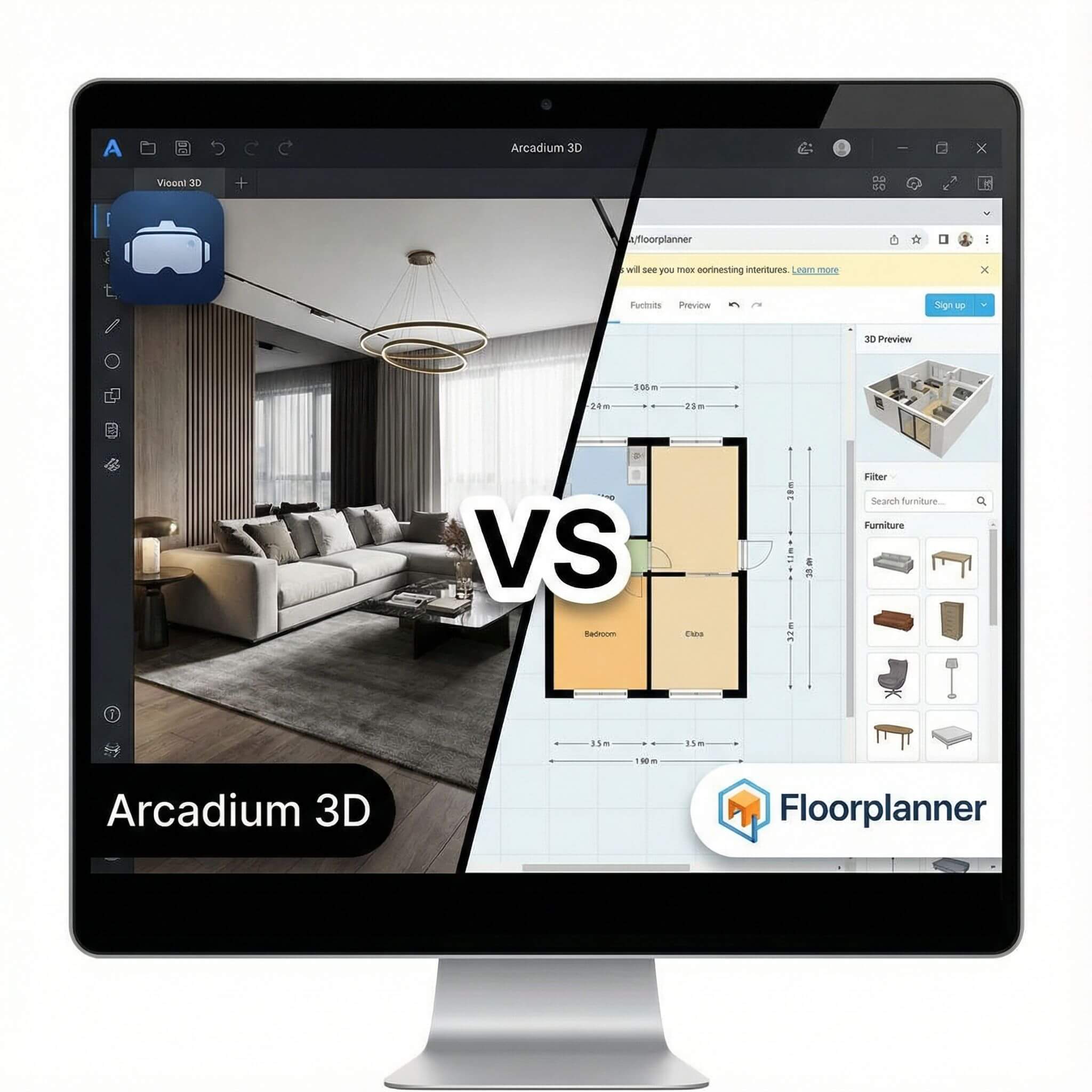
Arcadium is built to be accessible anywhere. It runs entirely in your web browser, which means it doesn’t matter if you or your client are on Windows, Mac, or even a Chromebook – as long as you have an internet connection and a modern browser, you’re set. There’s no download or install needed at any point, for the designer or the viewer.
This is great when sharing with clients, because you don’t have to worry about technical setup. Your client can open the link on their work computer, home laptop, or even a tablet. The Arcadium viewer is WebGL-based and should work on mobile devices as well; clients on an iPad, for example, can tap to move around the 3D room using touch controls. Arcadium’s interface is fairly intuitive, and since it’s delivered via the web, updates or fixes are automatic – you’re always using the latest version.
The bottom line is that Arcadium’s cloud approach removes typical compatibility headaches: you’re not sending around large files, and you’re not asking the client to install an app or figure out any technical steps. They click the link and immediately have access to the design experience.
Floorplanner:
Floorplanner is also quite accessible, but with a few differences due to being a more mature platform. Floorplanner’s primary interface is web-based as well, and clients will typically view the shared design in their browser. It supports major browsers and doesn’t require a separate plugin (in the past, many years ago, some online tools needed Flash or other plugins, but Floorplanner today runs on HTML5/WebGL).
So in general, a client can open a Floorplanner link on a desktop or laptop without issue. Floorplanner also has mobile apps and an iPad app for designing on the go, but for viewing a shared plan, the web link is usually enough. On mobile browsers, Floorplanner’s 3D viewer may have limited functionality (small screens can be tricky for 3D navigation by clicking).
If a client is on a phone, they might find it a bit cumbersome to do the virtual tour via the browser; in such cases, the designer might share static snapshots or guide them via a screen share. Comparatively, Arcadium’s interface was designed mobile-friendly from the start (it even supports touchscreen navigation in 3D), so it might handle small-device viewing a bit more gracefully.
Verdict on Accessibility:
Arcadium’s approach is ultra-modern and optimized for ease – the client sees no unnecessary interface elements and can even use a tablet touch interface smoothly. Floorplanner works well on standard computers and has apps for mobile, but its web viewer on mobile might not be as refined for touch interaction.
Overall, both tools respect the fact that architects and designers often work with clients remotely and across devices. If we have to pick, Arcadium 3D gets a slight nod for being built from the ground up as a browser-first tool with a very clean viewing experience, making it extremely accessible to any client without any learning curve or device concerns.
Pricing and Value for Sharing & Walkthrough Features
Arcadium 3D:
When it comes to cost and value, Arcadium 3D is hard to beat. The platform offers its core features – including creating designs, using the full 3D furniture library, generating shareable links, and even producing AI-generated style images – completely free of charge.
There are no limits on how many projects you can create or how many links you can share with others in the free tier. Essentially, you can run your entire client presentation workflow on Arcadium without spending anything, which is remarkable.
Arcadium does mention that there are optional upgrades for things like advanced exports or high-resolution rendering, but these are not required for the normal sharing and 3D walkthrough experience. As a professional, this means you can use Arcadium 3D to present to all your clients without worrying about per-project fees or subscriptions.
Floorplanner:
Floorplanner operates on a freemium model, which means some functionality is free, but to use it extensively or professionally, you will likely need to pay. To its credit, Floorplanner’s free plan is a great way to try out the platform: you can create one project with up to 3 floors for free. This is enough if you have a single home or a one-off project to showcase (e.g., a homeowner making their own floor plan).
However, if you’re a professional designer or architect handling multiple client projects, one project won’t be enough. Floorplanner offers premium plans (Plus, Pro, or Team) that let you create more projects and that come with monthly credits. The credit system in Floorplanner is used to “upgrade” projects to higher levels, which unlocks better 3D rendering quality, more exports, and so on.
Verdict on Pricing:
Arcadium 3D clearly wins on cost-effectiveness. It offers essentially all its client-sharing features without any fee or limit, making it an extremely attractive option for professionals and hobbyists alike. Floorplanner, while offering a robust service, will require a paid plan for regular professional use, which is an additional expense to consider.
If you’re an interior designer or architect looking to maximize your budget, Arcadium allows you to present interactive 3D designs to clients with zero software costs, whereas with Floorplanner, you should be prepared for subscription fees as you scale up usage.
Conclusion: Which to Choose for Client Presentations?
Both Arcadium 3D and Floorplanner are capable platforms, but when focusing on sharing links and client walkthroughs, Arcadium 3D stands out as a modern, collaborative, and cost-efficient choice. Floorplanner has been around longer and offers excellent design tools, but Arcadium 3D has leveraged newer technology and a more generous pricing model to deliver a very user-friendly experience in this area.
If your priority is to quickly share immersive 3D designs with clients and let them virtually experience the space, Arcadium 3D provides a smoother and more interactive workflow. Clients can open an Arcadium link without any hurdles and immediately walk through the design in 3D, even switching to plan view for details. The ability to collaborate in real time and invite clients to engage with the design is a game-changer, helping you get feedback faster and make decisions together. Plus, you can do all of this without paying for software licenses, which is especially beneficial for independent designers or small firms.
Floorplanner remains a powerful floor-planning tool and might still be preferred for certain use cases (it has a very extensive furniture library and some advanced features like AR product views, etc.).
In summary, Arcadium 3D is an excellent alternative to Floorplanner when it comes to sharing designs and conducting client walkthroughs. It offers a frictionless sharing experience, immersive 3D tours, real-time collaboration, and free usage of core features – a combination that’s hard to beat.
Frequently Asked Questions
Can I share a project in Arcadium 3D with a client for free?
Yes. Arcadium 3D lets you create and share unlimited projects via a simple web link at no cost. Clients can open the link in their browser and view the design instantly, with no paywalls or limits on sharing.
Do clients need to install any software or sign up to view designs in Arcadium 3D or Floorplanner?
No. Both Arcadium 3D and Floorplanner run in the browser, so clients don’t need to install anything. Arcadium viewers don’t need an account just to look around, and Floorplanner only requires an account if you invite them to edit or use advanced collaboration options.
What is the difference between Arcadium 3D’s 3D walkthrough and Floorplanner’s 3D tour for clients?
Arcadium 3D offers a free-roam, first-person walkthrough where clients can move continuously through the space, like a game, and switch to 2D floor plan view anytime. Floorplanner’s 3D tour moves from point to point via clicks, more like linked 360° panoramas, which is realistic but less fluid than Arcadium’s continuous walkthrough.
Can clients provide feedback or make changes to the design in Arcadium 3D or Floorplanner?
In Arcadium 3D, clients can explore the model, leave comments, and even co-edit the design in real time if you invite them as collaborators. In Floorplanner, clients usually share feedback outside the tool (email, call, etc.), and direct editing typically requires an account and is mainly used by team members rather than clients.
Is Arcadium 3D really a free alternative to Floorplanner for professional use?
Yes. Arcadium 3D’s core features – unlimited projects, furniture library, interactive 3D walkthroughs, and link sharing – are free, making it very attractive for freelancers and small studios. Floorplanner is powerful too, but you generally need a paid plan once you go beyond one project or need higher-tier outputs.
How do the visuals compare between Arcadium 3D and Floorplanner for client presentations?
Arcadium 3D provides real-time 3D with dynamic lighting plus built-in AI rendering for high-quality still images, many of which you can generate for free. Floorplanner also delivers excellent visuals and very realistic renders, but the highest-quality images and panoramas usually rely on paid credits or higher plans.
You can check our other comparison contents:
Arcadium 3D vs RoomSketcher: Floor Plans to First-Person Tours
Arcadium 3D vs Homestyler: Browser Performance With Large Rooms
Arcadium 3D vs Cedreo: DIY Speed versus Professional Design Outputs
Arcadium 3D vs HomeByMe: Which Platform Balances Speed, Control, and Visual Power Best
Arcadium 3D vs Sweet Home 3D: Which Design Platform Delivers Speed, Flexibility, and Visual Impact
Arcadium 3D vs SketchUp: Which Design Tool Fits Your Workflow?
Arcadium 3D vs Roomstyler: Choosing the Right Tool for Speed, Precision, and Creative Freedom
Arcadium 3D vs Planner 5D: Which Design Platform Delivers More for Modern Creators
Arcadium 3D vs SmartDraw: Floor Plans, Elevations, and Exports



 Color palette generator
 Floor plan creator
 Kitchen design tool
 House design software
 Landscape design software
 Bedroom design
 Office floor plan creator
 Trade show booth design
 How to use Arcadium — full guide
 Community Showcase
 3D object library - free
 Articles and blog