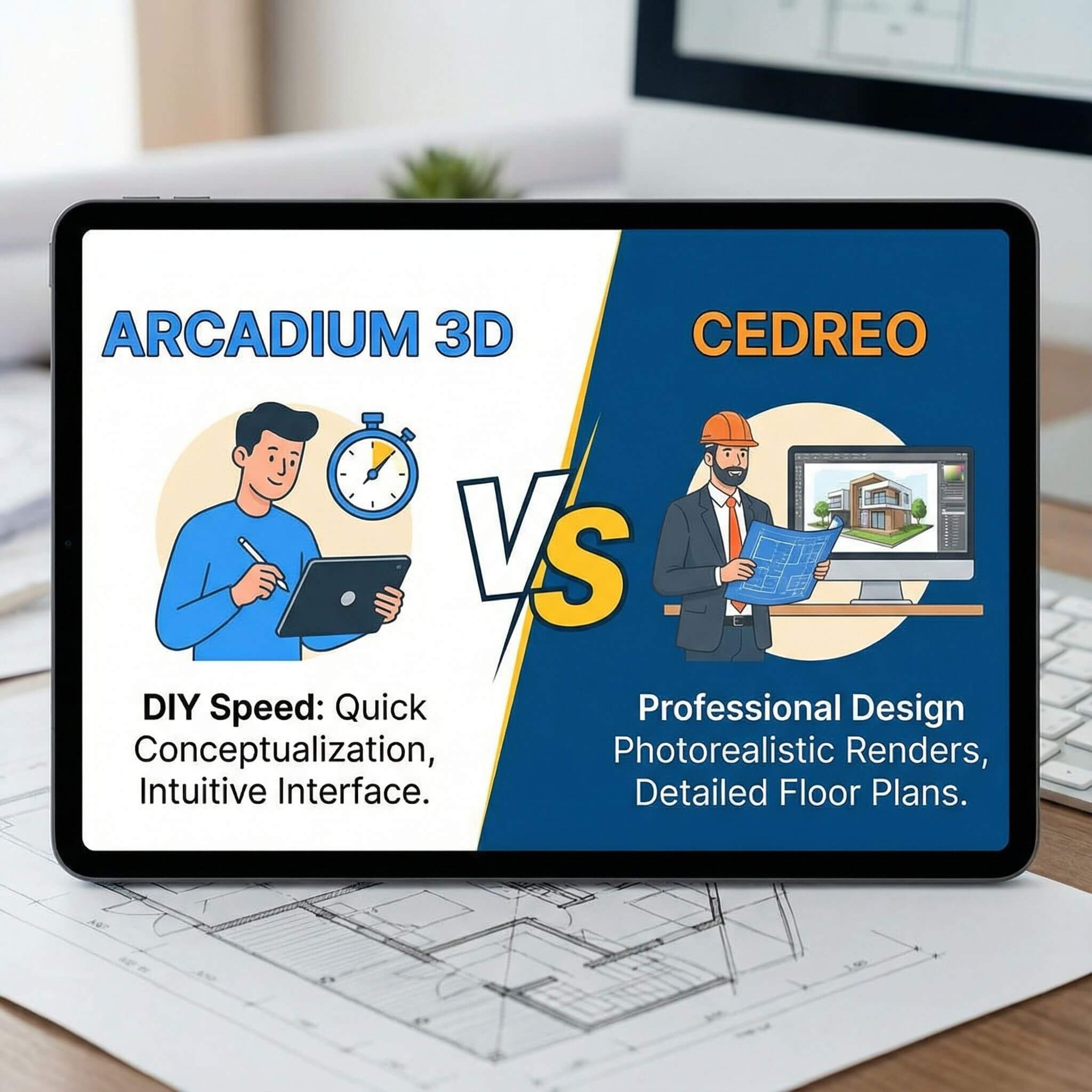
Designers and homeowners often face the same trade off. Do you choose a tool that lets you sketch ideas fast in the browser, or a platform that is built for polished client ready presentations and full house plans?
Arcadium 3D leans toward DIY friendly speed. You can draw rooms, place furniture, and walk through the design in your browser in a short time. Cedreo leans toward professional production, with complete home planning tools and high quality visuals for builders and design teams.
In this comparison, we look at Arcadium 3D and Cedreo across floor plans, 3D walkthroughs, rendering quality, customization, sharing, speed, and pricing. The goal is to help you decide which tool fits your workflow today, and to show why Arcadium 3D is a realistic alternative if you want modern browser speed without losing professional-looking results.
The Key Differences That Actually Matter
Ease of Use and Workflow
Arcadium 3D
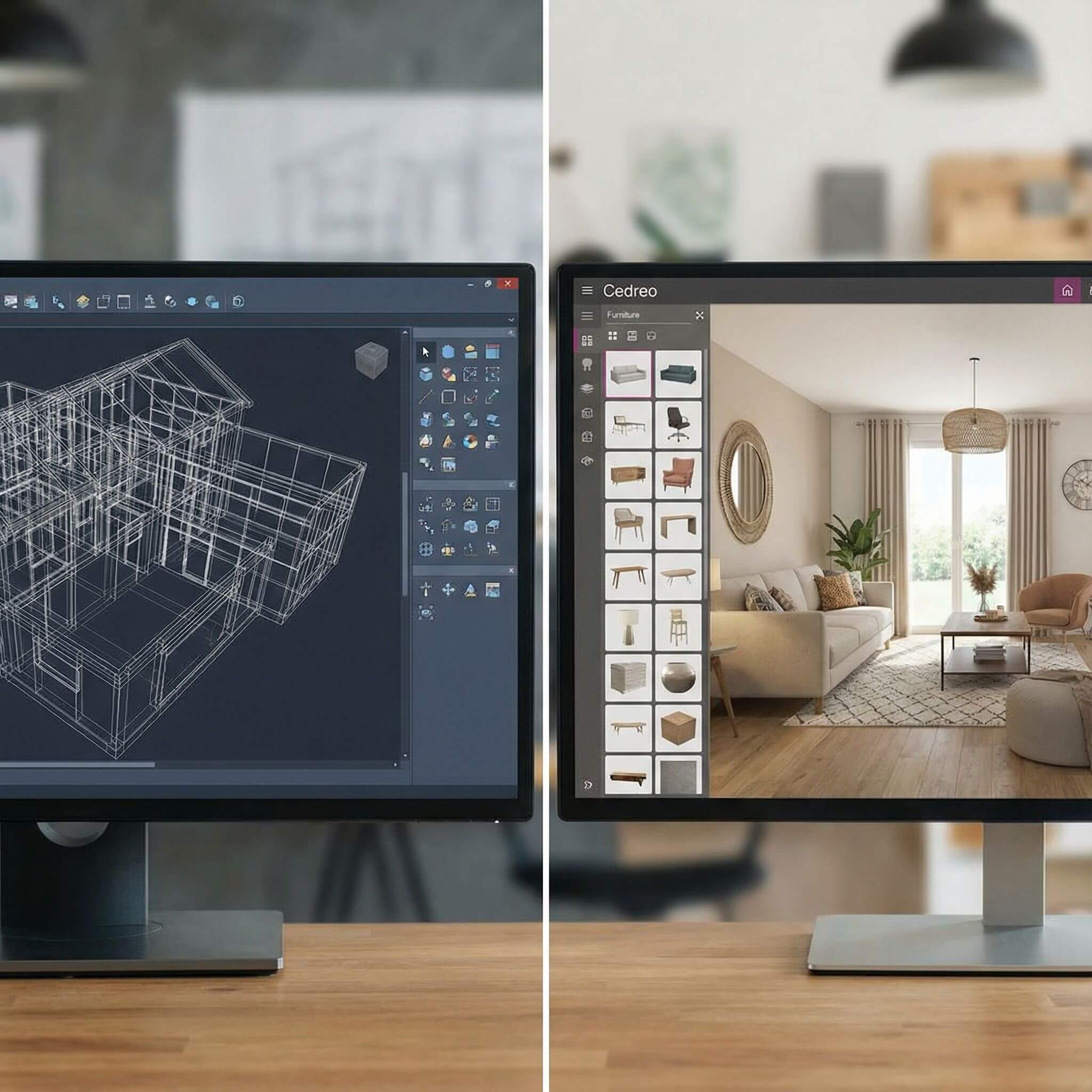
is built for speed and simplicity. Its user-friendly interface lets anyone sketch walls and place furniture right in the browser, with no steep learning curve. In practice, you can create a detailed 3D room or house layout within minutes, thanks to intuitive drag-and-drop tools and real-time snapping and measurements.
There’s no software installation required – Arcadium runs entirely online, so you can pick up where you left off on any computer.
Cedreo
is also designed to be easy, but its focus is on professional use. It uses intuitive drag-and-drop building features, yet it supports more complex tasks like drawing cross-sections and elevation views. Cedreo claims you can design a complete home project in under two hours.
In general, Arcadium wins for a quick start: beginner designers and DIYers can jump in immediately. Cedreo’s interface feels familiar to professionals, but it may require more time to create full project plans.
Verdict:
Arcadium excels at rapid concepting, while Cedreo provides a simple workflow for more detailed builds.
Design Tools and Customization
Arcadium 3D
includes a large library of 3D models and parametric components. You can add furniture, plants, kitchen cabinets, stairs, doors and more, then adjust their dimensions dynamically. Its parametric editing means walls, stairs, and windows automatically adapt to the space, speeding up modeling.
You can switch between 2D plan view and 3D view at any time. Arcadium also supports labeling, precise dimensions, and dynamic lighting to refine your design. These features give you flexibility without overwhelming complexity.
Cedreo
, on the other hand, is a full home-design suite. It not only handles 2D floor plans and 3D models, but also elevation drawings, site plans, cross-sections and terrain modeling. For example, Cedreo lets you define parcel boundaries, natural terrain, and even calculate surfaces for land development. Cedreo also has extensive catalogs of furnishing symbols and materials for both interior and exterior spaces.
In short, Cedreo offers deeper architectural tools – ideal for builders. Arcadium covers the core tasks (floor plans, furniture layout, room decoration) with great ease, whereas Cedreo goes further for professional construction documents.
Verdict:
For basic to intermediate home projects and quick iterations, Arcadium’s streamlined toolset is sufficient and faster. If you need complete house plans with technical detail, Cedreo provides more specialized features.
Visualization and AI Tools
Arcadium 3D
shines with its AI-powered visualization. You can take any camera view of your 3D design and generate multiple image styles – from photorealistic renders to stylized sketches or watercolors. This AI interior design tool can auto-furnish and enhance rooms, helping users experiment with different looks instantly.
The result is a quick way to present concepts or mood boards. Arcadium’s visual output tends to be creative and crisp, though one reviewer noted it has a “distinct style” and is evolving its library.
Cedreo
focuses on delivering polished, high-fidelity visuals. It boasts the ability to produce photorealistic interior and exterior renderings in just a few minutes. Its visualization engine handles realistic lighting, shadows, and textures to create client-ready images.
You can set sun orientation, custom backgrounds, and other details for more realism. In practice, Cedreo’s renders generally look more like real photos of a house, while Arcadium’s may be more schematic or artistic (unless you use the AI’s photorealistic option).
Verdict:
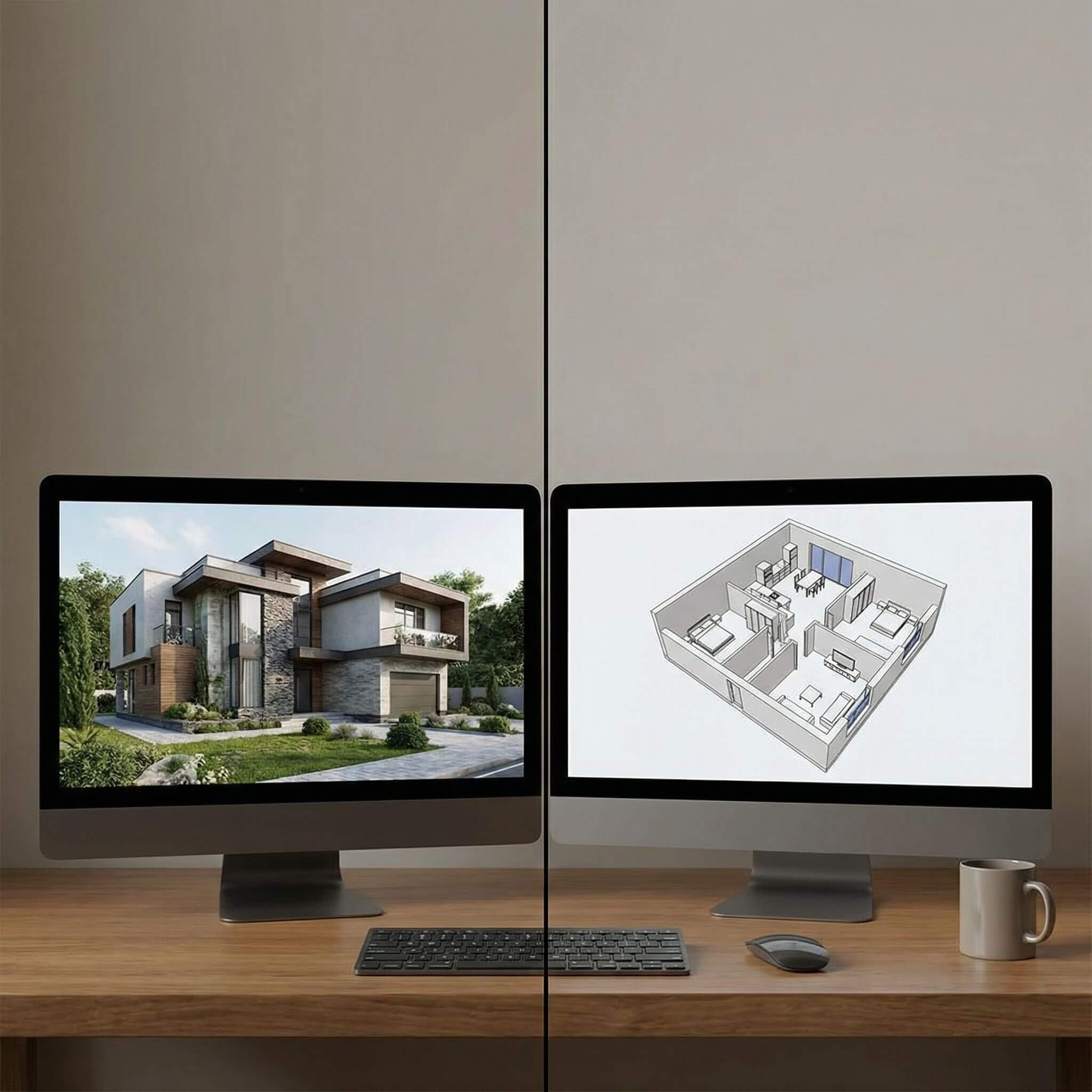
Cedreo wins on sheer realism and detail in renderings, ideal for sales presentations. Arcadium offers powerful AI styling for quick creative explorations, which is great for brainstorming or conceptual designs.
Collaboration and Accessibility
A major advantage of Arcadium 3D
is seamless collaboration. Since it’s entirely web-based, you can share a live project link with anyone. Clients or teammates can explore the design in a virtual walkthrough and even add their comments.
This real-time sharing means feedback cycles are fast: see something to change, click and adjust immediately. Arcadium is accessible anywhere you have internet, even on tablets or lower-end computers, because nothing needs to be installed.
Cedreo
supports teamwork more formally. Its higher-tier plans allow multiple users and project sharing. Teams can co-work on designs and the software stores project files in the cloud. Cedreo also offers collaboration for approvals – you can send a project over to clients or colleagues for review. While Cedreo does not rely on a single shared URL like Arcadium, it integrates with professional workflows (role-based permissions, etc.).
Verdict:
For quick, informal sharing, Arcadium’s link-based collaboration is unbeatable. For structured multi-user projects, Cedreo’s account-based sharing is more robust.
Pricing and Plans
Arcadium 3D
offers a free plan to get started. Cost is a clear differentiator.
The free tier includes unlimited 3D models, a limited number of projects (typically two), and up to 100 objects per design.
Their Pro subscription is about $20 per month and lifts nearly all limits (unlimited projects, objects, multiple editors, extra storage). This makes Arcadium very affordable for individuals and small teams.
Cedreo
also has a limited free plan, but it’s much more restrictive – only one project and five renderings, with a small furniture catalog. Its paid plans start around $99 per month for the “Personal” tier (suitable for one user), and $119 for “Professional” (also one user, 40 renders/month). An enterprise plan is about $149/month per user with full features. In other words, Cedreo’s subscriptions are significantly higher.
Verdict:
Arcadium has the cost advantage. Its free plan is truly usable, and its paid tier is budget-friendly. Cedreo’s pricing reflects a more enterprise-level tool. If budget is a concern, Arcadium is the lighter option.
Target Users and Best Use Cases
Arcadium 3D
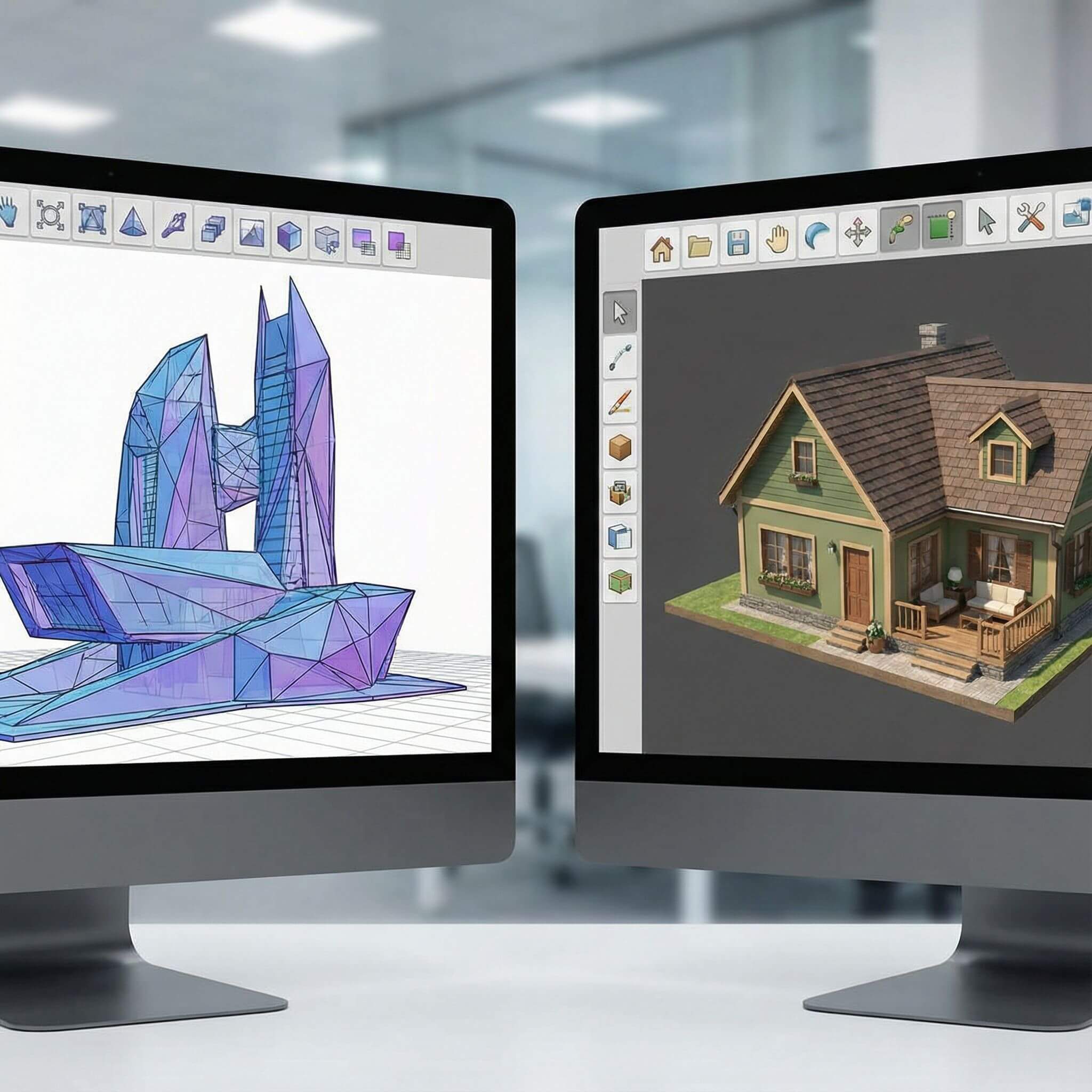
is ideal for DIYers, hobbyists, interior designers, and architects who need to sketch out ideas quickly. It’s perfect for designing home interiors, garden layouts, small renovations or doing quick client mock-ups.
Many users have noted that Arcadium lets even non-professionals “bring ideas to life” exactly as imagined. Its fast, visual workflow makes it an “excellent tool for office or interior design” projects.
Cedreo
is aimed at home builders, remodelers, and professional designers. Teams that need to present proposals to clients choose Cedreo for its speed and completeness. Cedreo is used to generate full home plans and detailed proposals in a few hours instead of days.
For example, contractors appreciate that Cedreo can produce 3D renderings and 2D drawings that shorten the sales cycle.
Recommendation:
Use Arcadium 3D when you want the fastest path from concept to idea – for instance, quickly styling a kitchen or living room. Consider Cedreo when you require a full, polished home design (with plot plan, elevations, etc.) and photo-quality renders for client approval. In many cases, Arcadium can serve as a lightweight alternative to sketch ideas before committing to a heavy CAD system like Cedreo.
Key Takeaways
Arcadium 3D
offers an extremely fast, intuitive workflow. It runs in your browser (no install), has a generous free plan, and even a novice can create a 3D house model and furnish it in minutes. Its built-in AI tools make it easy to generate instant visualizations.
Cedreo
is a professional 3D home design suite. It provides comprehensive planning features (2D/3D plans, roof and site design) and excels at producing photorealistic renderings for clients. It is used by home builders and designers who need detailed proposals.
Which to choose?
If you value speed, ease, and affordability (DIY projects or quick mock-ups), Arcadium is the smarter pick. If you need advanced architectural outputs and high-end visuals for professional presentations, Cedreo has the edge.
Frequently Asked Questions
What is Arcadium 3D used for?
Arcadium 3D is an online home design tool for creating floor plans and 3D models. It comes with furniture libraries and AI-powered visualization, making it easy to design interiors and houses quickly.
How is Arcadium different from Cedreo?
Arcadium is a browser-based, easy-to-learn platform ideal for fast DIY design. Cedreo is a full-featured home design suite for professionals. Arcadium prioritizes speed and simplicity (with a free tier), whereas Cedreo focuses on detailed planning and photorealistic output for building projects.
Can I use Arcadium 3D for free?
Yes. Arcadium offers a free plan that includes unlimited 3D models and a couple of projects. Upgrading to the Pro plan (around $20/month) unlocks unlimited projects and features.
Which tool creates better visuals?
Cedreo specializes in photorealistic renderings suitable for client presentations. Arcadium produces clean 3D visuals and uses AI to generate stylized or photorealistic images, which are great for quick previews and inspiration.
Who should use Arcadium vs Cedreo?
Use Arcadium if you want fast, easy design (great for homeowners, interior designers, and architects doing quick mock-ups). Use Cedreo if you are a builder, remodeler or design professional who needs comprehensive house plans and high-quality 3D renderings.
Do I need to install Arcadium 3D?
No. Arcadium 3D works entirely in your web browser, so there is nothing to download or install.
Does Cedreo have a free version?
Cedreo has a limited free plan (one project and a few renderings). Full access requires a paid subscription starting at about $99 per month.
You can check our other comparison contents:
Arcadium 3D vs RoomSketcher: Floor Plans to First-Person Tours
Arcadium 3D vs Homestyler: Browser Performance With Large Rooms
Arcadium 3D vs Floorplanner: Sharing Links and Client Walkthroughs
Arcadium 3D vs HomeByMe: Which Platform Balances Speed, Control, and Visual Power Best
Arcadium 3D vs Sweet Home 3D: Which Design Platform Delivers Speed, Flexibility, and Visual Impact
Arcadium 3D vs SketchUp: Which Design Tool Fits Your Workflow?
Arcadium 3D vs Roomstyler: Choosing the Right Tool for Speed, Precision, and Creative Freedom
Arcadium 3D vs Planner 5D: Which Design Platform Delivers More for Modern Creators
Arcadium 3D vs SmartDraw: Floor Plans, Elevations, and Exports



 Color palette generator
 Floor plan creator
 Kitchen design tool
 House design software
 Landscape design software
 Bedroom design
 Office floor plan creator
 Trade show booth design
 How to use Arcadium — full guide
 Community Showcase
 3D object library - free
 Articles and blog