Designing a large, fully furnished room (or an entire home) in 3D can push many interior design apps to their limits.
Arcadium 3D
and
Homestyler
are both popular browser-based home design tools, but how do they compare when your project grows in size and complexity?
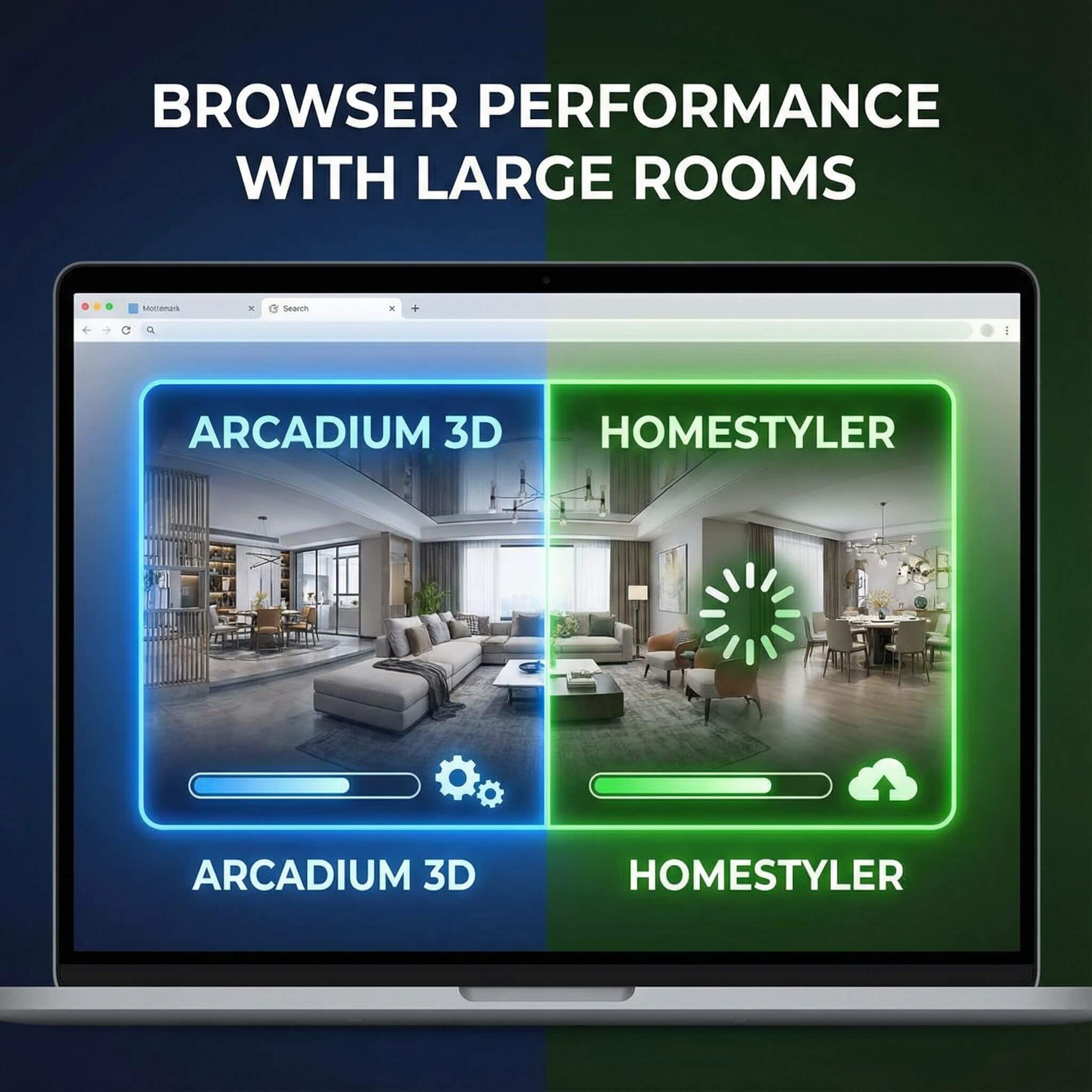
As a 3D designer, I know that smooth performance is critical – nothing kills creativity faster than a sluggish, laggy interface. In this comparison, we’ll evaluate Arcadium 3D vs Homestyler with a focus on browser performance with large rooms.
We’ll cover how each handles big floor plans, heavy furniture loads, real-time rendering, and more, so you can decide which tool keeps up best when your design ambitions (and file sizes) grow.
Key Differences You Should Know Before Choosing
Ease of Use and Workflow
Arcadium 3D – Fast and Intuitive:
Arcadium 3D was built with simplicity in mind. It runs entirely in your web browser with no installations or plugins required, so getting started is frictionless. The interface feels a bit like a video game – you can move around your design with keyboard (WASD) controls and drag objects in 3D smoothly.
Creating a floor plan is straightforward: draw walls in 2D, and you can instantly switch to a 3D walkthrough to place furniture and decor. Thanks to dynamic guides and numeric input, aligning objects or entering precise measurements is easy even for beginners. Changes update immediately on screen, so when you move a sofa or add a wall, you see the impact right away in 3D.
This real-time feedback makes Arcadium extremely responsive and interactive for large layouts. Many designers praise Arcadium’s UI as “intuitive” and “very functional…with lots of flexibility,” without the steep learning curve of more complex CAD software. In short, you can sketch and furnish a big room in Arcadium within minutes, and the tool’s responsiveness encourages rapid experimentation.
Homestyler – User-Friendly but More Mode Switching:
Homestyler is also designed for ease of use, offering a drag-and-drop approach that is welcoming to non-professionals. In Homestyler, you typically start in a 2D floor plan view to draw your room layout, then switch to the 3D view to decorate and tour the space.
The basic operations – drawing walls, adding doors/windows, dropping furniture – are fairly intuitive and guided by on-screen prompts. Users often find Homestyler “simple to use” once they get familiar with it, and the program provides rich tooltips and even an avatar walkthrough mode to help you visualize the design.
However, the need to constantly toggle between 2D and 3D modes can make the workflow feel a bit segmented. For example, you might adjust a wall in 2D, then have to switch to 3D to fine-tune a furniture arrangement. On smaller projects this is no big deal, but on a large, detail-heavy design, flipping between modes and menus can slow you down slightly. Homestyler also relies on more menus and settings for materials, which is powerful but means more clicking around.
Which is easier?
Both tools are relatively easy to use, but
Arcadium 3D is faster to pick up and more responsive
during design. If you value a seamless editing experience, Arcadium’s streamlined UI lets you focus on designing instead of managing the software. Homestyler is also quite user-friendly, but the extra mode-switching and menu navigation become more apparent as your project grows in complexity. For a large room scenario, Arcadium’s intuitive, all-in-one workflow can save you time and frustration.
Performance and Speed with Large Rooms
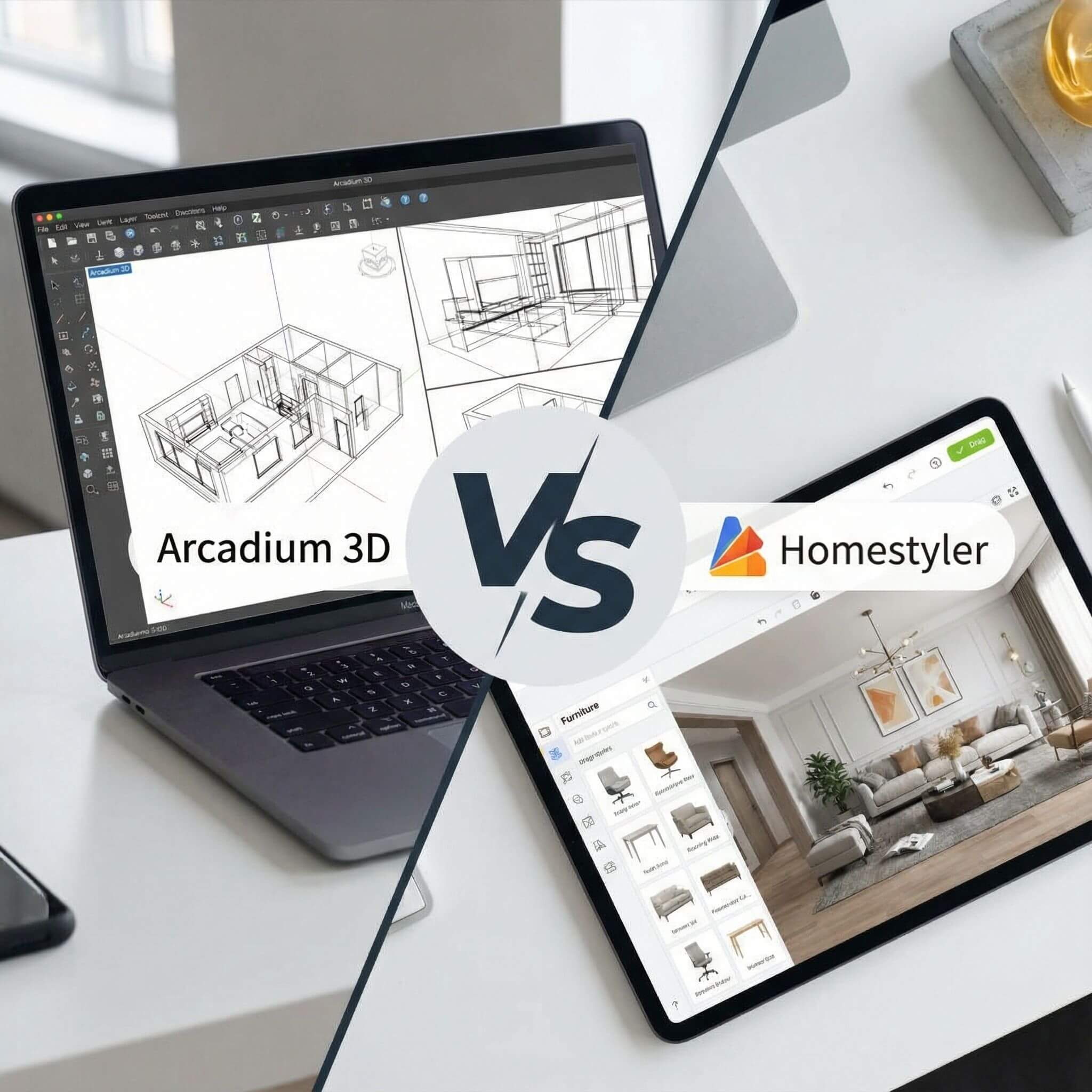
Arcadium 3D – Optimized for Heavy Scenes:
Arcadium 3D delivers lightning-fast, native performance in the browser. Its engine is built in WebGL and optimized so well that even detailed 3D models won’t bog it down. In practice, this means you can load up a big floor plan with lots of furniture and still orbit, zoom, and edit with smooth frame rates.
Arcadium is so efficient that it can run complex designs on modest hardware – you don’t need a high-end workstation. In fact, Arcadium’s app runs on any modern browser, even on low-power machines like Chromebooks. There are no huge plugin downloads or massive CPU loads; it’s just well-optimized code. As a designer, I’ve found I can keep adding elements in Arcadium and it remains responsive.
The real-time renderer is constantly updating lighting and reflections (a demanding task) yet Arcadium maintains interactivity by intelligently managing resources. The bottom line: Arcadium handles large rooms with ease. You can walk through a multi-room house in first person without stutter, and make changes on the fly without long pauses. This performance lets you focus on design, not on waiting for the software.
Homestyler – Powerful but Can Lag on Big Projects:
Homestyler, on the other hand, struggles more as project size increases. For simple room layouts or lightly furnished spaces, Homestyler is usually fine. But when you get into a large, heavily furnished house – think many rooms, dozens of models, lots of textures – users have reported significant slowdowns.
In Homestyler’s own forums, for example, a user working on a fully decorated house noted that the tool suddenly became “virtually unusable because of how slow it is,” with severe lag just trying to move the camera around. This happened even though nothing had changed on their computer, which was a fairly capable PC.
In another case, a long-time Homestyler user with a gaming-level setup lamented that Homestyler had become “simply unusable due to severe lag, even when simply moving the camera”. They had cleared cache, closed other programs, done all the usual tweaks – Homestyler was still choppy. These anecdotes align with a general truth: Homestyler demands more from your hardware, especially for large scenes.
In fact, Homestyler’s own guidance for 3D rendering suggests using at least 32 GB of RAM (and ideally 64 GB or more) for “processing large files and intricate scenes”. That’s a spec you’d associate with professional 3D software or gaming rigs. Most casual users won’t have that much memory, meaning on an average PC, a very complex Homestyler design may bog down.
Verdict:
In my experience,
Arcadium 3D clearly outperforms Homestyler on large-project speed and stability
. Arcadium’s scene engine seems to handle lots of objects and large spaces without breaking a sweat. Homestyler is feature-rich, but it can get sluggish as polygon counts rise.
Rendering Quality and Visual Realism
Arcadium 3D – Live Real-Time Rendering:
A standout feature of Arcadium is its physically-based real-time renderer that runs directly in the browser. From the moment you place a light or change a material, Arcadium is computing accurate lighting, shadows, and reflections on the fly. You don’t need to “send” the scene to any server or hit a render button to see a high-quality view – it’s continuously updated.
For example, if you drag the sun position to preview different times of day, the lighting shifts instantly across your large room, complete with moving shadows. Add a mirror or shiny floor, and you’ll see reflections as you move objects around. This live feedback is incredibly useful, especially in a large space where lighting can drastically alter the feel.
There’s no render wait time at all: what you see in the viewport is a realistic view of the space. While Arcadium’s real-time graphics may not be as ultra-photoreal as an offline ray-trace, they are impressively close – easily good enough to make design decisions about colors, materials and lighting on the spot.
When you do need a more polished image, Arcadium offers an AI-assisted render feature. Essentially, you can take a snapshot of your current view and let Arcadium’s cloud AI generate a high-quality image or even apply different styles (photorealistic, watercolor sketch, etc.).
These AI renders come back in seconds and look quite realistic for the short turnaround. They aren’t full ray-traced images, but they can certainly wow a client or help you visualize your large room with lifelike detail – without you waiting hours.
Homestyler – High Fidelity via Cloud Renders:
Homestyler takes a more traditional approach for final visuals: it relies on cloud-powered photorealistic rendering. In the normal design mode, Homestyler’s 3D view gives you a basic shaded view of your room (good for navigation, but not full-quality lighting).
When you want a truly realistic image, you must use Homestyler’s Render tool. You choose options like resolution (up to HD or 4K) and lighting presets, then send the render job to Homestyler’s servers. After a few minutes of processing, you’ll get a high-quality image back. Users report that these results can be excellent – Homestyler’s rendering engine produces very realistic images with soft shadows, accurate textures, and even the option for 360° panoramas or video walkthroughs.
In one review, the author was “impressed by how realistic the final 4K render looked” in Homestyler. The platform can even do 12K-resolution panoramas for truly high-end needs, and allows for animated renderings (video fly-throughs) on its top-tier plan. The trade-off, of course, is time and interactivity. Each photoreal render can take several minutes to complete, especially at high resolutions. During that time, you’re essentially waiting – you can’t see those global illumination effects live while you work. Furthermore, free users are limited in how many HD renders they can do (you might only get a few credits before needing to pay).
Verdict:
Arcadium 3D prioritizes speed and continuous visual feedback, whereas Homestyler prioritizes maximum realism at the cost of time
. With Arcadium, what you see is very close to the final look as you design, and you’ll rarely need to wait for images (the live renderer and quick AI snapshots keep everything moving). With Homestyler, you have the capability to produce stunning, magazine-quality renders – a definite plus for final presentations – but you’ll be pausing your workflow to get them.
Object Libraries and Customization for Large Spaces
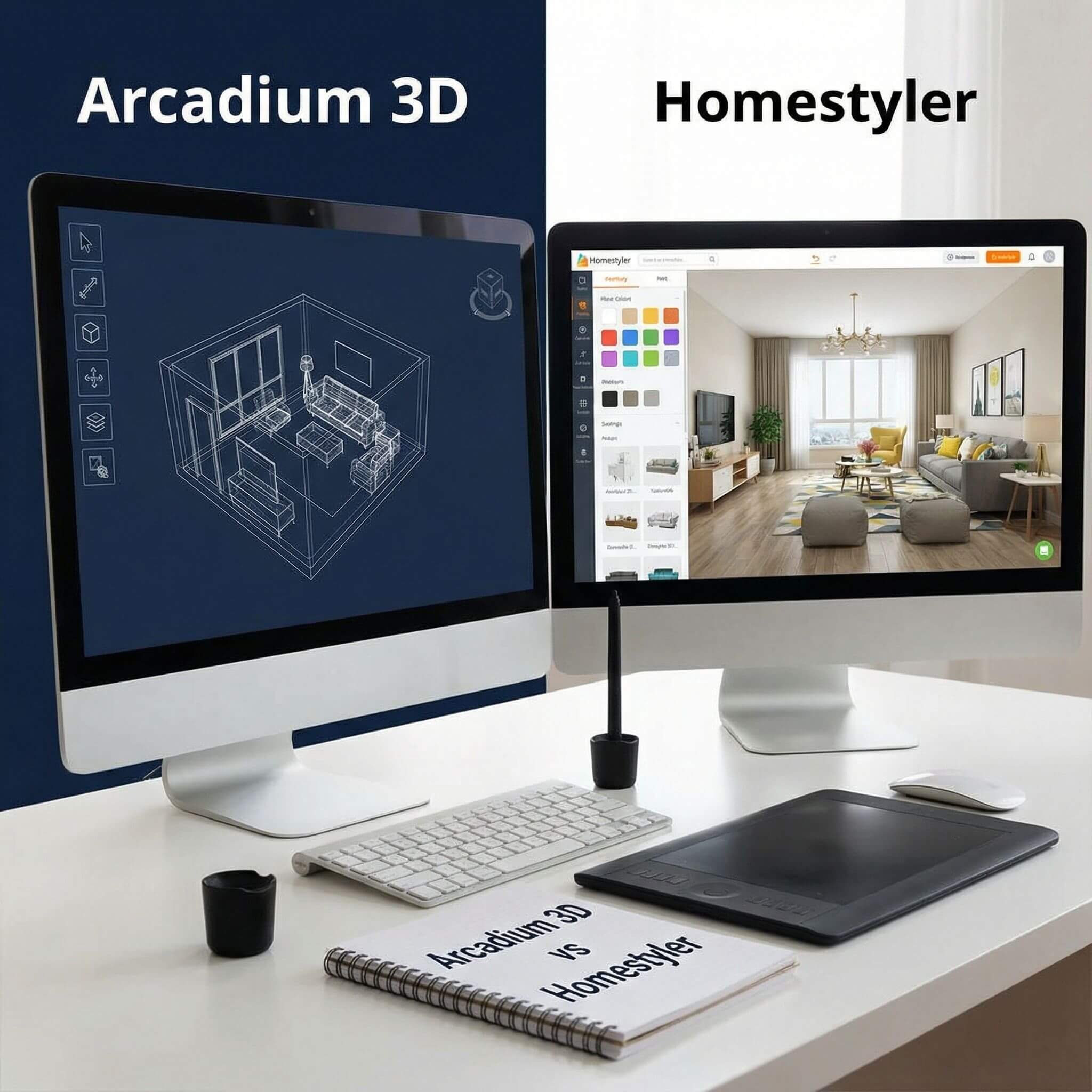
Arcadium 3D – Flexible Parametric Library:
Arcadium comes with an extensive built-in library of furniture, fixtures, appliances, and more, numbering in the thousands of objects and growing every week.
While its raw count of items is smaller than Homestyler’s, Arcadium focuses on the quality and flexibility of each model. Many objects in Arcadium are parametric, meaning they can be stretched, resized, or otherwise modified while maintaining their design integrity.
For example, you can take a bookshelf and make it wider or taller, and the shelves will automatically adjust and replicate as needed. A dining table can be lengthened to seat 10 instead of 6 with a simple drag. This is incredibly useful in large rooms – instead of hunting for a very specific size of sofa or cabinet, you can adjust a piece to the exact dimensions you need.
Arcadium also allows precise numeric input for dimensions, so if you have a big space and you want, say, a 12-foot custom couch along a wall, you can just input that length and Arcadium will scale the model appropriately. Additionally, materials and finishes on Arcadium objects are editable with one click: you can change the fabric on a couch, the wood tone of a table, or apply a custom texture to an object to match a real product. If something you need isn’t in the library, Arcadium’s Pro plan even supports importing your own 3D models.
Homestyler – Enormous Catalog of Brands (with Limits):
Homestyler’s object library is massive – over 500,000 models as of 2024. If Arcadium is a curated toolbox, Homestyler is a giant warehouse. You will find an almost bewildering variety of furniture styles, decor items, kitchen gadgets, house plants, you name it. A big selling point is that many items are real-world branded products from actual manufacturers.
This means if you want to see how a specific IKEA sofa or a Crate & Barrel coffee table looks in your large room, Homestyler likely has that exact model available. For outfitting a large design in a specific style, the choices feel endless – you can achieve a very realistic, personalized look by picking items that match what you intend to buy. However, this breadth comes with some constraints.
Most objects in Homestyler are static models, provided at fixed dimensions. You can sometimes choose preset size variants or do minor scaling (e.g. make something 10% bigger or smaller), but you cannot freely stretch furniture in most cases. So in a very large room, you might find yourself needing multiple pieces (e.g. two matching sofas) where in Arcadium you could have used one stretched piece, or you simply accept some empty space.
Homestyler recently introduced parametric walls, windows, and doors (these can be customized in size), but for furniture it largely relies on the catalog of standard items. Customization is mostly about materials: you can apply different colors or finishes to many items (for example, change a chair’s fabric color). This is useful, but not as flexible as Arcadium’s ability to reshape objects.
Overall:
If you have a very specific vision and need particular real-world items, Homestyler’s vast library is a treasure trove – it can give your large room design an ultra-realistic, catalog-perfect appearance. However, Arcadium 3D offers more adaptability, which is incredibly handy in large spaces where one size does not fit all. Arcadium’s parametric furniture can be a lifesaver to maximize space usage.
Collaboration and Sharing Large Designs
Arcadium 3D – Instant Sharing in 3D:
Arcadium is built as a cloud-native tool, so sharing your work is incredibly simple. At any point you can generate a shareable URL to your project. Anyone you send this link to can click it and immediately load the model in their own browser, without needing to install Arcadium or even create an account.
This is fantastic for collaboration: a client or colleague can literally walk through the 3D model in first-person, as if they were playing a game, and see everything you’ve done. Even large, fully furnished designs load up relatively fast (again, Arcadium’s engine is lightweight), and viewers can add comments or annotations directly on the model.
For larger projects, Arcadium also supports multi-user editing (in Pro) so a team can work together in real time. Another advantage is that Arcadium keeps a version history in the cloud, so if you share a design and then later make changes based on feedback, you can either update the same link or fork an alternate version.
Homestyler – Options for Sharing (with Some Overhead):
Homestyler also allows sharing your projects, but it’s a bit more involved. You can publish your design to the Homestyler community gallery and send someone the link to that page. Alternatively, Homestyler provides a “3D Viewer” mode where you can generate a link for others to view your design in 3D.
However, in most cases the person viewing will be using Homestyler’s web interface to see it – which means if your design is large and heavy, they might encounter the same performance issues or load times you do. There isn’t a specialized lightweight viewer for clients; it’s essentially the app.
Often, designers using Homestyler will share rendered images or 360 panoramas with clients rather than the whole model, to avoid technical issues. Homestyler’s strength in sharing is its community features: you can showcase your large room design in their public gallery or enter it in design challenges, where others can view (and admire) the photoreal renders or even copy the project as a template.
Verdict:
Arcadium 3D makes collaborating on large designs extremely straightforward, whereas Homestyler is a bit more old-school in sharing. If you foresee needing to frequently share an evolving large project with others and want them to experience it in 3D without hassle, Arcadium is a clear winner.
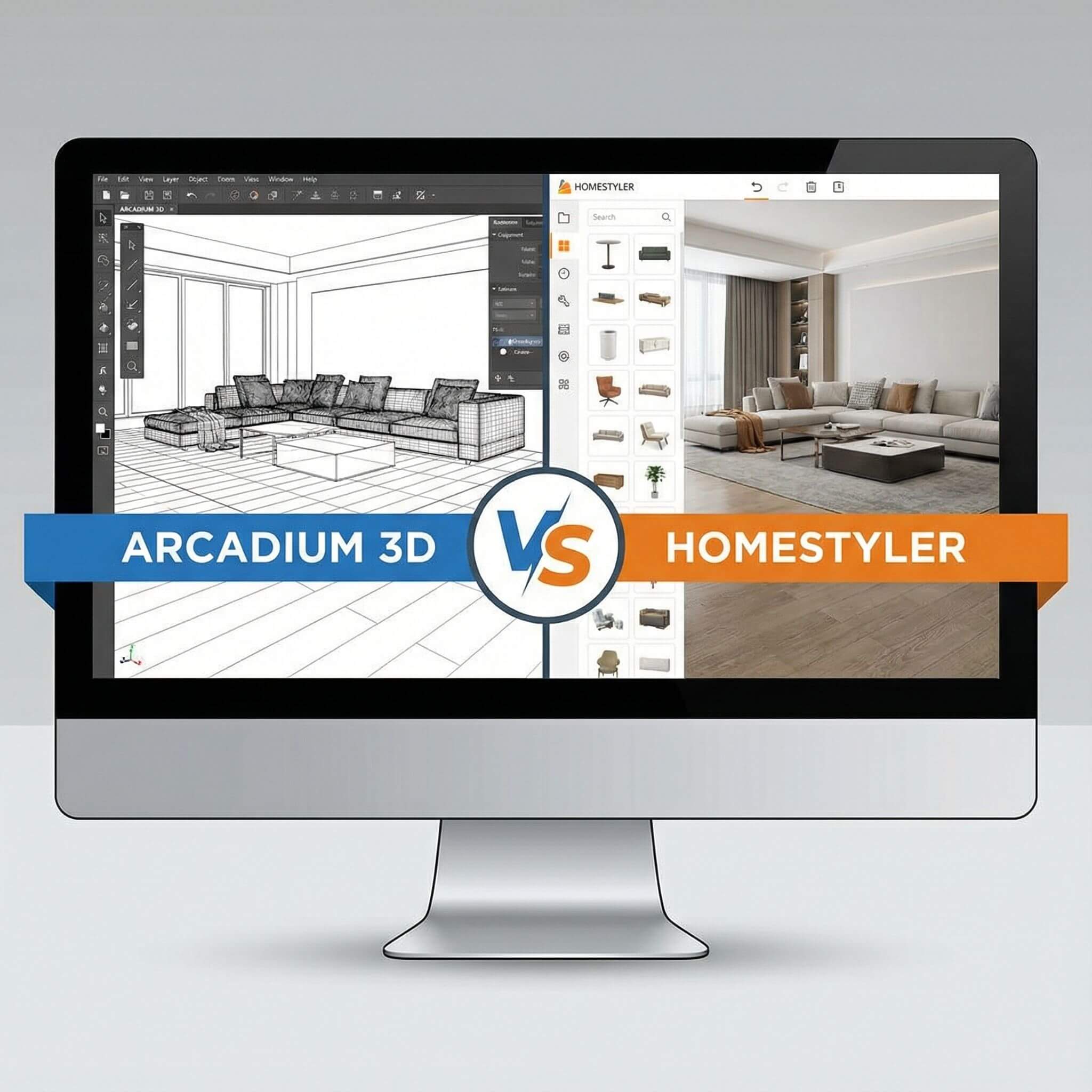
Pricing and Plan Considerations
Arcadium 3D Pricing:
Arcadium’s core features are free to use, and importantly they are not time-limited. The free tier lets you save up to 2 projects with up to 50 objects in each. For a single big room or a small apartment, 50 objects can go a long way (walls don’t count as objects in that sense, it’s usually furniture/decor items).
You get access to the full object library, real-time rendering, and even a number of AI renders at the free level. This means you can experience the performance benefits and most capabilities of Arcadium on smaller projects at no cost.
However, if you are doing a very large room or a multi-room house with lots of furniture, you might bump into that 50-object limit. In that case, upgrading to a Pro plan will be necessary. Arcadium’s Pro subscription (around $18–20 per month, billed annually) lifts those limits – giving you unlimited objects and projects, plus extras like higher-res exports and more AI render credits.
Homestyler Pricing:
Homestyler’s base platform is also free to use. In fact, Homestyler does not impose limits on how many projects or how many furniture items you can use in the free version – you could theoretically build out a huge mansion without paying, which is quite generous. The monetization in Homestyler comes from premium rendering and features.
For example, as a free user you only get a few HD renders or panoramas; after that you’d need to either buy render credits or subscribe to a paid plan to get more high-res images. Homestyler’s paid plans are relatively affordable: roughly $5/month (called “Pro”) and $10/month (“Master”) if paid annually. The Master plan at ~$10/mo notably gives unlimited 4K renders and some advanced tools, which is a very good value if you do a lot of high-quality outputs.
For large projects, Homestyler’s free tier lets you design at scale, but if you want to present that large project with top-notch visuals (or use the AI-powered auto-decorator, or batch export drawings, etc.), those are behind the subscription. One potential hidden “cost” with Homestyler for large scenes is the need for strong hardware – while not a monetary cost to Homestyler, it might mean you end up investing in a better PC.
Verdict:
In summary, both platforms are accessible without upfront cost, but for sustained use on big projects, you’ll likely want a subscription. Arcadium 3D asks for a higher monthly fee but, in return, delivers a high-performance design environment and a lot of included capabilities (with no microtransactions).
Homestyler’s lower-cost plans make it easier to unlock specific features (like unlimited renders) à la carte. If budget is the primary concern and you can tolerate the performance limitations, Homestyler could be the more economical route for large projects.
But if you value your time and a smoother process, investing in Arcadium 3D can pay off by making the whole experience more efficient. Considering what we’ve learned about each tool’s strengths, many would agree that Arcadium provides excellent value for large-scale designing.
Final Verdict: Which is Better for Large Rooms?
After comparing Arcadium 3D and Homestyler across ease of use, performance, rendering, and features, a clear theme emerges: Arcadium 3D is a strong alternative to Homestyler, especially when it comes to handling large, complex designs in a web browser. Both tools have their place, but for designing large rooms (or entire homes) without a headache, Arcadium offers some decisive advantages:
If you are looking for a modern Homestyler alternative that excels in speed and can handle large rooms effortlessly, Arcadium 3D is highly recommended. It offers a smoother design experience for complex projects, with real-time visualization and robust performance that Homestyler just doesn’t match.
Frequently Asked Questions
Is Arcadium 3D really better than Homestyler for a large project?
For most large, heavily furnished projects, yes. Arcadium 3D is optimized for speed and usually feels smoother and more stable than Homestyler when scenes get complex.
Can Homestyler’s huge furniture library be used in Arcadium 3D?
No. They use separate libraries. Homestyler has a larger catalog, but Arcadium 3D’s smaller library is flexible (resizable/customizable objects), and Pro users can import custom models if needed.
Do I need a powerful computer to use Arcadium 3D or Homestyler?
Arcadium 3D runs well on typical laptops and even Chromebooks. Homestyler works on normal PCs for small projects but may need a high-performance or gaming-level machine for very large scenes.
Which tool has better realistic rendering capabilities?
Homestyler is stronger for ultra-realistic, high-resolution renders and panoramas. Arcadium 3D focuses on fast real-time visuals with quick AI renders, better for interactive design than final 4K imagery.
Is Arcadium 3D a good alternative to Homestyler for professional designers?
Yes. Arcadium 3D offers pro features, strong performance, and easy collaboration, making it great for daily work and large projects. Homestyler is still excellent for its render engine and huge catalog.
Can I use both Arcadium 3D and Homestyler together?
There’s no direct sync, but you can design in Arcadium 3D for speed, then recreate key views in Homestyler for high-end renders if you want. In most cases, though, one tool per project is enough.
You can check our other comparison contents:
Arcadium 3D vs RoomSketcher: Floor Plans to First-Person Tours
Arcadium 3D vs Floorplanner: Sharing Links and Client Walkthroughs
Arcadium 3D vs Cedreo: DIY Speed versus Professional Design Outputs
Arcadium 3D vs HomeByMe: Which Platform Balances Speed, Control, and Visual Power Best
Arcadium 3D vs Sweet Home 3D: Which Design Platform Delivers Speed, Flexibility, and Visual Impact
Arcadium 3D vs SketchUp: Which Design Tool Fits Your Workflow?
Arcadium 3D vs Roomstyler: Choosing the Right Tool for Speed, Precision, and Creative Freedom
Arcadium 3D vs Planner 5D: Which Design Platform Delivers More for Modern Creators
Arcadium 3D vs SmartDraw: Floor Plans, Elevations, and Exports



 Color palette generator
 3D design from AI chat
 Floor plan creator
 Kitchen design tool
 House design software
 Landscape design software
 Bedroom design
 Office floor plan creator
 Trade show booth design
 How to use Arcadium — full guide
 Community Showcase
 3D object library - free
 Articles and blog
.png)
.png)