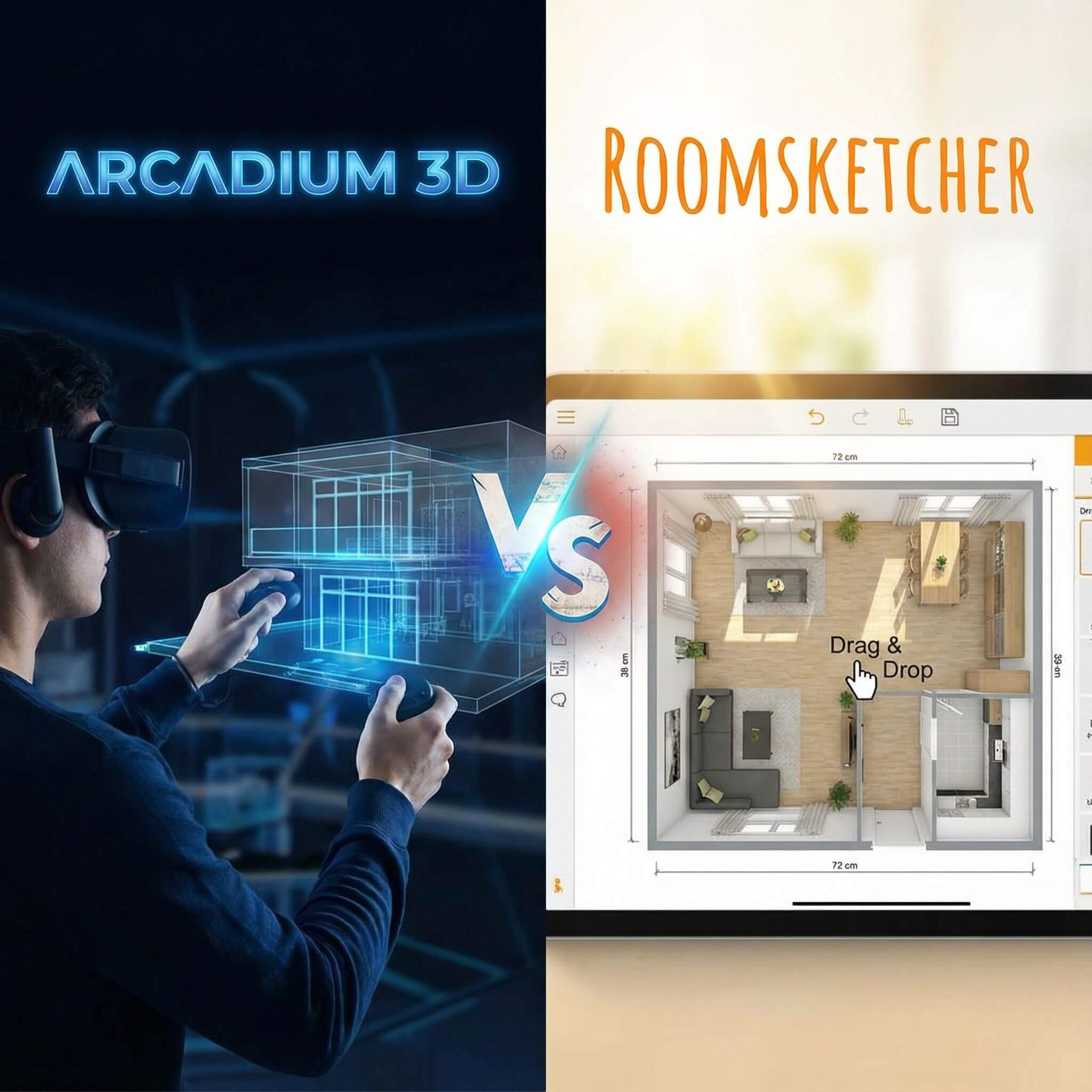
Arcadium 3D and RoomSketcher are both popular tools for turning 2D floor plans into immersive 3D experiences. Interior designers, architects, and DIY home planners use these platforms to draft layouts and then virtually walk through designs as if in real life.
In this comparison, we’ll explore how Arcadium 3D and RoomSketcher stack up from floor plan creation to first-person tours, focusing on ease of use, design features, visualization quality, and more. The goal is to highlight why Arcadium 3D emerges as a compelling alternative to RoomSketcher for professionals and hobbyists alike.
See the Differences at a Glance Before You Decide
Ease of Use and Workflow
Arcadium 3D –
Arcadium 3D emphasizes speed and ease from the moment you launch it. Because it runs entirely in your web browser, there’s no installation – you can start designing instantly on any computer or even a Chromebook. The interface is clean and game-like, with intuitive drag-and-drop drawing tools.
Beginners can sketch a floor plan and furnish it within minutes, thanks to dynamic guides and tooltips that teach as you go. As you draw walls in 2D plan view, Arcadium simultaneously updates a 3D view; with one click, you can “walk through” the space in first-person. This hybrid 2D/3D workflow delivers an extremely short path from a blank canvas to a usable 3D plan, making Arcadium feel very approachable for newcomers.
Even without prior CAD experience, users consistently report that Arcadium “is so easy to use… I can brainstorm ideas and try them out online to get a feel for the flow of the space,” as one interior designer noted. In practice, Arcadium’s lightweight, responsive design tool means less time learning and more time designing.
RoomSketcher –
RoomSketcher is also known for a user-friendly approach, but its workflow differs. To design, you use the RoomSketcher App (available for PC, Mac, and tablets) rather than a web browser. The app’s interface offers drag-and-drop drawing and furnishing similar to Arcadium.
Many users find it easy to create basic layouts, and the software provides helpful features like snapping and alignment. However, because it’s a dedicated application, there’s a bit of setup involved (downloading and installing the app) before you begin. Once in, the learning curve is still moderate – straightforward for simple floor plans, though mastering all features (like precise measurements or custom materials) may take some practice.
On a positive note, RoomSketcher’s app can work offline, so you can design without internet – useful for architects at a client site or on the go. Switching to 3D mode in RoomSketcher is done at the click of a button: you draw in 2D, then click the “3D” button to instantly view and navigate your project in 3D.
Verdict:
If you prioritize jumping in quickly and iterating in real time, Arcadium 3D offers a smoother, faster workflow for floor plans to walkthroughs.
Floor Plan Design and Precision
Arcadium 3D –
When it comes to drawing floor plans accurately, Arcadium 3D provides professional-level precision without the complexity. You can input exact dimensions for walls, windows, and other elements – down to the millimeter – ensuring your digital plan reflects real-world measurements.
As a 3D designer, this precision is crucial for projects like kitchens or accessible layouts; Arcadium even includes a measurement tape tool to check clearances between furniture (helpful for things like ensuring ADA compliance). A standout feature is Arcadium’s parametric components: many furniture and cabinet objects can be stretched or resized, and they will intelligently adjust (for example, stretch a bookshelf and additional shelves automatically appear to fill the space).
This means you aren’t locked to preset furniture sizes – you can customize elements to fit your exact floor plan dimensions, which is incredibly useful for designers specifying custom cabinetry or uniquely sized furniture. Walls in Arcadium can be drawn at precise lengths and angles, and the software supports standard units (metric or imperial).
RoomSketcher –
RoomSketcher is also built with accurate floor plan creation in mind, especially since it’s aimed at real estate and professional use. In the app, you can draw walls to exact lengths (it shows dimensions as you draw) and place objects with reasonable precision. RoomSketcher provides a measurement wizard and total area calculations to help ensure your plan meets size requirements.
This is beneficial for architects needing square footage or for ensuring furniture fits in a given room. However, RoomSketcher’s object library items often come in fixed dimensions (e.g., a sofa of standard length) – resizing furnishings or cabinets isn’t as flexible as in Arcadium unless multiple size options are provided. The software does allow some customization: paid users can replace materials on surfaces and, for instance, adjust wall heights or thicknesses.
Both tools are sufficiently accurate for serious design work, but
Arcadium’s edge is the parametric, customizable nature of its components
, giving it a slight advantage for designers who need bespoke solutions rather than standard catalog dimensions. For absolute precision and customizability in floor planning, Arcadium 3D comes out on top.
3D Visualization and First-Person Walkthroughs
Arcadium 3D –
Arcadium truly shines in turning floor plans into vivid 3D experiences. It uses a physically-based rendering engine live in the browser, meaning as you design, you’re seeing realistic lighting and textures in real time. You can drop into a first-person view at any moment and walk around your model with game-like controls – no waiting for a separate rendering process.
Lighting is interactive: Arcadium lets you adjust the sun’s position to simulate different times of day, and you can tweak the brightness and color of light fixtures to check how your space looks in various lighting conditions. The instant shadows and reflections add a level of realism that typically free tools don’t match.
For a designer, being able to do an immediate virtual walkthrough of a space you just sketched is invaluable – it helps evaluate the flow, sightlines, and spatial feel on the fly. If you need ultra-realistic visuals, Arcadium offers two approaches: (1) its real-time engine already produces high-quality 3D, and (2) you can use its AI-powered visualization to generate photorealistic images from any camera angle in your design.
RoomSketcher –
RoomSketcher offers robust 3D visualization as well, though with a slightly different model. Its hallmark feature is Live 3D, which allows you to take an interactive walkthrough of your project at the click of a button. In Live 3D mode, you can navigate your furnished floor plan in either a first-person perspective (eye level walkthrough) or a bird’s-eye overview.
This is fantastic for clients or homeowners who want to get a true feel for the layout – “just as if you are inside the actual property,” as RoomSketcher puts it. The catch is that Live 3D is a premium feature: free users can draw in 3D but cannot use the interactive walk mode unless they upgrade a project or subscription.
Once enabled, Live 3D tours can be shared via a link, and viewers on any device (computer or mobile) can explore the space, which is a powerful selling tool for real estate and design presentations. In terms of visual quality, RoomSketcher’s real-time 3D is good – you get a solid sense of materials and layout – but it may not be as graphically rich as Arcadium’s PBR engine.
For truly high-end visuals, RoomSketcher provides 3D Photos and 360° Views, which are cloud-rendered, photorealistic images/panoramas of your design. However, these require using credits (even Pro subscribers get a limited number of credits per month).
Verdict: Both platforms can take you from floor plan to first-person tour, but Arcadium 3D makes the process instantaneous and richly detailed by default, whereas RoomSketcher can require upgrades and rendering credits to reach the same level of visual fidelity. For a designer who wants to visualize and iterate in 3D constantly, Arcadium’s real-time realism is a clear advantage. 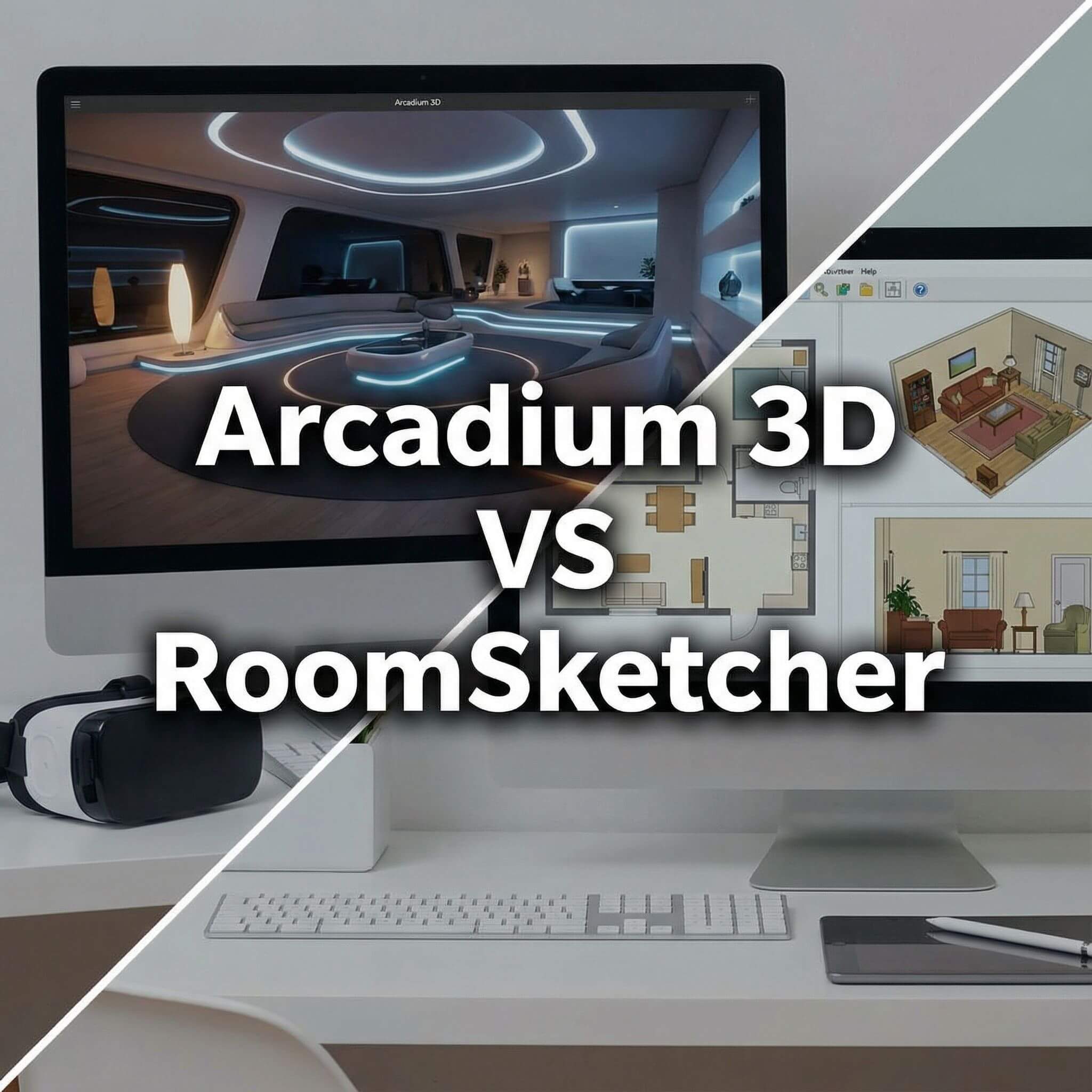
Furniture Library and Material Customization
Arcadium 3D –
One of Arcadium’s strongest features is its expansive and flexible content library. Out of the box (even on the free plan), you have access to thousands of furniture pieces and décor items in modern styles. Need a particular sofa, kitchen appliance, or office desk?
Arcadium likely has it, and they add new models weekly to keep the catalog fresh. Every item can be simply dragged into your floor plan and adjusted. Beyond quantity, the quality is noteworthy: objects are high-detail and look realistic in 3D. Arcadium also excels in material customization – you can click on almost any piece of furniture or surface and change its finish or color.
For example, you might select a couch and switch its fabric from linen to leather, or change a countertop from marble to wood grain. The interface makes this one-click simple, and it uses real texture maps for authenticity. If the built-in material options aren’t enough, Arcadium allows you to upload your own textures or images to apply to surfaces.
This is incredibly useful for matching specific real-world materials (say, a particular wallpaper or flooring sample you want to show a client). In addition, because many objects are parametric, you can customize their size or style variants without searching for a different model.
For instance, a parametric cabinet can be stretched wider and it will automatically adjust doors and drawers to fit – no need to find “Cabinet 30 inches” vs “Cabinet 36 inches” as separate items. The combination of a large library, custom sizing, and full material control means Arcadium gives designers creative freedom..
RoomSketcher –
RoomSketcher also offers a substantial library of furniture and finishes, though with more tiered access. In the free version, you get a basic set of furnishings and materials to work with – enough to populate a simple room. However, the full furniture library (which includes thousands of items, many of them real brand-name products) is only available with a paid subscription (Pro).
RoomSketcher’s catalog is known for having realistic items and even high-end finishes; for example, you can choose different flooring types or countertop materials to give your plan a polished look. Paying users can also use the Replace Materials feature to change colors and textures on furniture or walls, similar to Arcadium’s one-click material swap.
It’s worth noting that while RoomSketcher allows material changes, some advanced customization (like uploading your own texture or fully custom colors) is not as straightforward unless the object supports it. The platform provides set options to maintain realism.
RoomSketcher’s library does have some unique strengths: it includes architectural elements (like staircases, windows, and doors in various styles) and decorative items that professionals need for complete floor plans. Additionally, the objects are scaled accurately, which appeals to contractors and real estate pros ensuring a “to-scale” model.
Verdict:
RoomSketcher’s library is rich, especially if you invest in Pro, and it’s perfectly capable for professional deliverables. But considering ease and cost, Arcadium 3D gives virtually the entire library and full creative control to every user without extra fees, which makes it a more flexible and budget-friendly choice for furnishing and finishing your designs.
AI Features and Automation
Arcadium 3D –
A major differentiator for Arcadium 3D is its integration of AI (Artificial Intelligence) to assist in the design process. Arcadium leverages AI in a couple of exciting ways. First, it offers an AI interior design assistant that can auto-furnish a room for you or suggest improvements to your layout.
For example, after you draw an empty floor plan, Arcadium can intelligently place furniture in a layout that makes sense for the room’s dimensions and intended use – a huge time-saver when you want a quick starting point or are experimenting with different furniture arrangements. It can also recommend spatial improvements (perhaps suggesting you widen a gap for better flow, or reposition a couch for optimal viewing angles, etc.), functioning almost like a virtual interior designer.
Second, Arcadium’s AI can generate photorealistic renderings and style variations from your design. This means you can take a snapshot of your 3D room and have the AI render it as if it were a real photograph, or even apply different design styles (industrial, Scandinavian, etc.) to see alternate décor ideas – all without changing your actual model.
This feature is ideal for client presentations: in minutes you can produce multiple styled images of the same space (one modern, one traditional, one as a sketch or watercolor effect, and so on). Such capabilities would typically require hours of work in advanced software or by a graphic artist, but Arcadium automates it.
RoomSketcher –
RoomSketcher, on the other hand, does not currently incorporate AI-driven design tools in the same way. Its focus has been more on providing a robust manual design platform and professional services. For instance, rather than auto-furnishing via AI, RoomSketcher offers a Floor Plan Services option where you can pay to have their team convert blueprints to RoomSketcher projects for you.
But that’s a human service, not an AI feature, and is targeted at those who don’t want to draw the plan themselves. There isn’t a feature in RoomSketcher that will automatically decorate or suggest layout improvements – the creative decisions are left entirely to the user (which some designers prefer, as it gives full control, though it is more labor-intensive).
Regarding automated rendering or styling: RoomSketcher does provide automated high-quality rendering (3D Photos/360 Views), but this is more a batch process and requires credits. You queue up a render and the system produces it, but it’s not on-the-fly AI style transformation; it’s basically cloud computing the image as you specified.
Verdict:
If you’re looking for AI to help generate ideas or accelerate the design process, Arcadium 3D clearly has the upper hand. Its AI features highlight why Arcadium is considered a modern, innovative alternative to more traditional tools.
RoomSketcher’s approach is solid and reliable, but more old-school – you manually craft everything. For a tech-savvy interior designer interested in cutting-edge tools, Arcadium’s AI capabilities can be a compelling reason to choose it over RoomSketcher.
Collaboration and Sharing

Arcadium 3D –
Arcadium is built for frictionless collaboration, which is crucial when working with clients or teams on a design. Every project in Arcadium lives in the cloud, and you can share an interactive 3D model simply by sending a web link.
When your client or colleague clicks the link, they can view your design in their browser instantly – they don’t need to sign up or install anything. They can walk through the space in first-person and even leave comments/feedback inside the model if you give them access.
This ease of sharing is fantastic for design reviews; for example, an architect can draft a layout and send it to a client for approval, and the client can literally tour the design on their own computer or tablet and understand the space. Arcadium also keeps a version history of designs in the cloud, so if multiple people are editing (Arcadium Pro supports multi-user editing on projects), you can duplicate scenes or roll back changes if needed.
RoomSketcher –
RoomSketcher allows collaboration and sharing as well, but with a bit more friction due to its subscription model. Projects are also stored in the cloud under your account, and RoomSketcher provides options to share them, but the full interactive sharing (Live 3D) is a paid feature.
With a Pro subscription or a purchased Premium project, you can generate shareable links for a project’s Live 3D walkthrough. When enabled, you actually get two links: one for a view-only Live 3D tour, and another that allows the recipient to make a copy of the project and edit it on their own (handy if you want a client to be able to try some changes in the RoomSketcher app).
These sharing links let viewers experience the design on web or mobile without installing the full software, which is a big plus. However, if you’re on the free tier, you won’t have these sharing capabilities unless you pay to upgrade that project.
Verdict:
RoomSketcher provides solid collaboration tools geared toward professional presentations (especially in real estate marketing scenarios), but Arcadium 3D’s collaboration is more fluid and accessible to anyone by comparison. For fast-paced collaborative design, Arcadium removes many barriers that exist in RoomSketcher’s model.
Pricing and Value
Arcadium 3D –
Arcadium operates on a freemium model that is very generous for users. The Free plan costs $0 and allows you to use nearly all of Arcadium’s features with some limits: you can have 2 projects saved at a time, with up to 50 objects in each.
For many hobbyists or small projects, this might be enough to get started and even complete simple room designs. Importantly, the free tier includes the core functionality – full 3D editing, real-time walkthroughs, the standard furniture library, lighting controls, and even precise measurements.
This means a student or a homeowner can genuinely design and visualize a space at no cost. Arcadium only asks you to upgrade if you need more capacity or advanced outputs. The Pro plan is priced at around $18/month (billed annually). With Pro, you get unlimited projects and objects, which is essential for professional use.
Pro also enables importing custom 3D models (in case you want to bring in a specific furniture piece or object not in the library), and it gives a monthly quota of AI render credits (250 AI images/month). High-resolution photorenders and CAD exports, if needed, are available to Pro users (Arcadium can export 2D plan drawings or 3D models for use in other CAD software).
RoomSketcher –
RoomSketcher’s pricing is more segmented. They offer a Free subscription as a trial or basic use, but it has significant limitations: for example, you can create projects and draw floor plans, but you won’t have access to Live 3D, the full furniture catalog, replace materials, or 2D/3D exports with all details unless you upgrade.
Essentially, the free version lets you play with the app to see if you like the interface, but any serious use will require purchasing either individual project upgrades or a subscription. RoomSketcher uses a credit-based system for many outputs. The paid tiers are Premium (Project) and Pro (Subscription).
A Premium Project upgrade is a one-time purchase for a single project, enabling features like 2D floor plan downloads, Live 3D for that project, and more, but it’s limited to that project only. The Pro subscription costs about $12/month (when billed annually) and it includes all features for all projects, plus a small monthly allotment of credits (5 credits/month). Credits are needed to generate things like high-resolution 3D images (“3D Photos”) and 360 panoramas, or to order floor plans drawn by RoomSketcher’s illustrators.
Verdict:
When comparing value, Arcadium 3D offers more for free and has a flat upgrade, whereas RoomSketcher might end up costing more in the long run if you frequently need premium features. For instance, an architect using Arcadium can share unlimited 3D tours with clients at no cost, while in RoomSketcher, each project link might effectively cost credits or require a subscription upgrade.
Final Verdict: Which Tool is Best for You?
Both Arcadium 3D and RoomSketcher are capable platforms for transforming floor plans into immersive 3D tours, but they cater to slightly different needs and philosophies.
RoomSketcher
has established itself among real estate professionals and contractors who value its polished output and robust feature set for floor plan documentation (like branded prints and precise area calculations). If you require offline work, custom branding on plans, or are already comfortable with its workflow, RoomSketcher remains a solid choice.
However, in nearly every aspect of the modern 3D design workflow,
Arcadium 3D comes out ahead as a forward-thinking alternative
. Arcadium offers a more streamlined, innovative experience – it’s faster to learn, runs anywhere without hassle, and packs advanced features like parametric modeling and AI that boost productivity and creativity.
For interior designers and architects who want to iterate designs quickly and wow clients with interactive 3D walkarounds, Arcadium delivers all that without the nickel-and-diming of credits or add-ons. It “balances high-quality visuals with on-the-fly customization, letting you test upholstery, countertop, and flooring combinations in seconds—without extra downloads or fees”.
In conclusion,
Arcadium 3D is an excellent choice
if you’re looking for a cost-effective, powerful 3D design tool that grows with your needs. RoomSketcher is competent, especially for certain professional outputs, but Arcadium’s combination of ease, power, and value makes it a compelling upgrade for those seeking a modern solution from floor plans to first-person tours.
Frequently Asked Questions
Is Arcadium 3D really free to use?
Yes. Arcadium 3D has a free plan with all core features, allowing up to 2 projects and 50 objects per project. A Pro plan removes those limits and adds extras like custom imports and AI renders for a flat monthly fee.
Does RoomSketcher have a free version?
Yes, but it’s very limited. You can draw and furnish a floor plan, while most powerful features (Live 3D, full catalog, material changes, high-quality exports) require paid upgrades.
Which is easier for beginners, Arcadium 3D or RoomSketcher?
Arcadium 3D is usually easier for beginners because it runs in the browser, needs no download, and has a very intuitive, real-time 3D interface. RoomSketcher is also simple, but you must install the app and learn its workspace first.
Can I create true 3D walk-through tours with these tools?
Yes. Arcadium 3D has built-in first-person walk mode you can share via link for free. RoomSketcher offers Live 3D tours as well, but shareable virtual tours typically require a paid plan or project upgrade.
Why would a professional choose Arcadium 3D over RoomSketcher?
Professionals may prefer Arcadium 3D for its real-time visuals, precise dimensions, AI tools, and easy client sharing at a lower overall cost. RoomSketcher is strong too, but more of its pro features sit behind subscription tiers and credits.
Can I use Arcadium 3D and RoomSketcher on a tablet or iPad?
RoomSketcher has a dedicated tablet/PC app. Arcadium 3D runs in any modern browser, so it can work on tablets (including iPad) via Safari/Chrome, though complex projects are best on a laptop or desktop.
Do either of these tools output floor plans or 3D images for clients?
Both do. RoomSketcher Pro can export branded 2D floor plans, PDFs, and high-res 3D Photos/360° views. Arcadium 3D lets you capture 3D views or use AI photoreal renders; for detailed annotated 2D plans, RoomSketcher currently has the edge.
You can check our other comparison contents:
Arcadium 3D vs Homestyler: Browser Performance With Large Rooms
Arcadium 3D vs Floorplanner: Sharing Links and Client Walkthroughs
Arcadium 3D vs Cedreo: DIY Speed versus Professional Design Outputs
Arcadium 3D vs HomeByMe: Which Platform Balances Speed, Control, and Visual Power Best
Arcadium 3D vs Sweet Home 3D: Which Design Platform Delivers Speed, Flexibility, and Visual Impact
Arcadium 3D vs SketchUp: Which Design Tool Fits Your Workflow?
Arcadium 3D vs Roomstyler: Choosing the Right Tool for Speed, Precision, and Creative Freedom
Arcadium 3D vs Planner 5D: Which Design Platform Delivers More for Modern Creators
Arcadium 3D vs SmartDraw: Floor Plans, Elevations, and Exports



 Color palette generator
 Floor plan creator
 Kitchen design tool
 House design software
 Landscape design software
 Bedroom design
 Office floor plan creator
 Trade show booth design
 How to use Arcadium — full guide
 Community Showcase
 3D object library - free
 Articles and blog