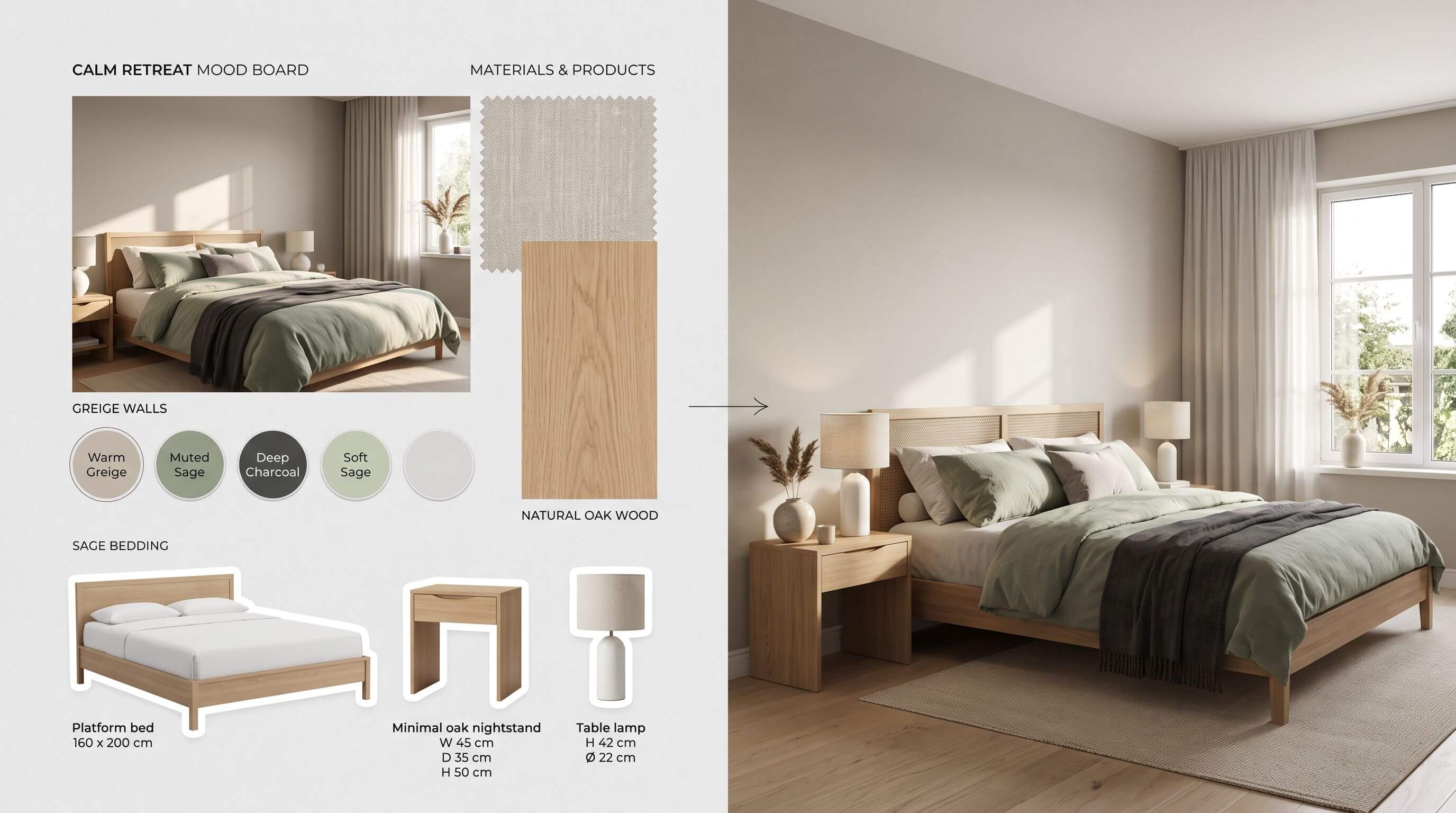
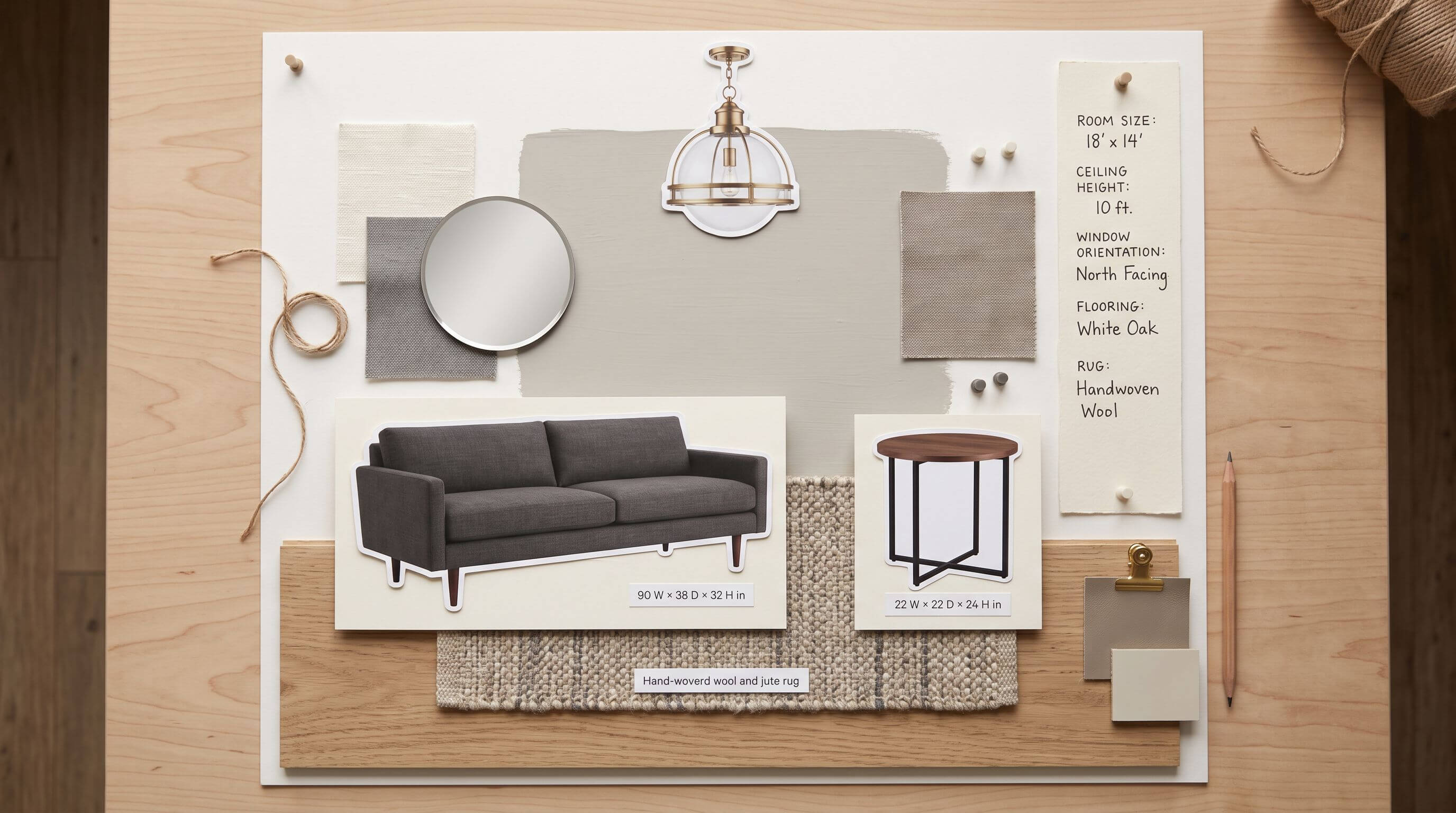
To make a room mood board, pick one room, save 40 or more images, then cut them to 9 to 15 pieces: one hero image, a 3 to 5 color palette, 2 or 3 materials, and the furniture you'll buy, each with its size. Then test the board in a 3D model of your room before you buy.
Arcadium 3D was built by its founder, Ben, after he struggled to model his own house with design tools that were too complicated or too expensive. That is why this guide goes one step further than most mood board guides and shows you how to check your board against your room's real measurements before you buy.
Key takeaways
A finished room mood board works best at 9 to 15 items. Save 3 to 4 times that many while you browse, then cut anything that shares no color or material with your hero image.
Product photos on white backgrounds hide size. A 90-inch sofa and a 22-inch side table fill the same square on a board, so write width, depth and height under every furniture piece.
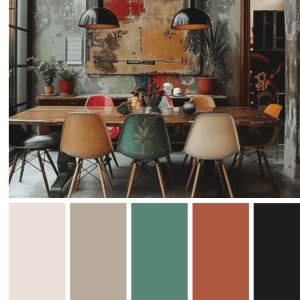
Build your palette from one photo and record each color as a hex code, the six-character code (such as #D8CFC4) that names one exact screen color.
Rugs were the most-bought decor item of 2025 among homeowners in the 2026 U.S. Houzz & Home Study, at 48%, ahead of large furniture at 39%. Give the rug its own slot on your board.
A flat board can't show walkways. A quick 3D check catches problems like a 28-inch gap between a bed and a dresser where you need at least 30.
What is a room mood board?
A room mood board is a single page, on paper or on screen, that shows how one room will look and feel through images, color swatches, material samples and the products you plan to buy.
Interior designers use one to agree on a direction with a client before anyone orders furniture or opens a paint can. If you are not sure what the room needs yet, write a short room design brief first, then build the board from it,
A good board does two jobs. It turns a loose sense of taste into a direction you can describe in a sentence, and it becomes the list you shop from. A board that only does the first job is a Pinterest folder.
The second job is where the money is. Renovating U.S. homeowners spent a median $5,000 on living rooms and $1,700 on primary bedrooms in 2025, according to Houzz. On budgets like these, the costly mistakes are usually about size and fit, and a board without measurements can't catch them.
Mood board, vision board or sample board?
People often mix up these three terms. Each one does a different job, and knowing which one you are making keeps the board focused.
Room mood board
Vision board
Sample board
Purpose
Set the look and feel of one room
Picture personal or career goals
Confirm final finishes
Contents
Inspiration images, palette, materials, real products
Photos, words, quotes
Physical paint, fabric, tile and wood samples
When you make it
At the start of a room project
Any time
After the mood board is settled
Ends with
A shopping list with sizes and prices
Goals
Approved finishes
What to include on a room mood board
Include one hero image, a color palette, material samples, the furniture and lighting you will buy, and a strip of practical notes about the room. The table shows how many of each to aim for and what to write beside it.
Element
How many
What it decides
Write next to it
Hero image
1
The overall direction. Every other item must share a color or material with it
Where you found it
Color palette
3 to 5 swatches
Wall, textile and accent colors
Hex code, paint name, LRV
Materials and textures
2 or 3
Floor, wood tone, metal finish, main fabric
Product or sample name
Large furniture
2 to 4 pieces
Layout and walkways
Width × depth × height, price
Rug
1
The biggest block of floor color and the size of the seating zone
Size, such as 8 × 10 ft
Lighting
1 to 3 fixtures
How the room feels after dark
Bulb color temperature
Practical notes
1 strip
What can't change
Room size, ceiling height, outlets, windows, door swings
LRV (light reflectance value) is a 0 to 100 score that paint brands publish for how much light a color reflects. A higher number bounces more light around, which matters in small or north-facing rooms. Bulb color temperature is measured in kelvin, where 2700K looks warm and yellow and 4000K looks neutral to cool.
How to make a room mood board, step by step
Start with the room's measurements and finish with a board you can shop from. Each step builds on the one before it, so keep your notes as you go.
Measure the room and photograph what stays. Record wall lengths, ceiling height, window and door positions, and outlet locations. This guide to measuring your room to exact scale shows what to record. Photograph anything you are keeping, such as flooring you can't replace or a sofa you love, and put those photos on the board first. Every new item has to work with them.
Choose one hero image. Pick the single photo closest to the room you want and write 2 or 3 words for how it should feel, such as "calm" and "warm wood." Under it, note the specific things you like, for example the limewash wall and the low oak bed. Those details become your search terms.
Collect wide, then cut hard. Save 40 to 60 images over a week from Pinterest, Instagram, retailer sites and magazines. Then test each one against the hero image. If it shares no color or material with the hero, delete it. Aim to finish with 9 to 15 items.
Build the palette from the hero image. Upload the hero image to a free color palette generator, click the areas you like and copy the hex codes it returns. Then match each one to a real paint and note its LRV.
Swap inspiration for real products. Replace each inspiration photo of a sofa, bed or lamp with a product you could actually buy, and write its width, depth, height and price under it. On a board, a 90-inch sofa and a 22-inch side table look about the same size. The numbers are what tell you the sofa is four times wider.
Arrange the board the way the room stacks. Put flooring and the rug at the bottom, furniture in the middle, wall color behind it, and lighting at the top. Your eye then reads the board like a room, and clashes are easier to spot.
Get real samples for anything you will touch. Order paint samples and fabric swatches before you commit. Screens shift color, and a photo can't tell you whether a bouclé is scratchy.
How to choose a color palette for your mood board
Pull 3 to 5 colors from your hero image and assign each one a job with the 60-30-10 rule, a designer guideline that gives about 60% of the room to a main color, 30% to a secondary color and 10% to an accent.
In most rooms the 60% is the walls, the 30% is large furniture and textiles, and the 10% is lamps, frames, cushions and hardware. Size the swatches on your board to match those shares, so the wall color is the biggest block.
If you want to go beyond 60-30-10, these color theory basics explain complementary and analogous schemes. A board where every swatch is the same small circle hides the fact that one of those colors will cover four walls.
Three more checks save repainting:
Undertone. Put your wall color next to your flooring sample. A warm greige next to a cool grey tile can look muddy even when both look good alone.
Light. Rooms with small or north-facing windows get less light, so dark wall colors read darker there. Check the LRV and test a sample on the actual wall.
Neighbouring rooms. If the room opens onto another, repeat at least one color or material from that space so the two read as connected.
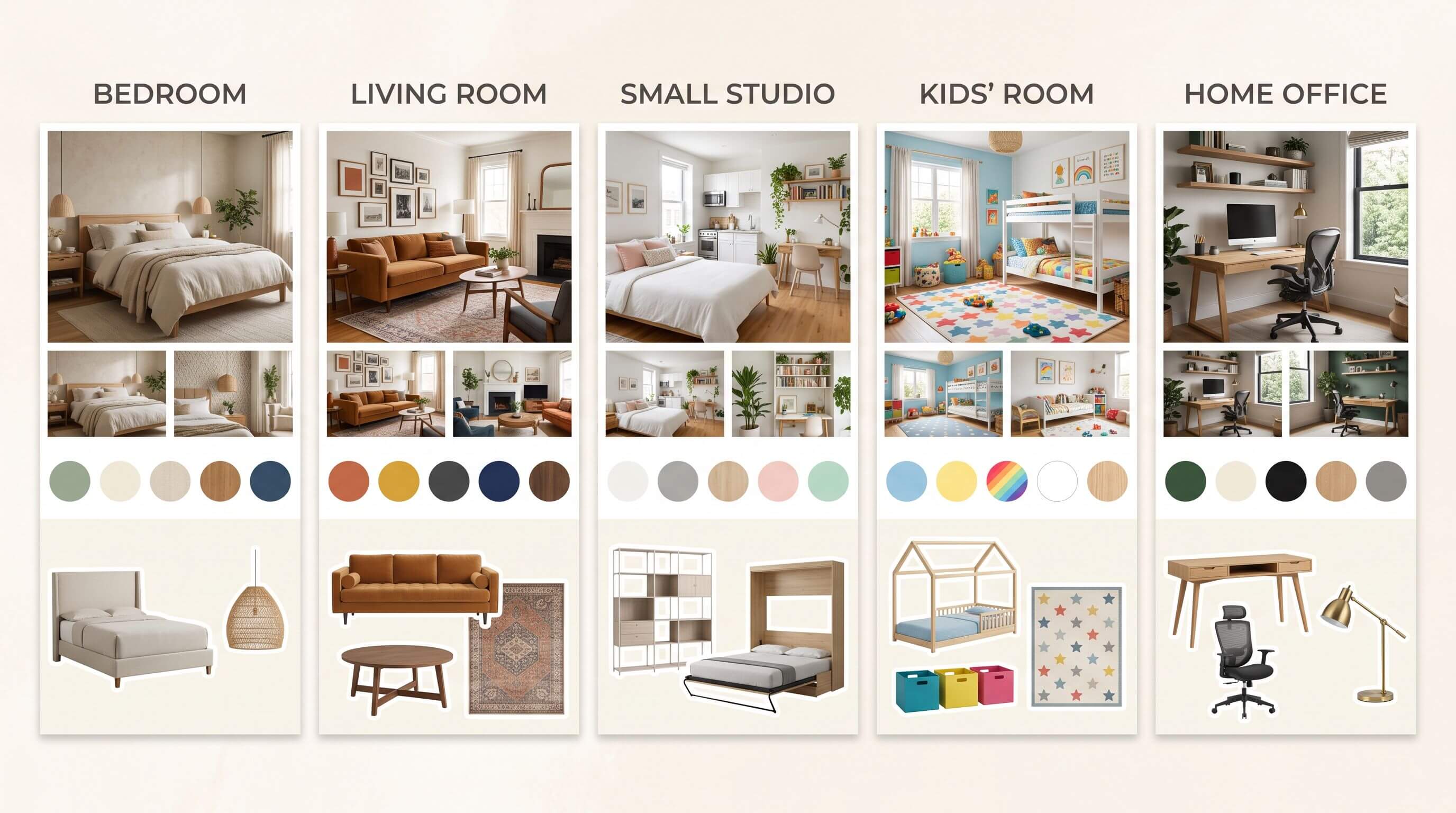
Room mood board ideas by room
The same method works for every room, and each room has a different priority. Use this table to decide what to put on the board first.
Room
Put on the board first
Easy-to-miss items
Common mistake
Bedroom
Bed frame, bedding colors, rug size
Nightstand height relative to the mattress, blackout window treatment
Picking a bed frame without checking walkway space at the foot
Living room
Sofa, rug, main light source
Coffee table height relative to the sofa seat, TV wall
A rug too small for the front legs of the seating
Small room or studio
Light wall color, multi-use furniture
Mirror placement, storage under the bed
Too many colors for the space, which makes the room feel busier
Kids' room
Washable finishes, storage
Furniture that adapts as the child grows
Designing for one age only
Home office
Desk, chair, task lighting
Cable routes and outlet positions
Choosing a desk by looks, then finding the chair has no room to roll
Use a digital board to collect and arrange, and a small physical board of real samples to make the final color and fabric calls. We recommend both for any room where you are painting or buying upholstery.
Digital board
Physical board
Best for
Collecting, rearranging, sharing with a partner or contractor
Judging real color and texture in your own light
Tools
Pinterest, Canva, Adobe Express, Milanote
Foam board, pins, paint samples, fabric swatches
Color accuracy
Depends on your screen
True to the material
Dimensions
Easy to add as text under each item
Hard to show
Editing
Drag and drop
Re-pin by hand
Moving into 3D
Hex codes and product sizes copy straight across
Needs photographing or retyping
Common room mood board mistakes
Most boards that fail are too full or have no measurements. These are the mistakes to check for before you start buying.
Adding everything you like. If an image doesn't share a color or material with your hero, it belongs on a different board.
Mixing too many styles. Choose one main style and, at most, one accent style. Mid-century with a Japandi accent works. Four styles on one board read as indecision.
Leaving out what you already own. A board built around a sofa you are keeping is more useful than a board for an empty room you don't have.
No sizes, no prices. Without them the board can't guide shopping, and you find the problems on delivery day.
Ignoring light. A color chosen from a sunny photo can look flat in a room with one small window.
Treating the board as the finished design. A board can look perfect and still hold a sofa that blocks the door.
Why a flat mood board can mislead you
A flat board shows every item at the same size and under the same light, so it can't tell you whether the room works. These are the gaps to watch for.
Scale. Product photos are cropped to fill their frame, so a dresser and a lamp take up the same space on the board.
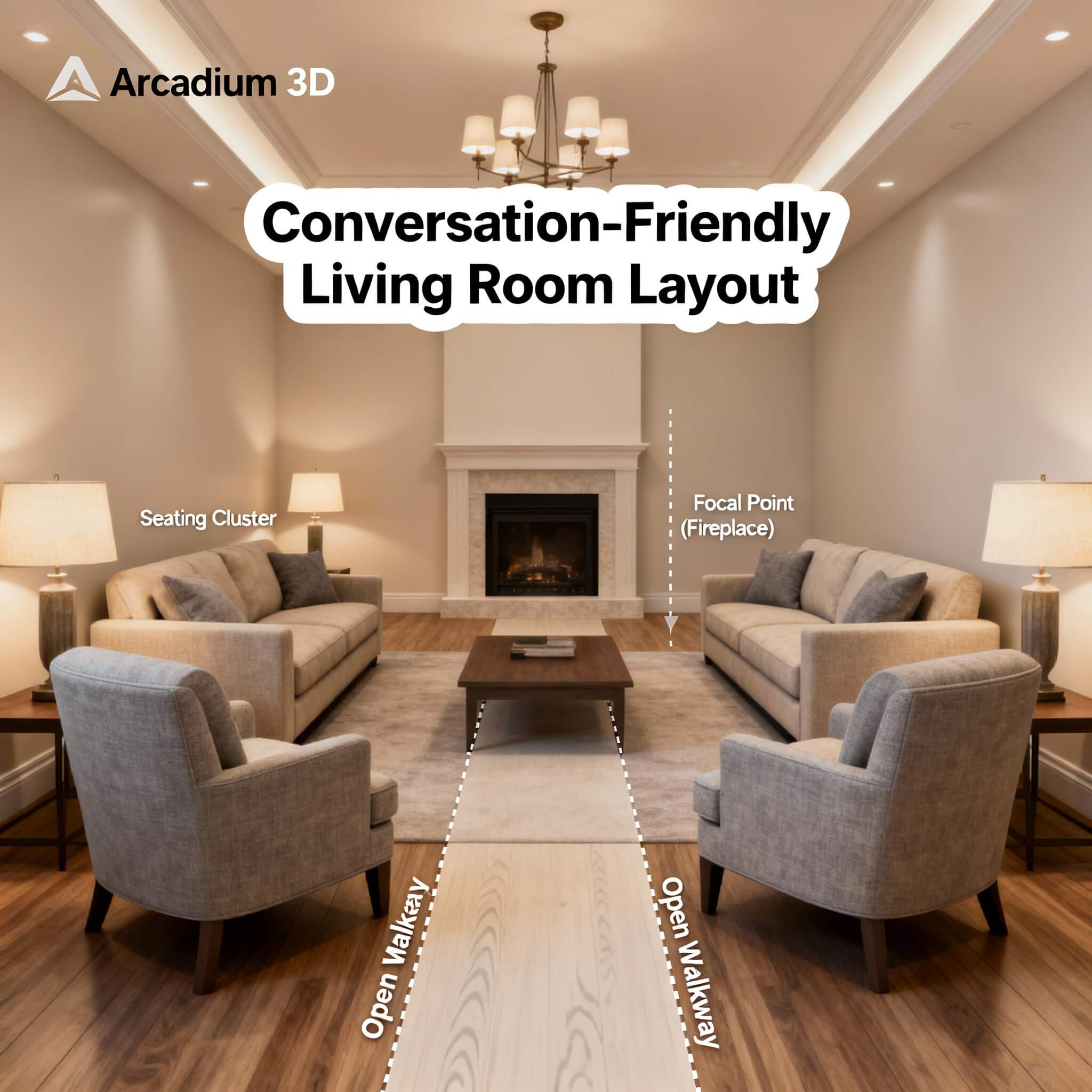
Walkways. The common guideline is 30 to 36 inches for main walkways and 14 to 18 inches between a sofa and a coffee table. A board has no way to show either.
Light direction. A window wall and the wall opposite it get very different light, and the board shows one flat version of each color.
Color across a large area. A paint chip covers a few square inches. A 12-foot wall with an 8-foot ceiling is 96 square feet, and colors often read stronger at that size.
Seeing a furnished space changes how people judge it. In the National Association of Realtors' 2025 Profile of Home Staging, 83% of buyers' agents said staging made it easier for buyers to picture a property as their future home. Seeing your own room furnished, before you buy, gives you the same advantage.
How to turn your mood board into a 3D design
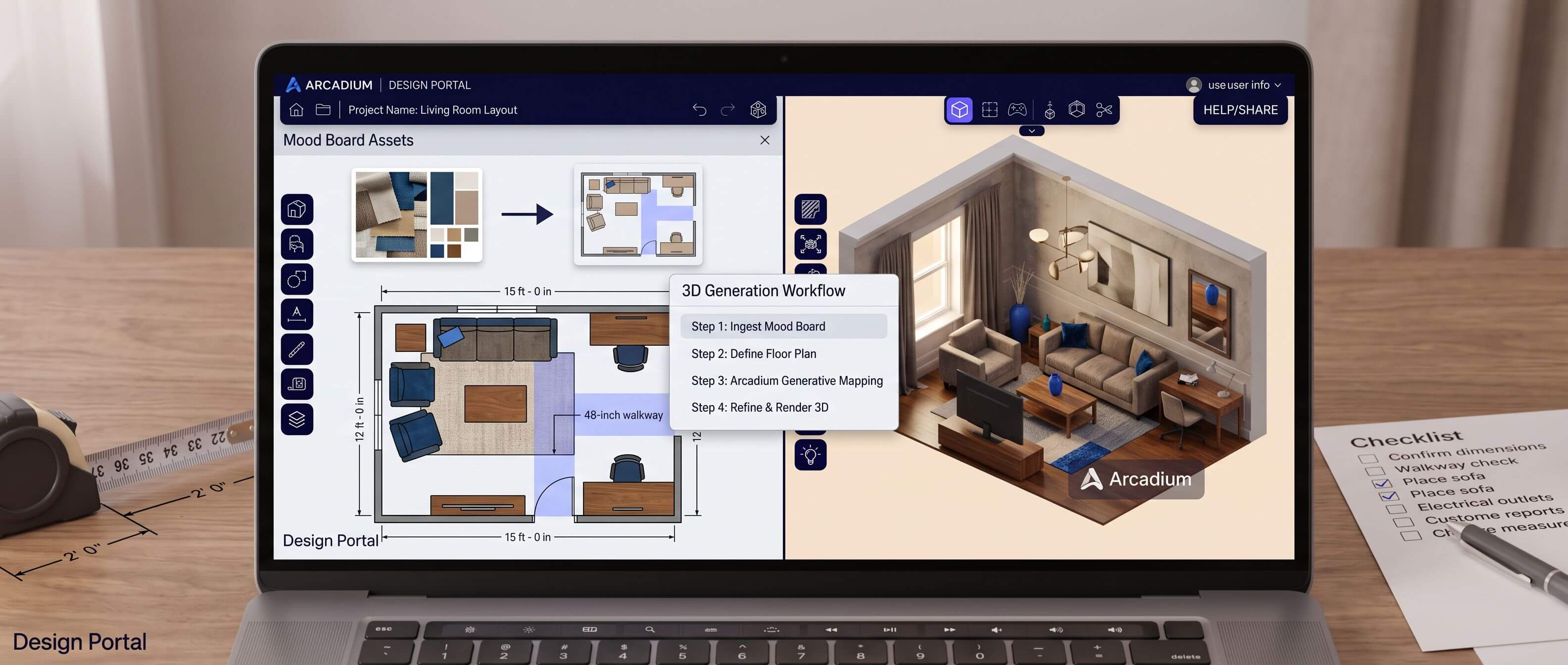
To turn a mood board into a 3D design, rebuild the room to scale, paint the walls with your hex codes, place each product at its real dimensions, then walk through it at eye level. You can do this in a browser with our free 3D room design tool, which lets you draw the room from your measurements and furnish it before you spend anything.
Each item on your board maps to one action in the 3D model.
On your board
In the 3D room
What you are checking
Room measurements
Draw walls to length, set ceiling height, add doors and windows
The real footprint
Hex codes
Type each code onto the walls and surfaces
How the color reads across a whole wall
Furniture with dimensions
Pick the closest model and type its exact size
Fit and walkways
A piece with no close match
Generate a 3D model from a photo of the item
One-off vintage or handmade pieces
Flooring and rug
Apply the floor material and add the rug at its listed size
Rug size against the seating
Lighting
Adjust the scene lighting
Daytime and evening mood
Draw the room to scale. Click corner to corner to draw the walls, type the exact lengths, and set your units to feet and inches if that's how you measured. Add doors and windows in their real positions.
Paint with your hex codes. Apply the 60% color first and look at it from a few angles before adding the others. This is where a color that looks right on a small swatch can turn out too heavy for a full wall, so it pays to preview colors and materials in 3D before you buy paint.
Place furniture at real size. Pick the closest match to each product on your board and type its width, depth and height. Size has to match exactly, and the closest available shape is enough.
Model unusual pieces from a photo. For a vintage chair or a handmade table, upload a clear photo of the item on a plain background to create a 3D version.
Walk the room at eye level. Switch to a first-person view, stand in the doorway, then beside the bed or sofa, and check each walkway against the 30-inch minimum.
Compare two directions. Render the same view in your board's style and one variation, and pick the one you would still like in a year.
Share before you buy. Send a view link to your partner, landlord or designer so everyone reacts to the same room.
How to use your mood board when you shop
Turn the board into a shopping list before you buy anything. Add a column for budget, a column for the store and link, and a tick box for "fits the measured space." Then follow one rule.
Every purchase must match at least one color or material on the board, and every piece of furniture must already have passed the size check. Keep the board on your phone. In a store, hold a fabric or a finish up against the board on your screen and compare it with your physical samples when you get home.
Frequently asked questions
How many items should a room mood board have?
Aim for 9 to 15 items on the finished board. That is enough to show one hero image, a palette of 3 to 5 colors, 2 or 3 materials and the main furniture and lighting, without crowding. Collect 40 to 60 images while you browse, then cut down. If you can't decide between two pieces, keep both on a separate "maybe" board, not the main one.
Can I make a room mood board for free?
Yes. Pinterest, Canva, Adobe Express and Milanote all have free options for collecting and arranging images, and any eyedropper tool will give you hex codes from a photo. For the 3D check, check Arcadium 3D browser-based room planner that is free to start. Paint samples and fabric swatches are usually the only parts that cost money.
Should I make one mood board for the whole house?
Make one board per room, plus a single strip showing the 2 or 3 colors and materials that repeat through the house. Connected spaces, such as an open kitchen and living area, read as one room, so they should share at least one color and one material. Rooms behind closed doors, like a bedroom or bathroom, can move further from the main palette.
How do I make a mood board for a rental?
Build the board around what you can change and take with you: rugs, textiles, lighting, freestanding furniture and art. Photograph the fixed parts you can't change, like flooring, counters, tile and wall color, and put them on the board first so every new piece works with them. Check your lease before adding paint, and treat removable wallpaper as optional.
Do interior designers still use mood boards?
Yes. Designers use a mood board to agree on a direction with a client, then move to a sample board and a to-scale plan. Many now present the board next to a 3D model, so the client sees the look and the layout together. This walkthrough on going from mood board to model shows how designers run that presentation.
Can I make a mood board before I move in?
Yes, as long as you can get measurements. Use the listing's floor plan or measure during a viewing, noting ceiling height, window positions, outlets and door swings. Build the room in 3D from those numbers and test your board there. It is the cheapest moment to learn whether the sofa you already own fits the new living room.


 Color palette generator
 3D design from AI chat
 Floor plan creator
 Kitchen design tool
 House design software
 Landscape design software
 Bedroom design
 Office floor plan creator
 Trade show booth design
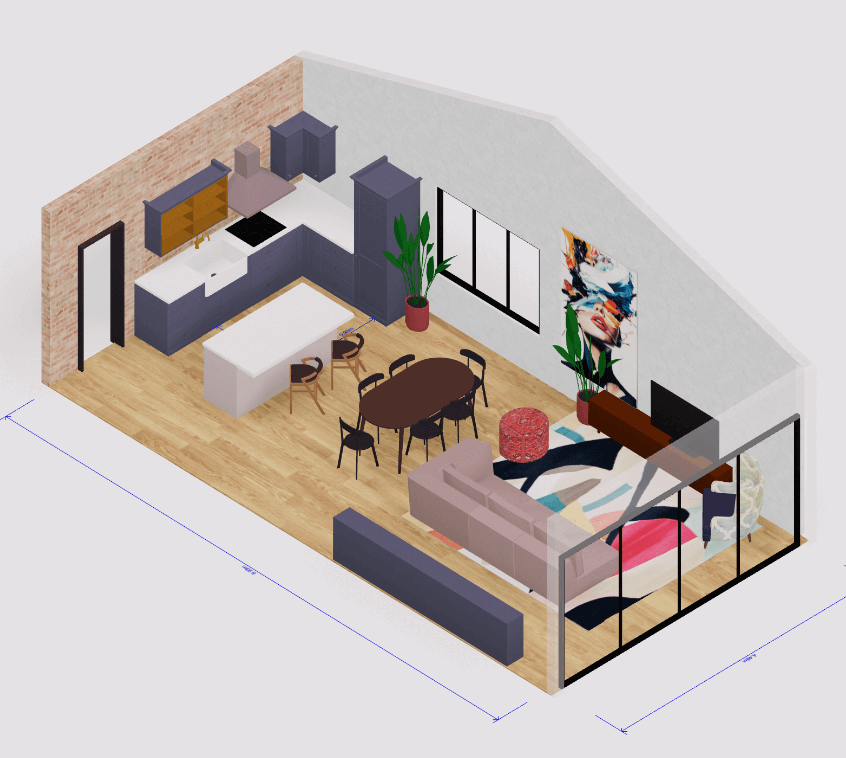 How to use Arcadium — full guide
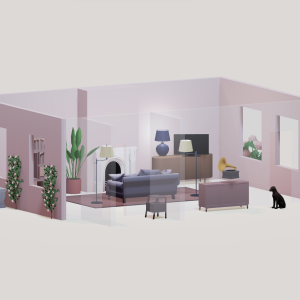 Community Showcase
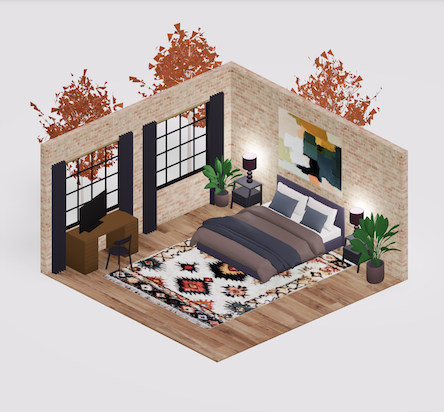 3D object library - free
 Articles and blog